
Kalendarz rezerwacji dla GoDaddy
Add Bookingmood booking calendars to your GoDaddy website
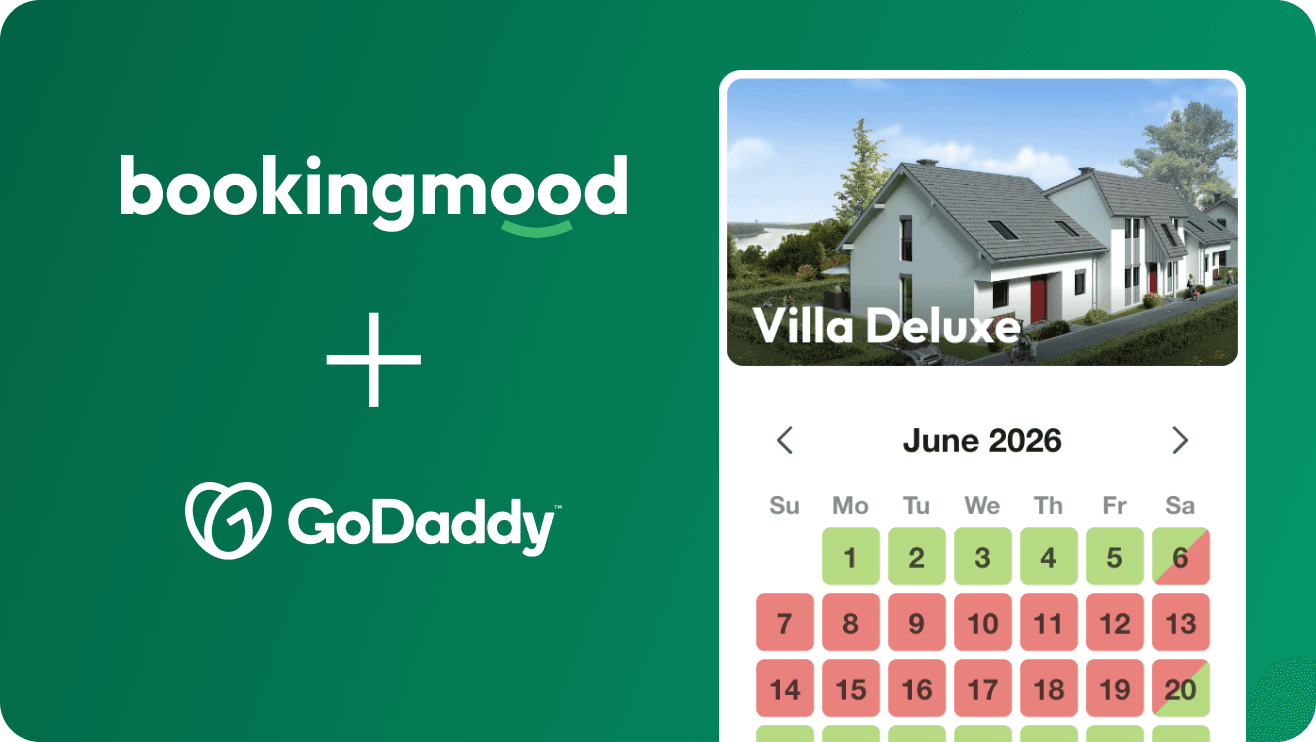
Add Bookingmood to your GoDaddy website so guests can check availability and book your rental without leaving your site. You set it up once, and every change you make in Bookingmood shows on your website automatically.
Create a widget
Create a widget in Bookingmood. Widgets explains how.
Click Embed and copy the Inline embed code. You need it in the next step.
Add the widget to GoDaddy
Open the page where you want to show the widget.
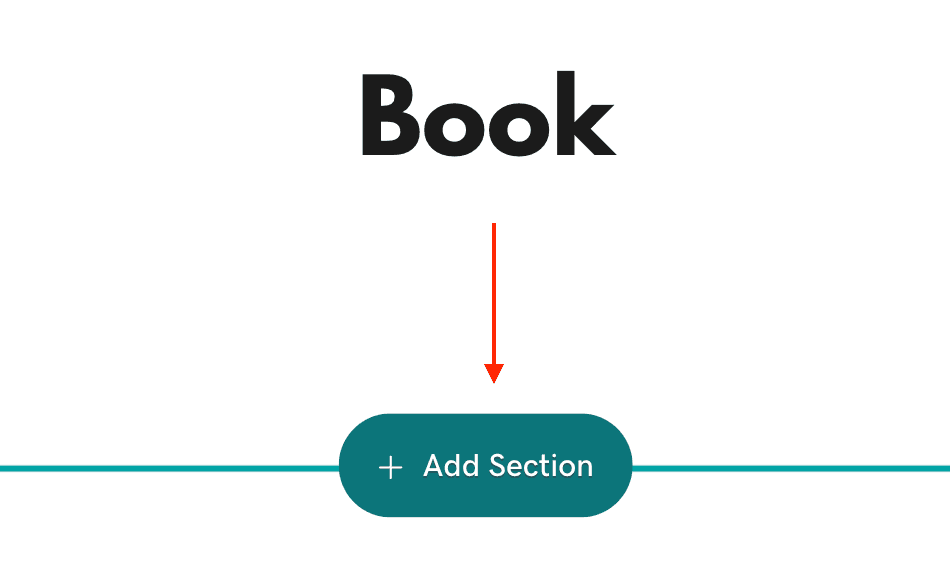
Click + Add Section.
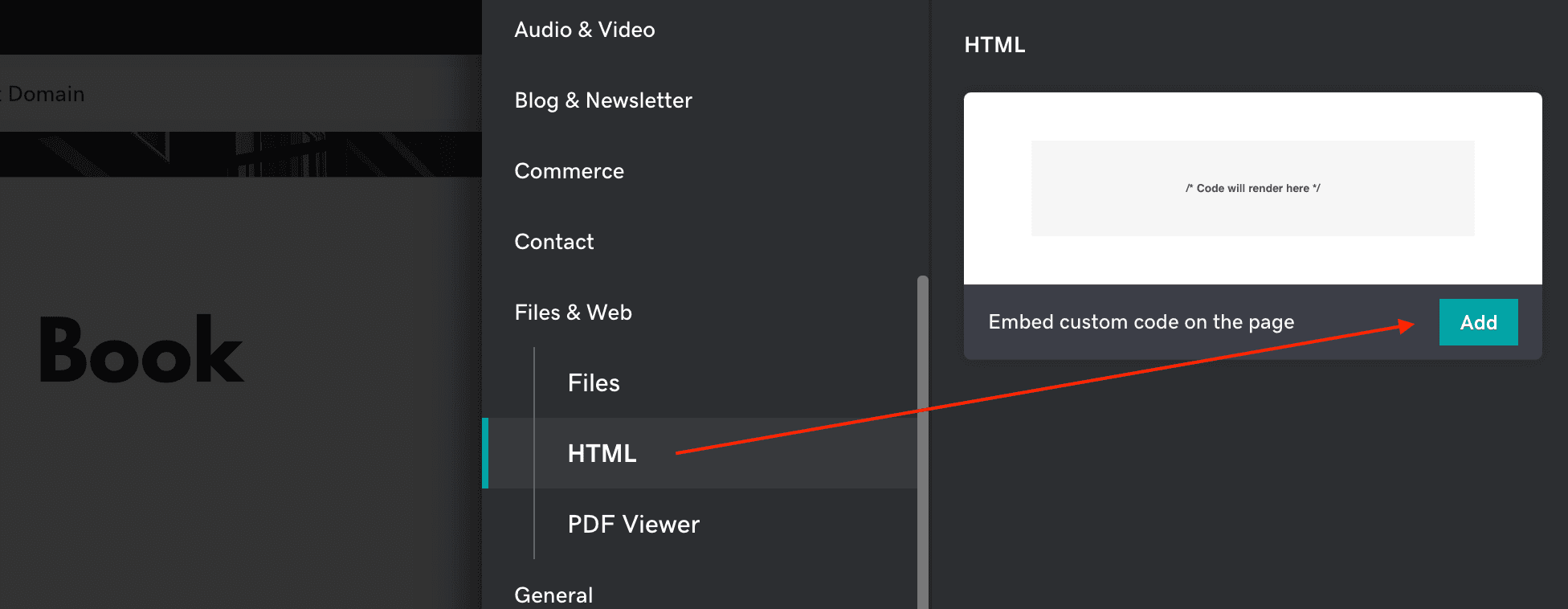
Open the Files & Web tab, select HTML and click Add.
Paste the embed code you copied.
That's it. Changes you make in Bookingmood now show on your website automatically.
Prefer to watch? This video walks through the same steps.
FAQ
Can I use Google Vacation Rentals with a GoDaddy website?
Not with the widget on your GoDaddy website itself. Google checks that the page of a listing shows your Bookingmood widget and passes the dates and number of guests to it, but GoDaddy runs HTML sections inside an iframe that Google can't look into.
Instead, use the widget's own page: click Embed on the widget, choose oEmbed, copy the link and use it as the URL of the listing in the Google Vacation Rentals channel. Guests coming from Google then book on that page. See Google Vacation Rentals.