Mobile app
Bookingmood has no separate app in the app stores. Instead, you can install the web app on your phone, tablet or computer. It then opens in its own window, like any other app.
Android and Chrome
Open Bookingmood in Chrome.
Open the profile menu at the bottom of the side navigation.
Click Install on home screen.
The option only appears when your browser supports installing web apps and Bookingmood isn't installed yet.
iPhone and iPad
Open Bookingmood in Safari.
Tap the share button.
Tap Add to Home Screen.
See Apple's instructions for details.
Chrome on a computer
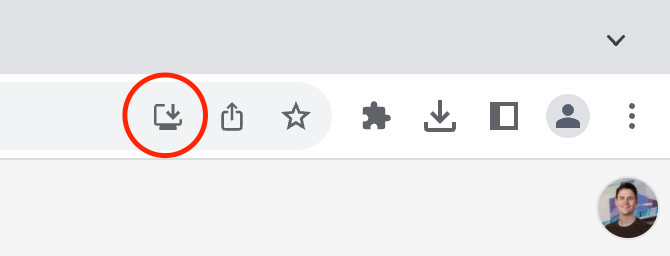
Click the install icon in the address bar.
Pēdējo reizi mainīts 2026. gada 3. novembris