Print calendar
Many businesses like to work with a visual version of their calendar. To accommodate this use-case we've designed our calendars so that they look good in print.
Printing a calendar
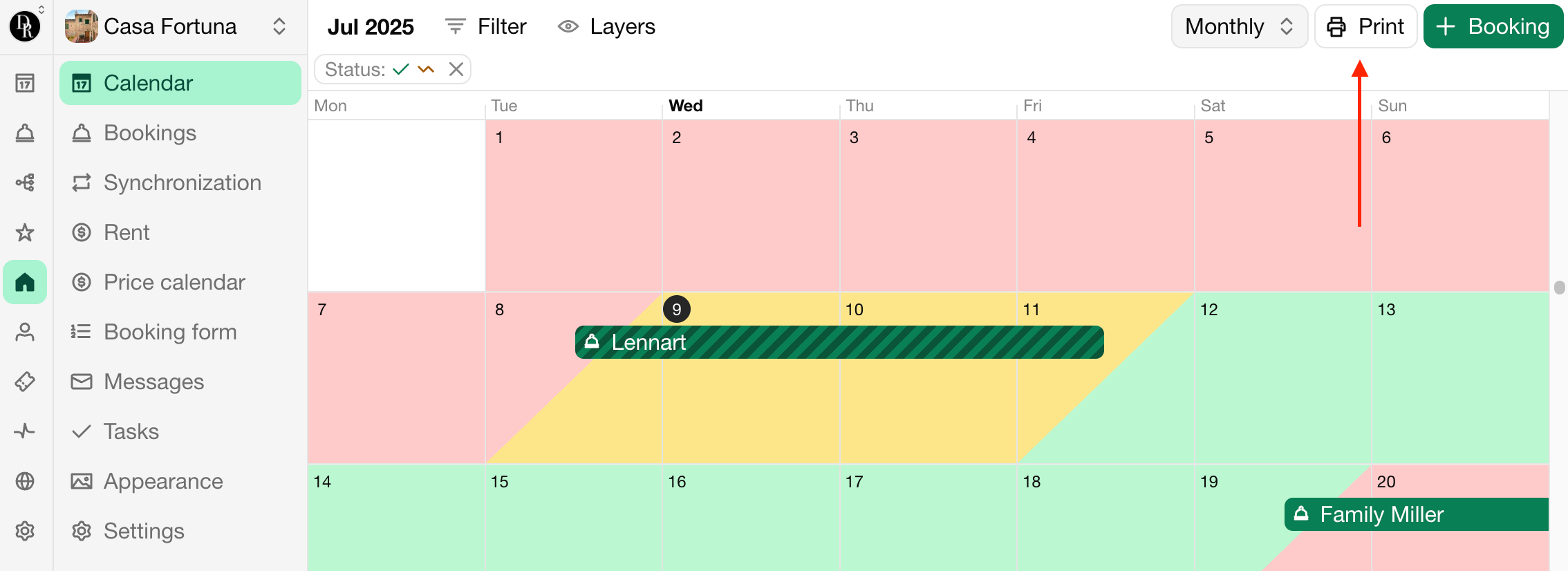
To print a calendar, simply navigate to the calendar and click on the Print button. You can show or hide the booking details.
Print settings
To get the best print results, make sure to set the following settings in the print dialog:
Paper size: Designed for A4, but other sizes should work fine as well.
Margins: None, if the print is intended to be used digitally.
Margins: Default, if the print is intended to be used on paper.
Scale: Standard.
Option Header and footer text: Unchecked.
Option Include background images: Checked, if you want to show availability.