Redirect after booking
After guests submitted a booking or booking request, you can redirect them to a specific URL or to the Guest page.
Redirect settings
Open a widget.
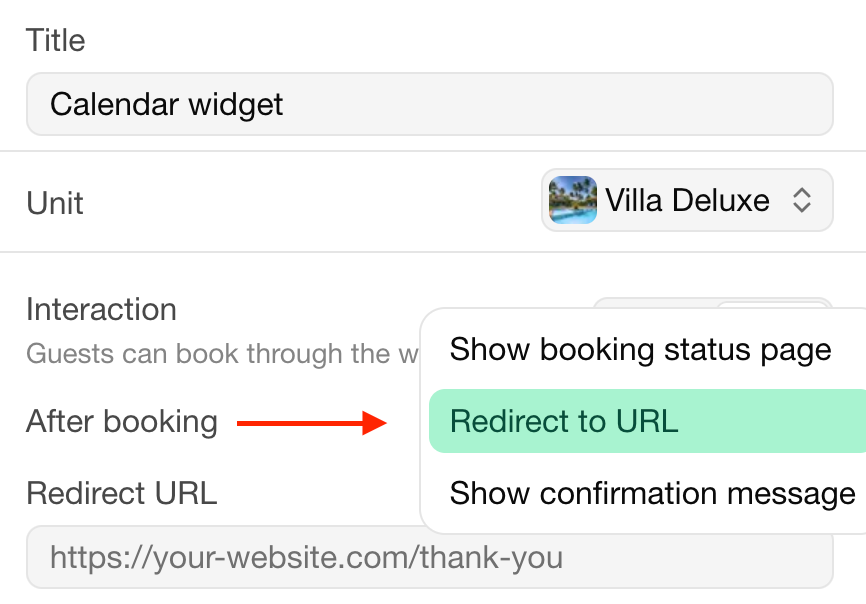
Make sure that the widget has the Book interaction.
At After booking, select Redirect to URL or Show booking status page.
Instead of redirecting the user to the page as-is, we append some parameters to the search query of the URL (?param_1=value_1¶m_2=value_2):
| Parameter | Value |
|---|---|
product | Name of the booked product |
start | Arrival date formatted as YYYY-MM-DD |
end | Departure date formatted as YYYY-MM-DD |
reference | Booking reference |
total | Total price of the booking |
full_name | Hashed full name of the contact that made the booking |
email | Hashed email address of the contact that made the booking |
phone | Hashed phone number of the contact that made the booking |
| Name of occupancy group | The occupancy per occupancy group |