
Neo
Add Bookingmood booking calendars to your Neo website
Neo doesn't support embedded code, but you can link a button to your Bookingmood widget. Guests click through to check availability and book your rental, and every change you make in Bookingmood is reflected automatically.
Create a widget
Create a widget in Bookingmood. Widgets explains how.
Click Embed and copy the oEmbed link. You need it in the next step.
Link to the widget from Neo
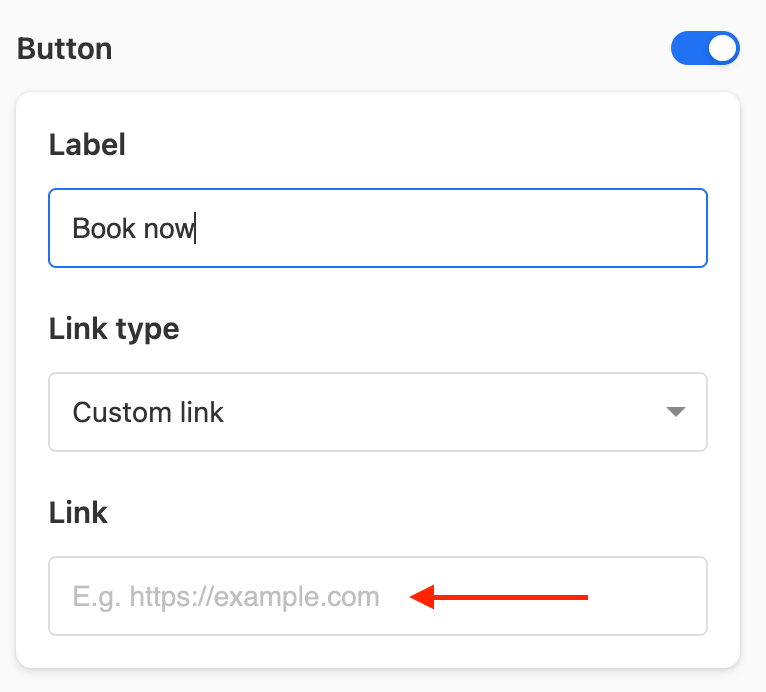
Add a button to your page and click it.
Paste the oEmbed link into the Link field.
Save your changes.
That's it. Guests can now open your calendar from your website, and changes you make in Bookingmood show up automatically.