
Replit
Add Bookingmood booking calendars to your Replit website
Replit builds websites from a prompt. Ask it to embed your Bookingmood widget, and guests can check availability and book your rental directly on your site. Every change you make in Bookingmood shows on your website automatically.
Create a widget
Create a widget in Bookingmood. Widgets explains how.
Click Embed and copy the Inline embed code. You need it in the next step.
Add the widget to Replit
Send the embed code to Replit and ask it to embed your Bookingmood widget.
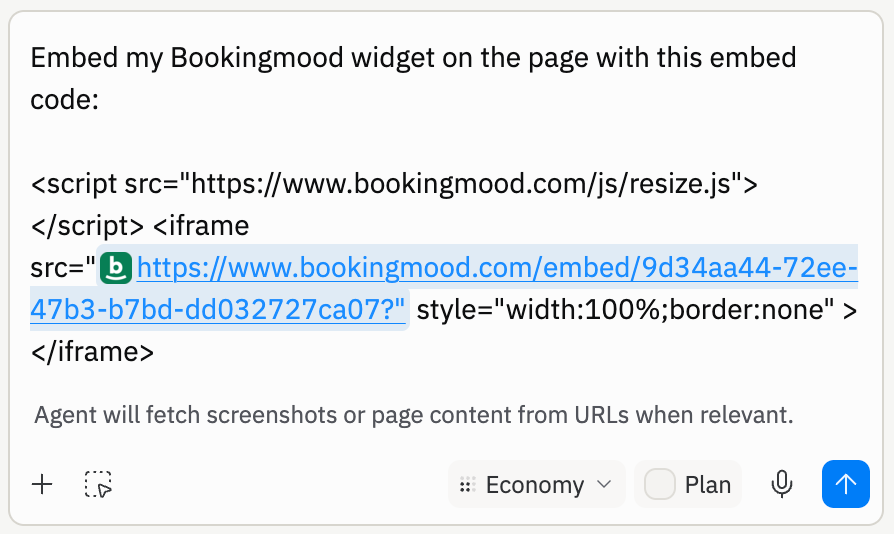
Replit adds the widget to your project.
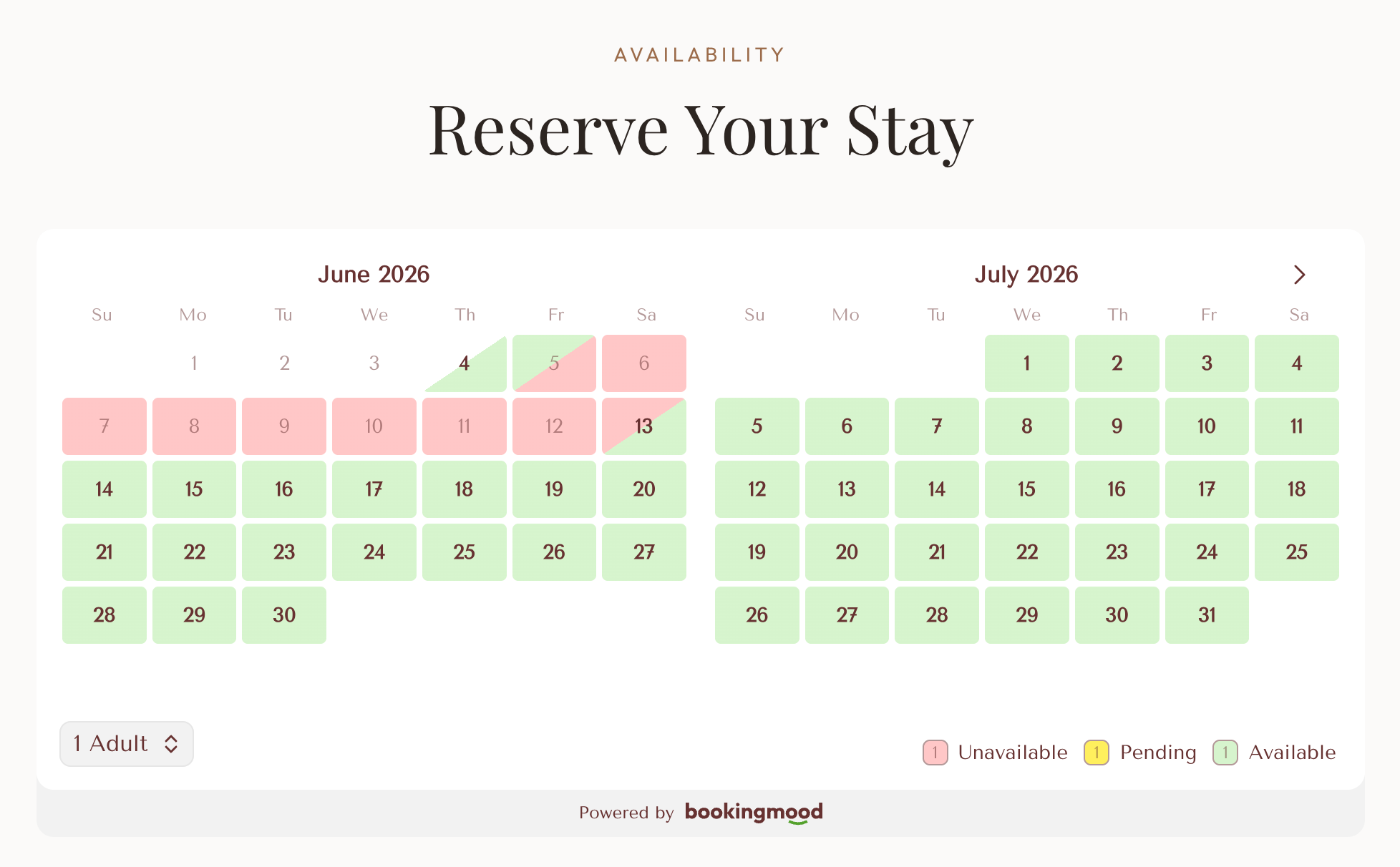
That's it. Changes you make in Bookingmood now show on your website automatically.
FAQ
Why is there a scroll bar or empty space below the widget?
Replit sometimes wraps the widget in a container with a fixed height. Ask Replit to remove the fixed height and scroll bars, so the widget can set its own height.