Saved views
Most lists in the admin panel can be filtered and sorted, and the result saved as a view. Views appear as tabs above the list, so you can switch between, for example, upcoming arrivals and pending requests with one click.
Saved views are available on the Timeline and on the Bookings, Channels, Units, Contacts, Coupons, Invoices, Payments, Refunds, Tasks, Message templates and Reviews screens, under Settings › Team, and on a unit's Permissions tab.
Save a view
Open the list.
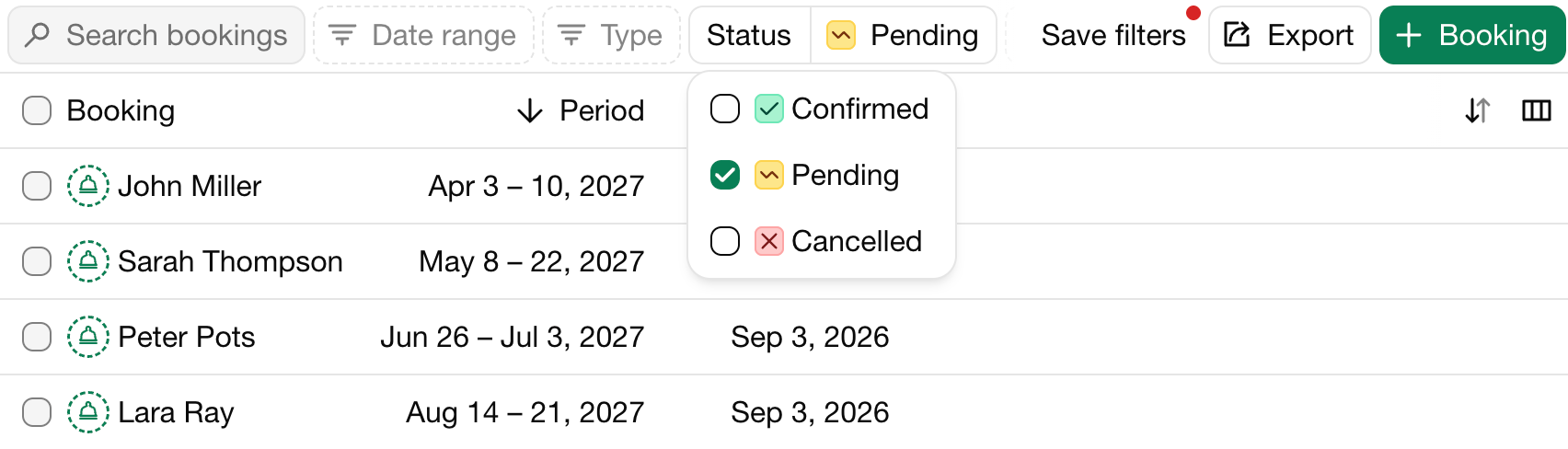
Set filters, for example Status: Pending on the Bookings screen. A dot on Save filters shows that the filters changed.
Click Save filters.
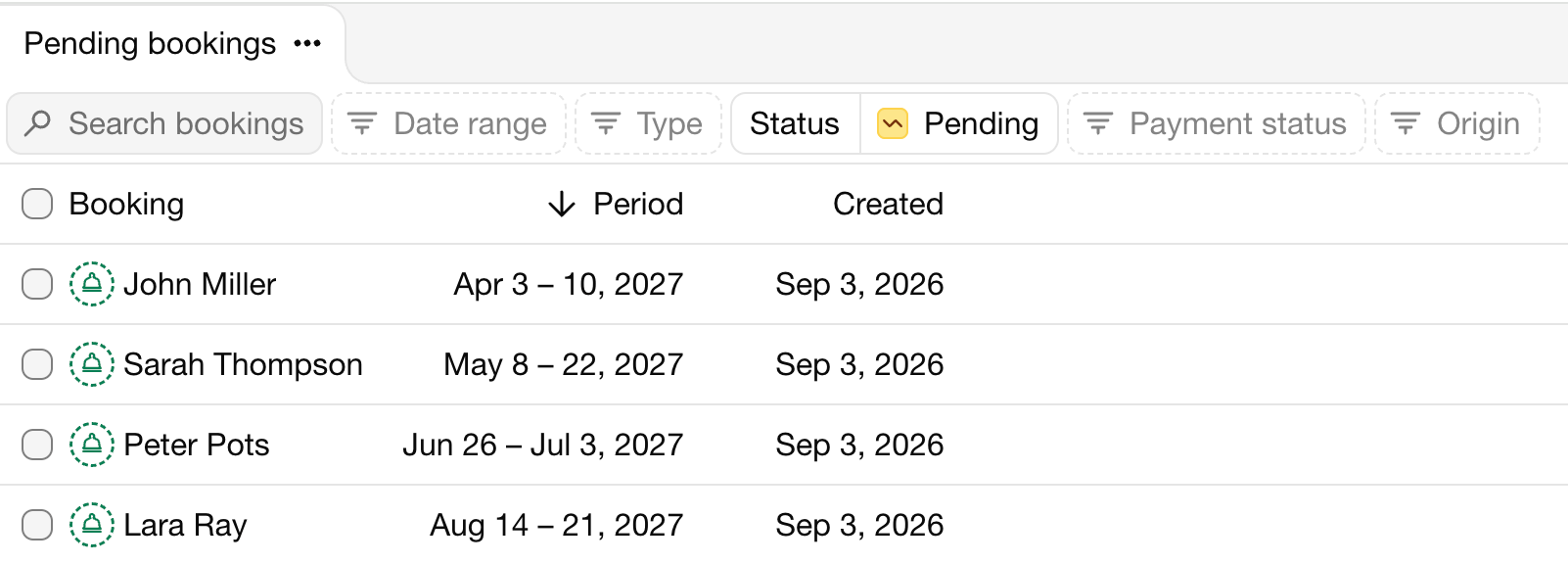
Enter a name for the view and save it. It's added as a tab. The current filters and sort order are saved with it.
Change a view
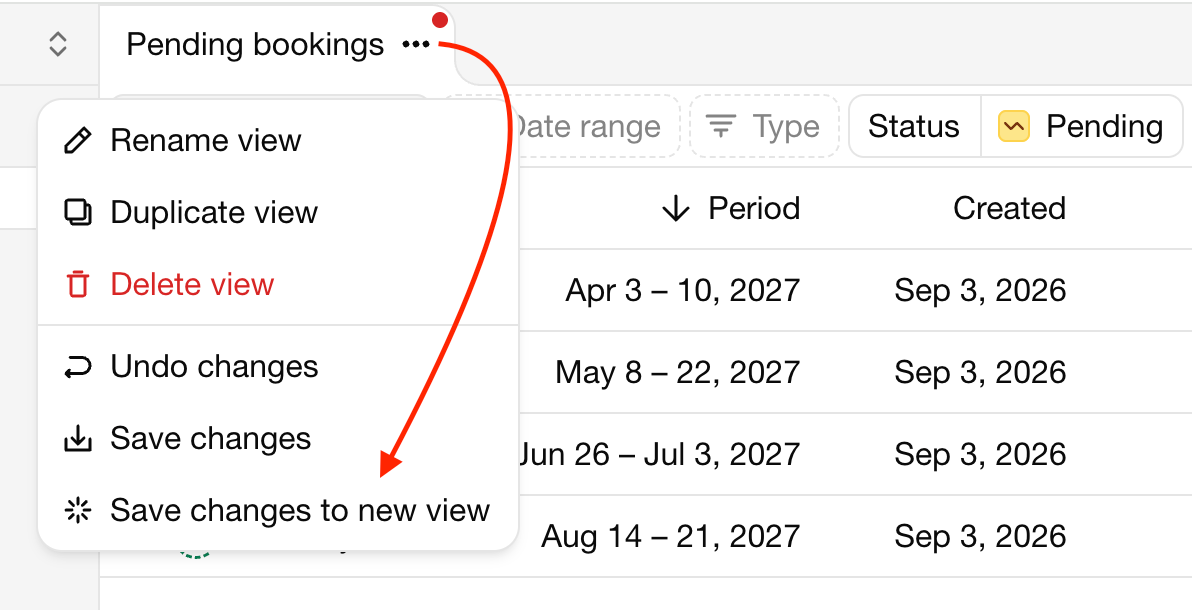
Change the filters while a view is open. A dot on the tab shows there are unsaved changes. Open the menu of the tab to:
Save the changes to the view, or Save changes to new view.
Rename view, Duplicate view or Delete view.
Make default view, to open this view first.
Views are shared by everyone in your organization.
Paskutinį kartą pakeista 2026 m. lapkričio 3 d.