2 min läsning
Working with cleaners
Do you work with cleaners or maintenance staff? Give them access to Bookingmood, so they see when guests arrive and leave, know what to do and can check off their tasks.
Cleaning and maintenance staff with the Maintenance permission:
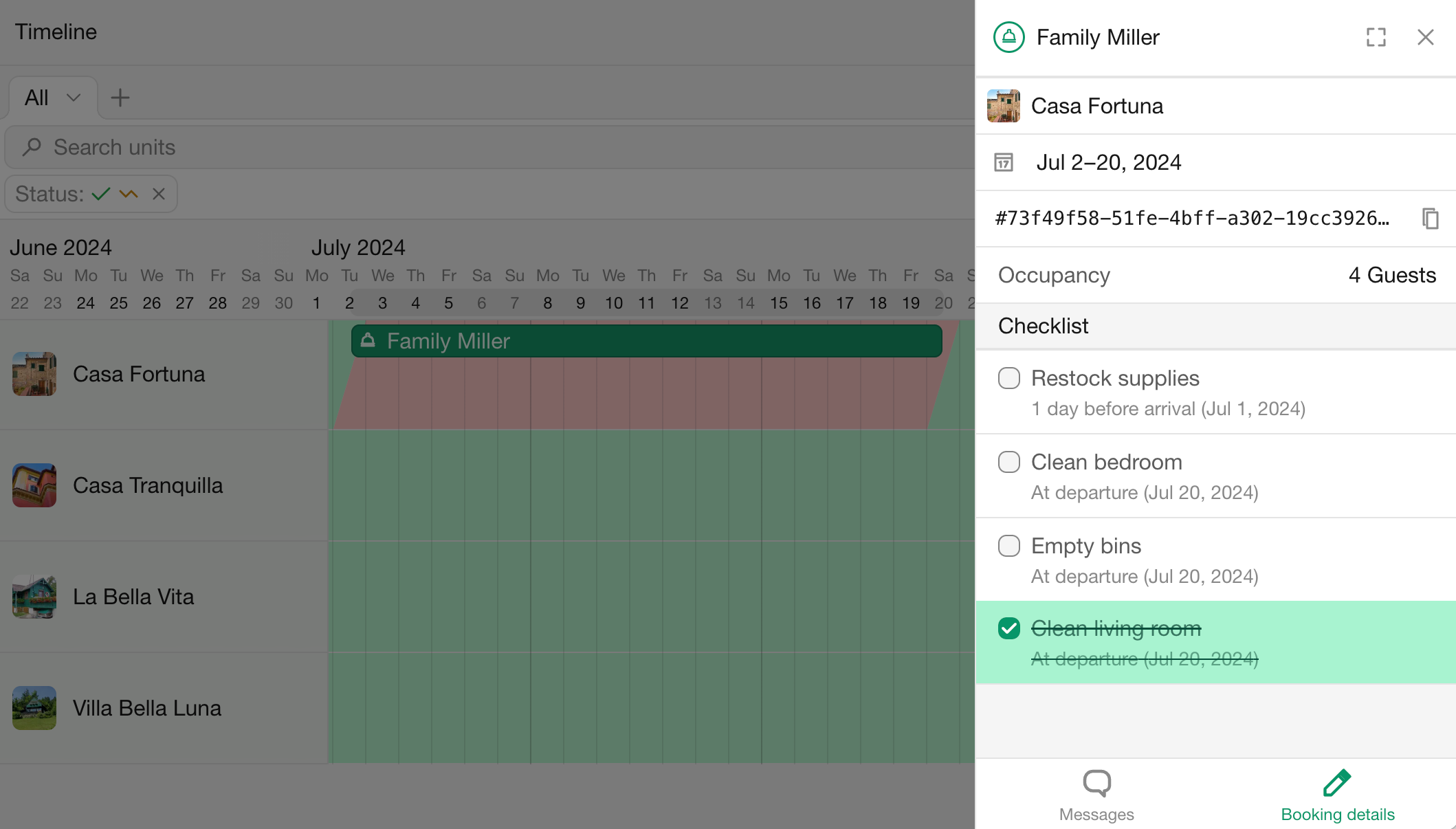
See the dates and number of guests of bookings.
Don't see guests' contact details, prices or payments.
See and check off the tasks of a booking.
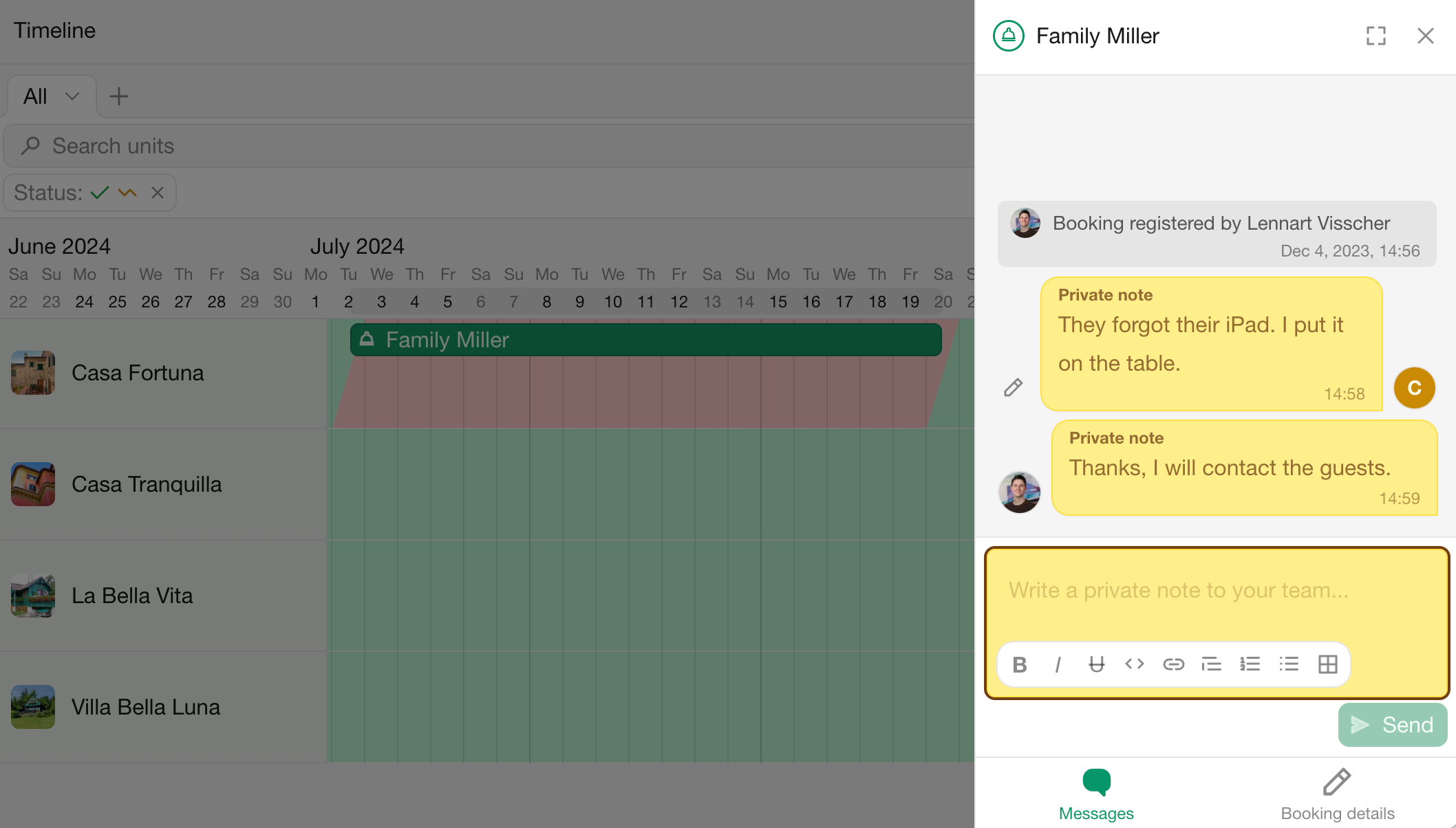
Can exchange internal notes with you about a booking.
1. Invite your staff
Go to Settings › Team.
Click New member.
Choose the role User.
Under Permissions › Bookings, choose Maintenance for the units they work on.
Click Invite to organization.
They receive an email invitation and create an account. See Roles and permissions.
2. Set up tasks
Add tasks that apply to every booking, such as the final cleaning, in the unit's Tasks template, and assign them to your staff. Tasks are added to each new booking automatically. See Tasks.
Your staff can get a reminder by email or text message before a task is due. They set this up themselves under profile menu › Notifications › Upcoming tasks.
3. What your staff sees
When they sign in, your staff see the Timeline with the bookings of their units. Clicking a booking shows its dates, guests and tasks.
They can also add the bookings and tasks to their own calendar with an iCal feed that includes tasks.
4. Share notes
Use Internal note in a booking's message editor to leave a note for your team, for example "Extra bed in the second bedroom". Guests never see internal notes.