Multi-unit bookings
With Bookingmood’s shopping cart, guests can book multiple stays in one go. They can book several units at once or book the same unit for different periods. Everything is added to one shopping cart and completed in a single booking process.
Enable the shopping cart
Go to Channels
Create a widget or open an existing one.
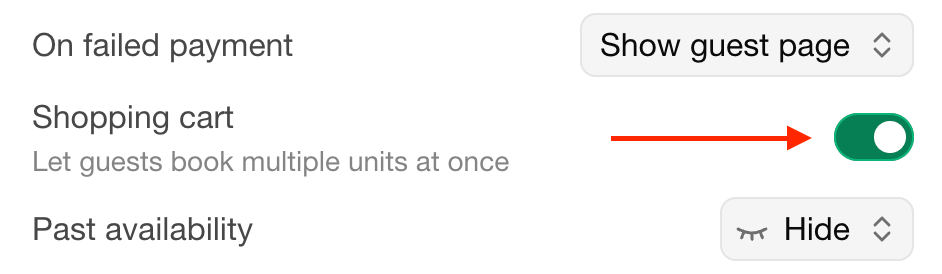
Enable the Shopping cart option.
Booking process
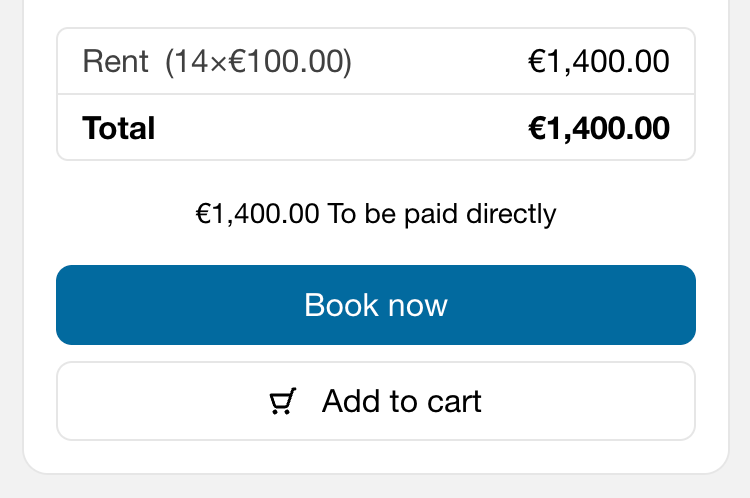
When a guest selects a unit and dates and fills out the booking form, they have the option to click on Add to cart. The booking is then added to their shopping cart.
They can then continue browsing and:
Add another unit.
Add the same unit again for another available period.
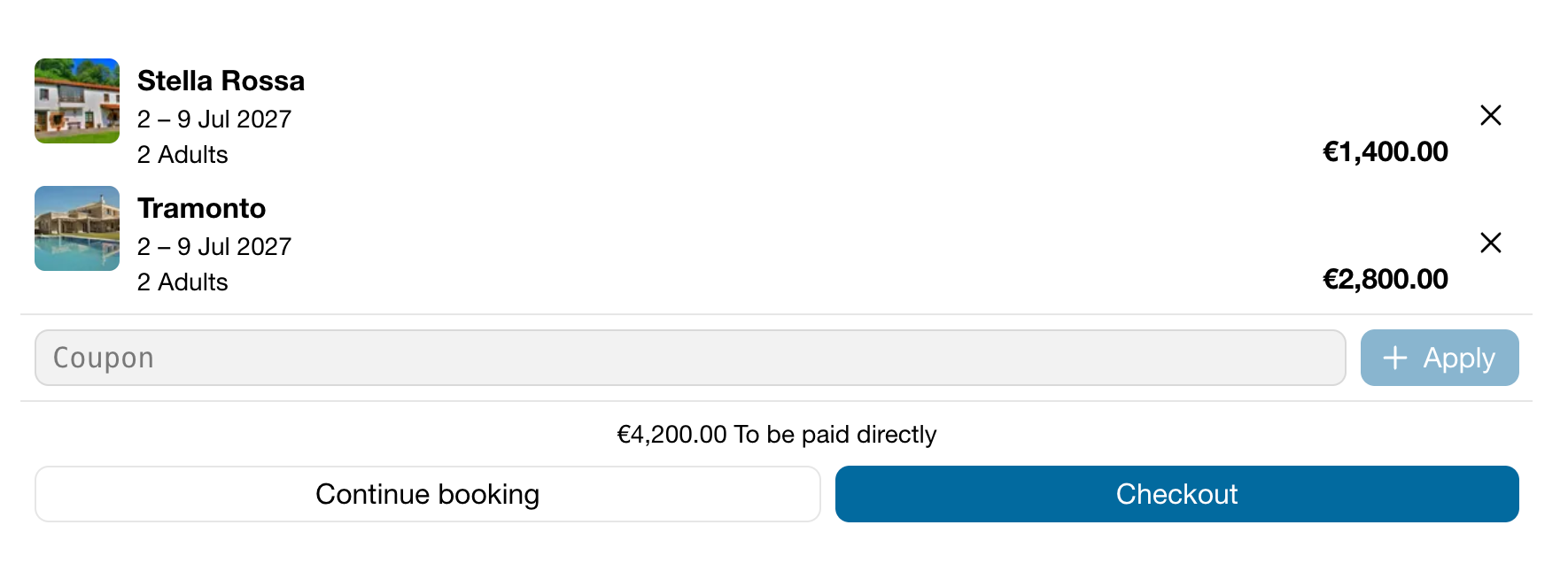
After all bookings have been added, the guest can open the shopping cart, review their selections and complete everything in one booking process.
Guest page
This is how the guest page looks for a guest that booked multiple units.
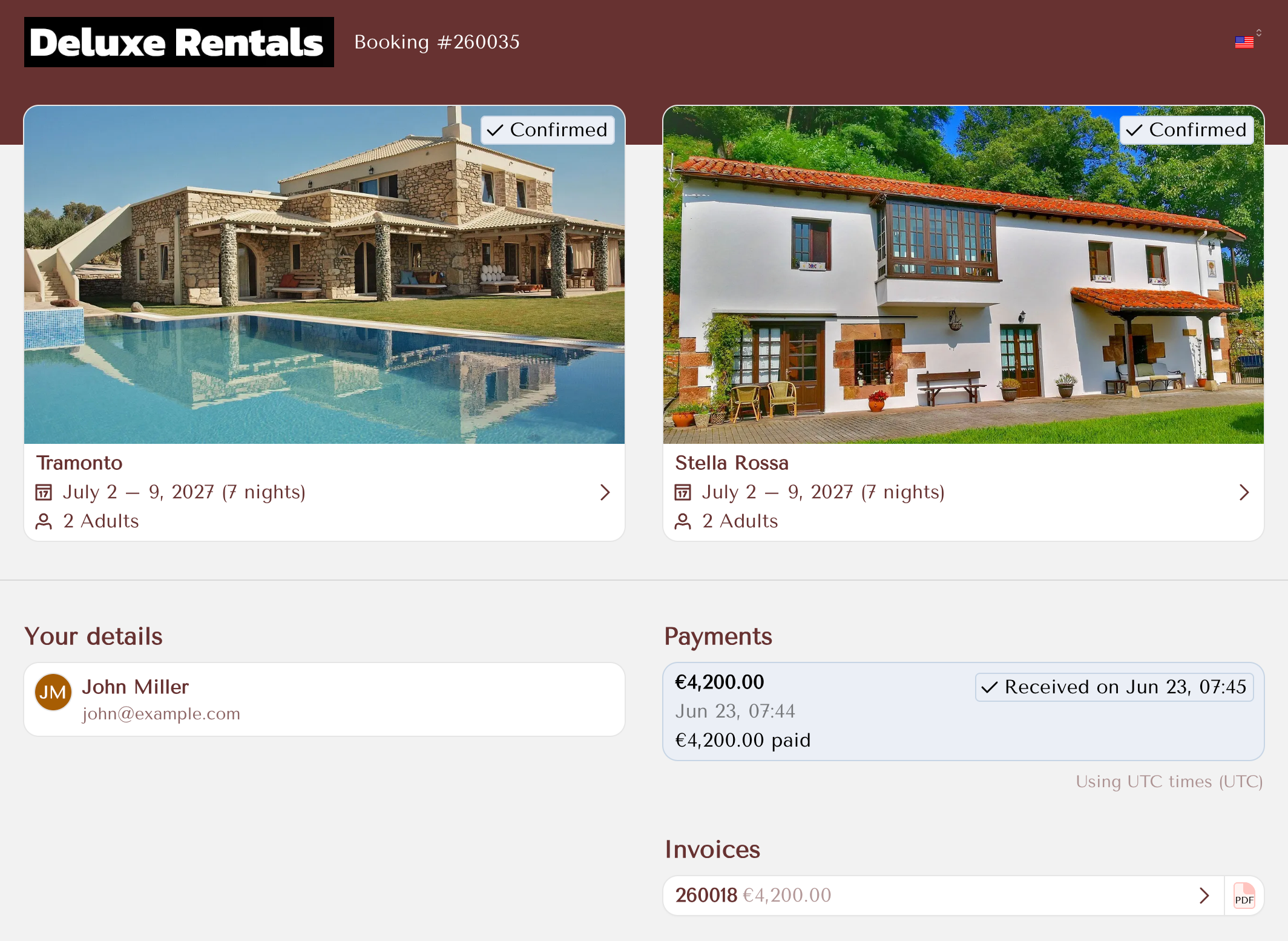
Clicking on a unit will open all the details related to it.
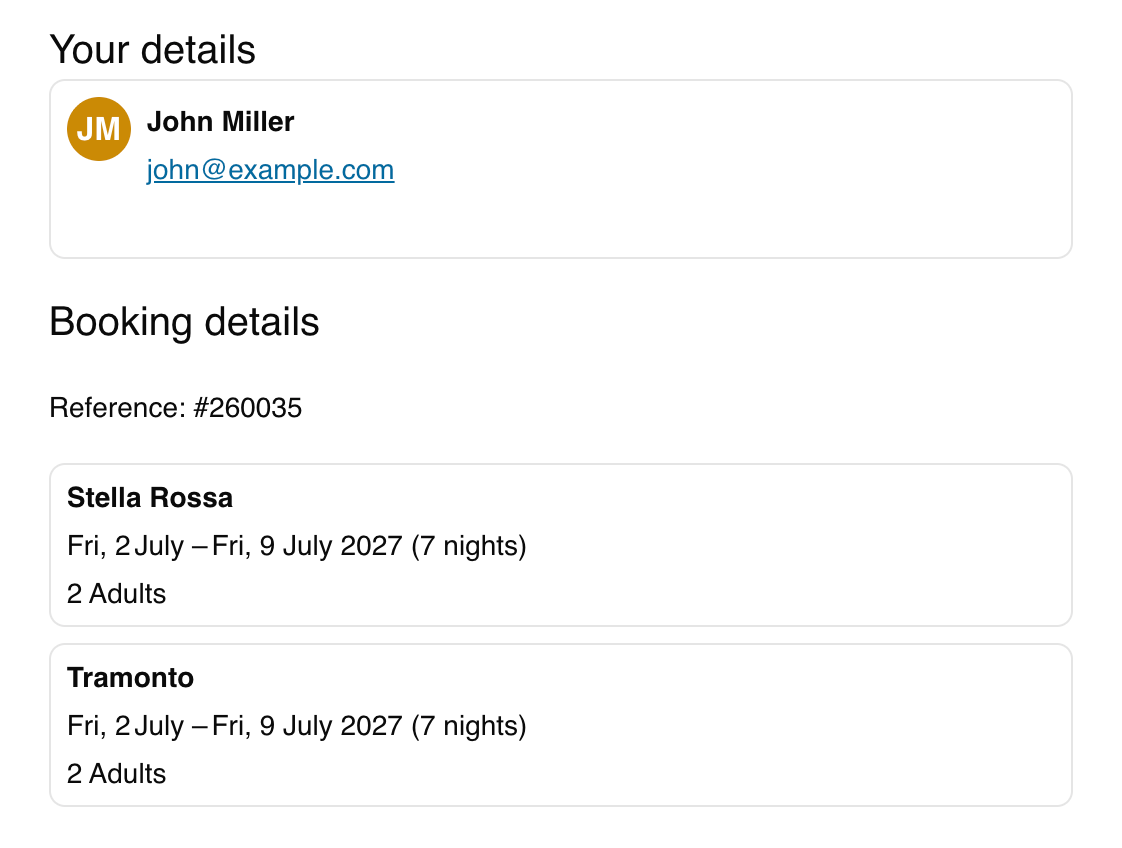
The guest receives a single booking confirmation containing all booked units. Each unit is listed separately with its dates, number of nights and guests, under one booking reference.
Admin dashboard
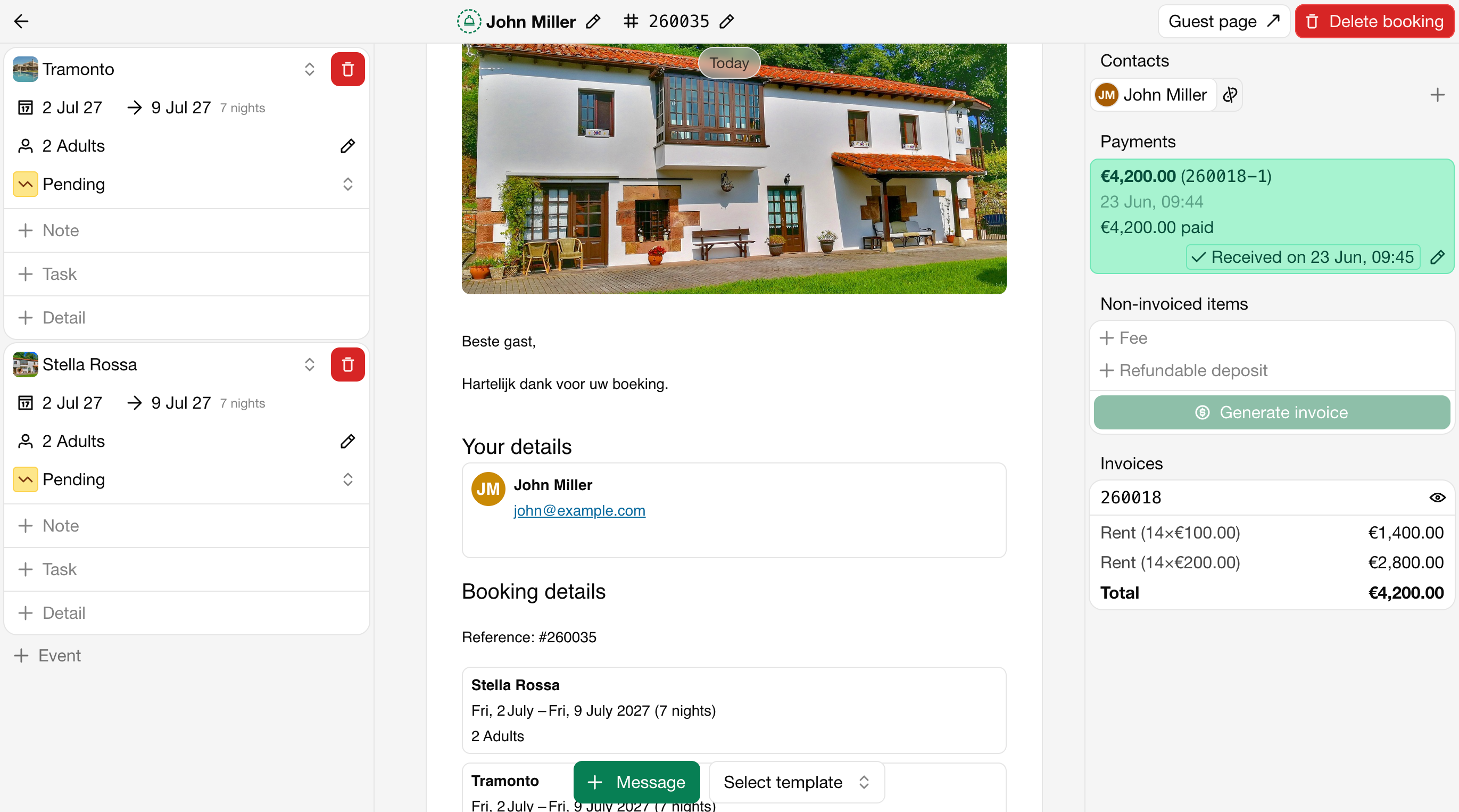
All booked units appear together in one booking. As the owner, you see each unit separately, including its dates, number of guests, booking status, notes, tasks and additional details.
The units share the same guest, booking reference, guest page, payment overview and invoice. The total amount combines all units.