Link to URL
In Search, Inventory and Timeline widgets, clicking a unit can open a page of your own website instead of the booking form. Guests can then read more about the unit before they book.
Go to Channels and open the widget.
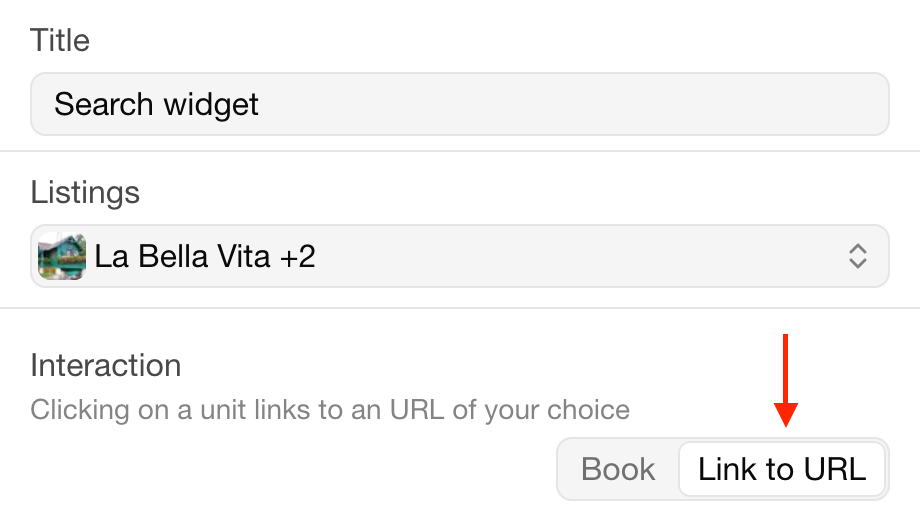
Set the Interaction to Link to URL.
Under Listings, enter the URL of each unit's page, and choose whether it opens in a New tab or the Same tab.
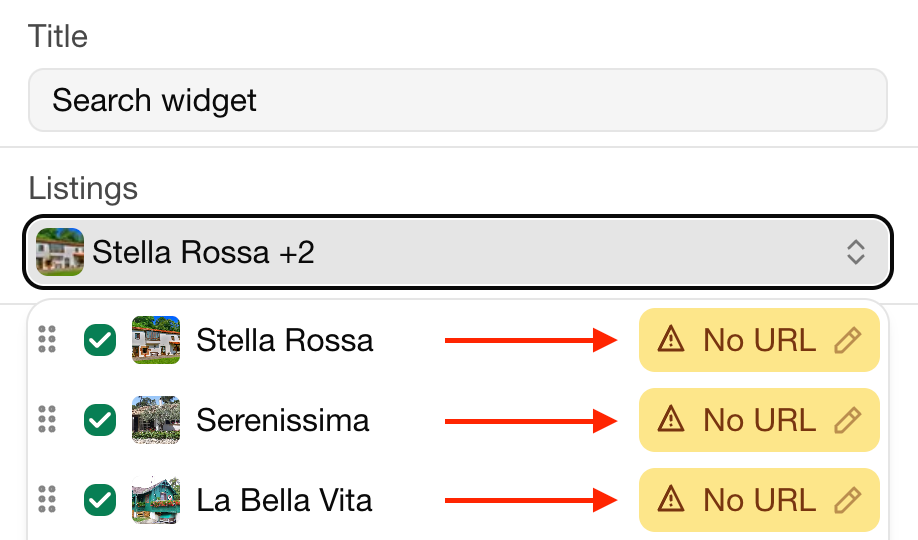
Units without a URL show No URL and can't be clicked.
Sidst ændret 3. november 2026