Availability calendar for holiday homes and rentals
Bookingmood can be used as a simple availability calendar to show the availability of anything. Holiday homes, B&B's, cars, campers; all you can think of! Create an availability calendar and add it to your website with just a few mouse clicks.
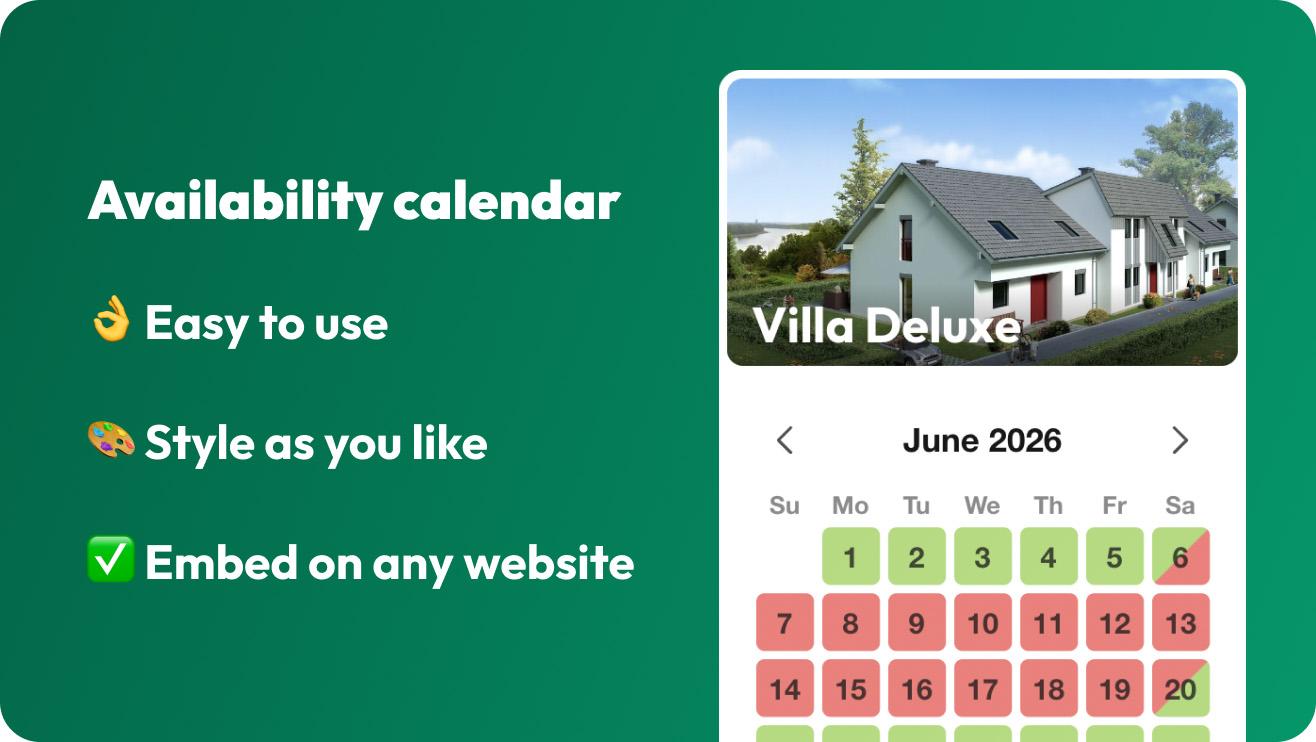
Why your website needs an availability calendar
The first thing guests look for when they want to book is whether your rental is free on their dates. An availability calendar on your website answers that at a glance:
Guests find dates that suit them, without having to email or call you first.
You save time, because you no longer answer the same availability questions by phone and email.
You avoid double bookings, because your calendar shows the same dates everywhere.
It leads to direct bookings, especially when guests can send a booking request from the calendar.
Availability calendar from Bookingmood
Easy to set-up and use
Works with any website
Share your availability calendar on Facebook and Instagram
Add booking notes to prevent forgetting things
Design your availability calendar to let it match your website
Available in multiple languages out of the box
Optional booking enquiry form
Availability calendar for nightly and daily bookings
You can choose to rent out per night or per day. This is a setting inside Bookingmood that can be applied per rental. How rent periods work.
🌙 Availability per night
The bookings you add are per night. The availability calendar shows changeover days. Guests leaving in the morning and new guests arrive in the afternoon.

☀️ Availability per day
The bookings are added per full day. The availability calendar shows fully booked days.

Keep your availability up to date
Blocked periods: closed for a repair or for the season? Add a blocked period and those dates show as unavailable.
Calendar sync: listed on Airbnb or Booking.com too? Synchronize the availability through iCal, one-way or two-way, and your calendars update themselves.
Booking notes: save notes on a booking so you remember your guests' wishes.
Your team: give cleaners or co-hosts access to your calendar, with the permissions they need.
One rental or many
One rental: show the availability of a single holiday home, room or vehicle in a calendar widget.
Several rentals: let visitors browse through your rentals in a single view, such as a timeline.
Inventory: show how many units are available on each day, for example on a campsite or in a hotel.
An availability calendar works for any kind of rental:
Accommodation: holiday homes, cottages, B&Bs, apartments, villas, cabins and glamping
Vehicles: cars, campers, motorbikes, boats and bikes
Venues: wedding venues, studios and event spaces
Equipment: tools, machinery, sports and music equipment
Works on any website
Add the availability calendar to any website, with no coding and no hosting. It works with WordPress, Wix, Squarespace, Webflow, Jimdo and many other website builders. Style it with your own colors and fonts, and it adapts to every screen size, from phone to desktop.
Tips for keeping your calendar reliable
Update the calendar as soon as a booking comes in by phone or email, or let guests book through the calendar so it updates itself.
Sync the calendar with every platform where your rental is listed.
Block dates for maintenance and your own stays in advance.
Check the calendar on your phone now and then, the way your guests see it.
Last modified November 13, 2026