All your logs in one place
 Wouter Raateland1 min read
Go to Settings › Logs to see what happened in your organization, with a tab for each kind of event:
Activity: what changed, who changed it and when.
API requests: every request made with your API keys, filterable per key.
Webhooks: each delivery to your endpoints with the response, filterable per webhook.
Messages: the emails and text messages sent to guests, and whether they were delivered. This used to be under Analytics.
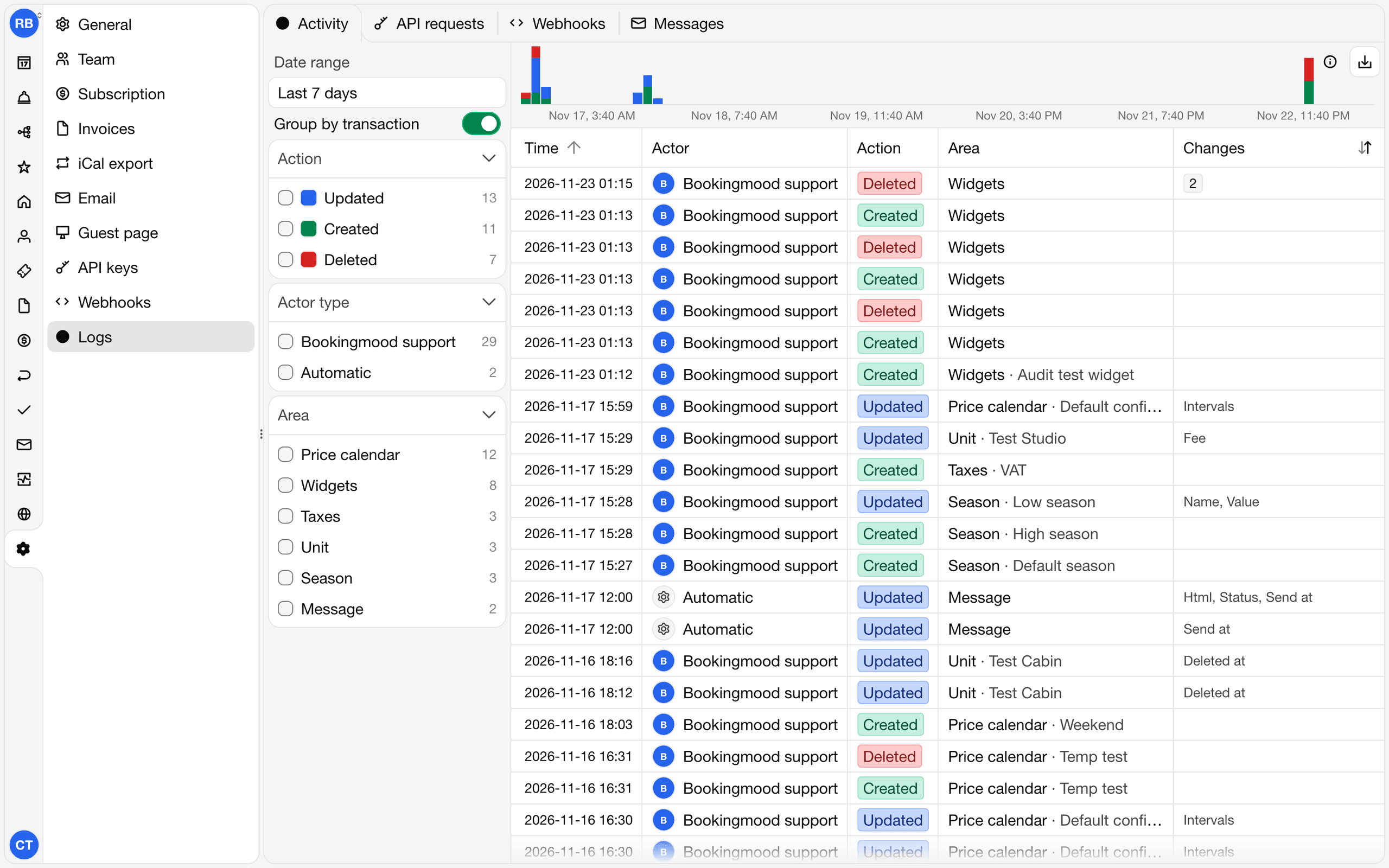
All logs work the same way: filters on the left, a chart to zoom in on a period, and details that open beside the list. Each log can be downloaded.
API keys and webhooks no longer have a page of their own: edit them directly in the list under Settings. A disabled webhook shows a Re-enable button.