Team members
Invite colleagues, cleaners, owners and others to your organization. Adding team members is free.
Invite a member
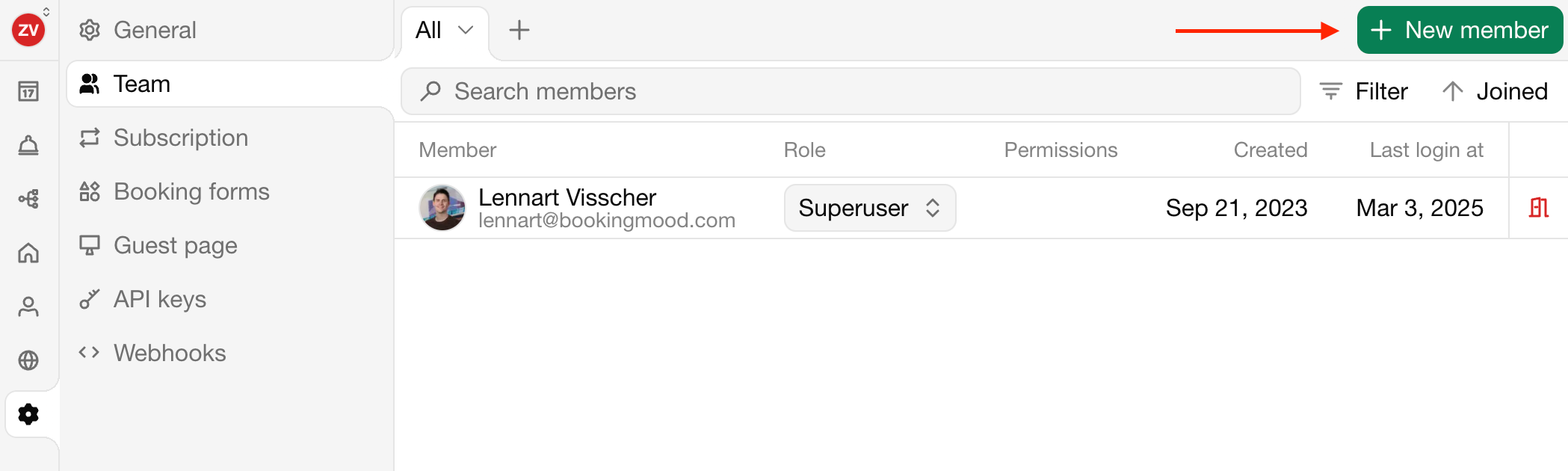
Go to Settings › Team.
Click New member.
Enter the Name, Email address and Language of the member.
Choose a Role and, for the User role, the Permissions per unit. See Roles and permissions.
Click Invite to organization.
The member receives an email invitation. Members without a Bookingmood account create one and are added to your organization right away.
Until they accept, the member is shown as Invited. Click Resend invitation if the email didn't arrive.
Change or remove a member
Open the member in Settings › Team to change their role, Edit permissions or remove them from the organization.
Poslednja izmena 3. novembar 2026.