Scheduled messages
The message schedule sends emails and text messages automatically, at moments such as when a booking is received, a week before arrival or after departure. Each unit has its own schedule; messages can be shared by several units.
Add a scheduled message
Open a unit and go to Message schedule.
Click Scheduled email or Scheduled SMS. Choose a New template, or an existing Message template to reuse a message from another unit.
Choose when it's sent: on a Trigger, such as Booking confirmed, or at a moment relative to the stay, such as 7 days before arrival.
Choose for which bookings: Tentative and confirmed bookings or Confirmed bookings only.
Write the subject and message. Use the + buttons to add variables, booking details, a link to the guest page or attachments.
Triggers
| Trigger | Sent when |
|---|---|
| Booking request received | A guest sends a booking request. |
| Direct booking received | A guest makes an instant booking. |
| Booking confirmed | A booking is confirmed. |
| Booking changed to pending | A booking is changed back to pending. |
| Booking cancelled | A booking is cancelled. |
| Invoice created from admin | You generate an invoice. |
| Payment due | A payment is due. |
| Automated payment received | An online payment is received. |
| All automated payments completed | All online payments of the booking are received. |
| Manual | Never automatically: a template to send by hand. |
Messages for existing bookings
When you add a message with a moment relative to the stay, Bookingmood asks whether to schedule it for existing upcoming bookings of the unit too. For moments that already passed, choose Skip when scheduled in the past or Send immediately when scheduled in the past.
To see what's scheduled for a booking, open the booking: scheduled messages are shown in its history.
Message templates
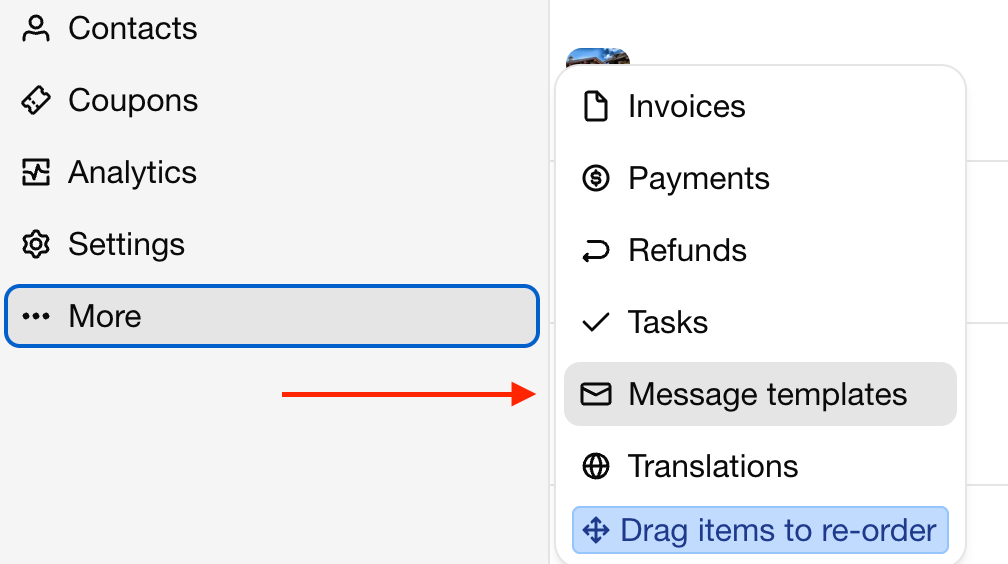
Go to Message templates to see the messages of all units. Filter by type and trigger, edit a template, choose the Units it's scheduled for, Duplicate it or Delete it.
To stop sending a message for one unit, open the unit's Message schedule and click Unlink from unit. This also removes the scheduled messages for that unit's bookings.
Text messages
Scheduled SMS messages need SMS access, see SMS.
Son değiştirilme 3 Kasım 2026