Attributes
Attributes describe your units, such as Swimming pool with the options Yes and No, or Facilities with several options. With attributes you can:
Show the characteristics of a unit to guests.
Let guests search and filter units in widgets and on websites.
Filter units in the admin panel.
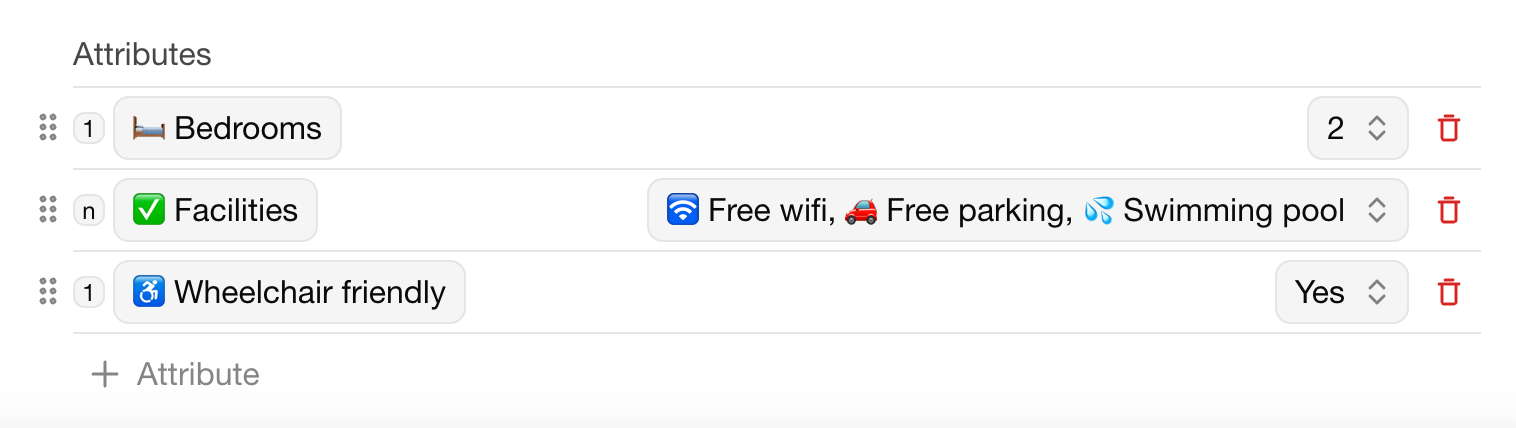
Attributes are shared by all units of your organization; each unit picks its own options.
Add an attribute
Open a unit.
Go to Appearance.
Under Attributes, click + Attribute.
Choose the type: Single select (one option per unit) or Multi select (several options per unit).
Enter the name, for example Swimming pool.
Click No option selected and add the options, for example Yes and No.
Set the attribute of another unit
Open the other unit's Appearance tab. The attribute is already listed; select the option that applies.
Deleting an attribute removes it from all units in the organization.
Востаннє змінено 3 листопада 2026 р.