Unit calendar
Each unit has its own calendar with its bookings, blocked periods and notes. Open a unit and go to Calendar.
Monthly and yearly view
Switch between Monthly and Yearly at the top of the calendar. The monthly view shows the details of each booking; the yearly view gives an overview of the availability for the whole year.
Click and drag over dates to Manual bookings or a Blocked periods. Click a booking to open its details.
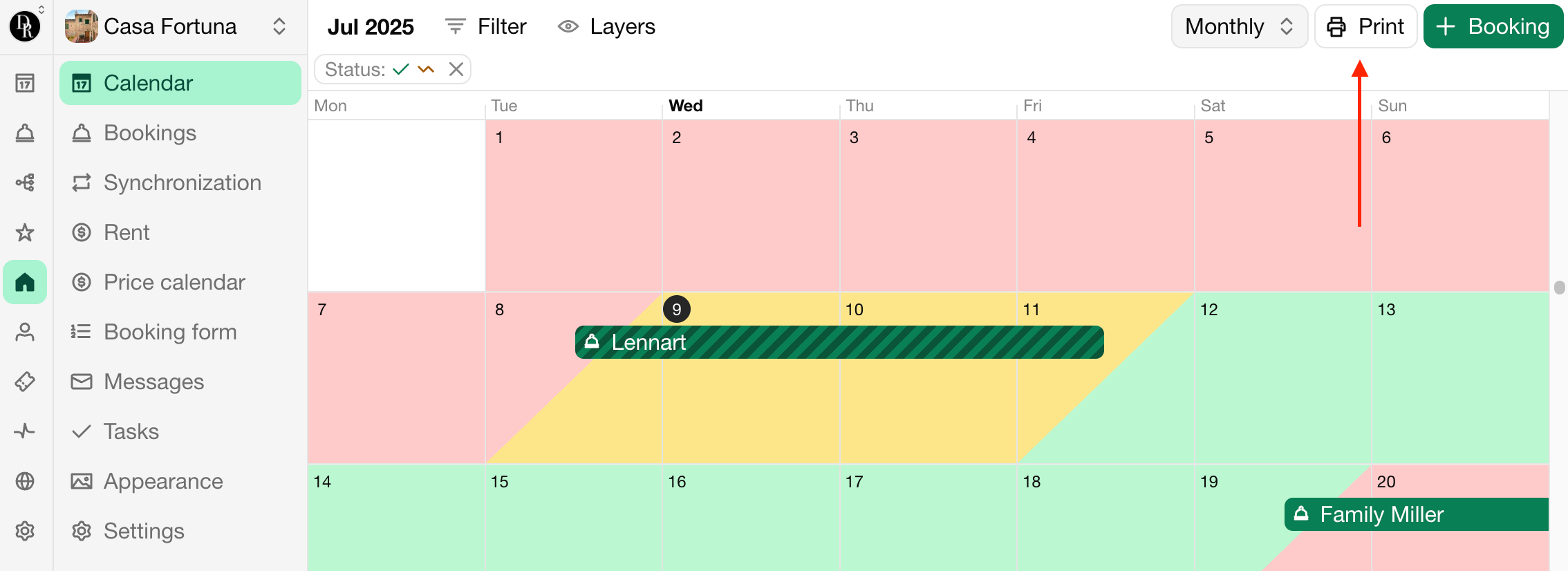
Print the calendar
The calendar is designed to look good on paper, for example to hang in the cleaning room.
Open the calendar.
Click Print.
Choose Include booking details or Hide booking details.
For the best result, use these settings in the print dialog:
Paper size: A4 works best, but other sizes work too.
Margins: Default for paper, None when you save the print as a PDF.
Scale: Default.
Headers and footers: off.
Background graphics: on, to show availability colors.
Последна промяна 3 ноември 2026 г.