Display currency
Bookings are always made in the currency of the unit, set in the unit's Settings. Widgets and websites can show prices in another currency, converted with exchange rates that are updated daily.
Go to Channels and open the widget or website.
Choose a currency under Display currency, or Default for unit.
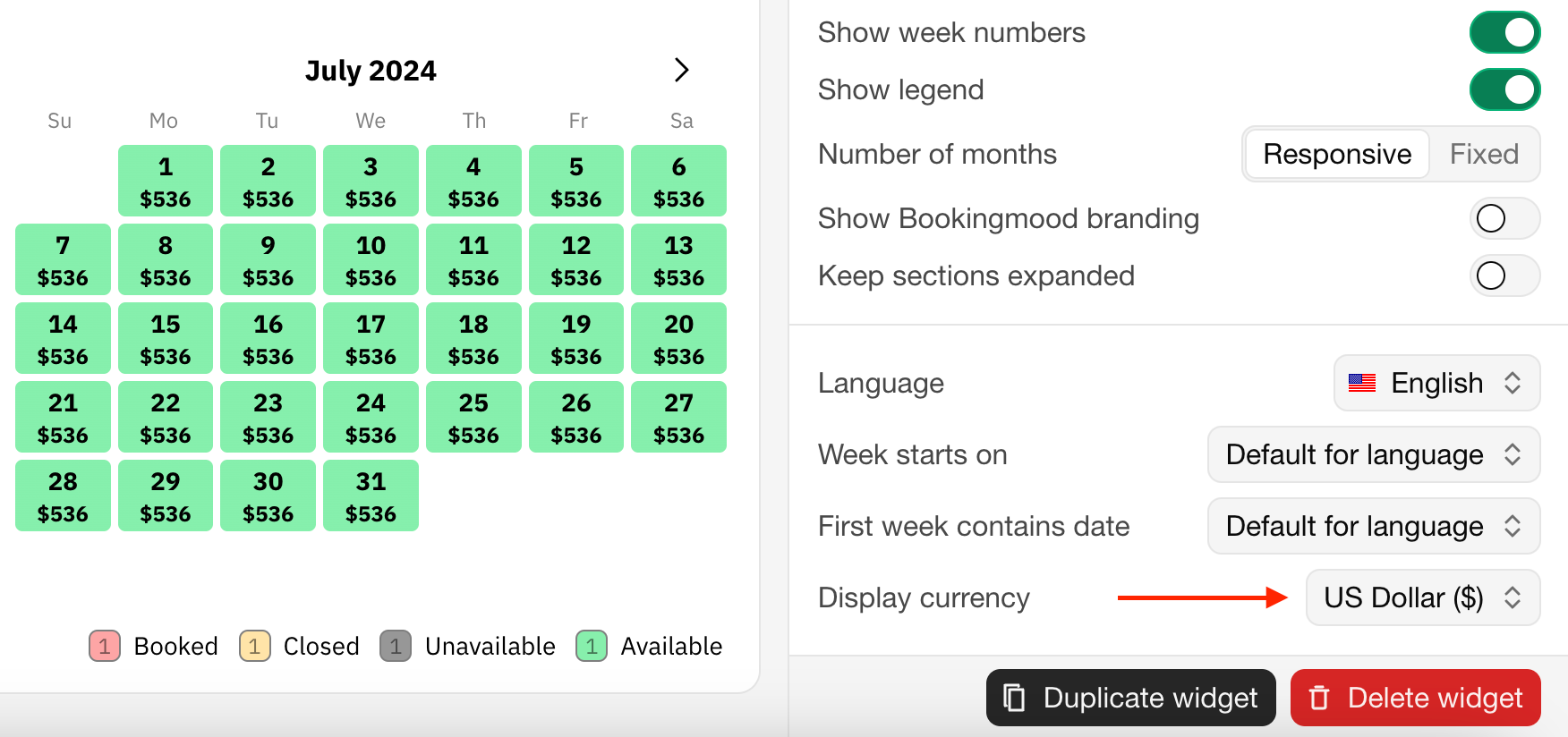
The displayed currency is for information only: guests pay in the unit's currency. The booking shows which currency the guest saw and the exchange rate at the time.
To set the currency in the embed code, see Embed customization.
Last modified 3 November 2026