
Availability calendar for vacation rentals: what to look for
 Adriaan de Jager3 min read
An availability calendar answers the first question every guest has: is it free on my dates? Here's what a good one does, whether you need one with only one or two rentals, and the features to look for.
What an availability calendar does
Put a calendar on your website and guests can check your dates and book without emailing you first. Connect it to Airbnb and Booking.com, and a booking on one channel blocks the dates on the others.
For guests, it removes the back-and-forth. They see straight away which dates are free, what a stay costs and how to book. Guests who can't find that quickly often book somewhere else.
For you, it's the one place where every booking lives. You see who's coming and when, spot gaps you can still fill, and stop copying bookings from one platform to another. That's where most double bookings come from.
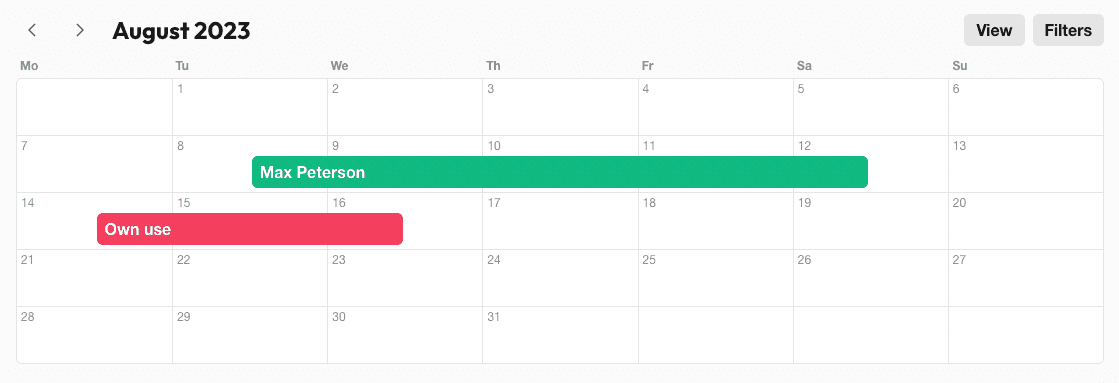
Do you need one with only one or two rentals?
The fewer rentals you have, the more each double booking or missed message costs you. A spreadsheet works until you list on a second platform, go on holiday yourself, or hand the keys to a cleaner. From then on, a calendar that updates itself and that you can check on your phone saves you more time than it takes to set up.
It also makes a small business look professional. Guests expect to see availability and book online, whether you rent out one cottage or fifty.
Features to look for
Use this checklist when you compare booking calendars:
| Feature | Why it matters |
|---|---|
| iCal import and export | Keeps Airbnb, Vrbo and Booking.com in step with your own calendar |
| Booking rules per rental | Minimum stays, arrival and departure days, and how far ahead guests can book, without blocking dates by hand |
| Prices per season and per guest | Guests see the total before they ask, and you don't forget a high-season rate |
| Booking requests and instant bookings | Choose whether you approve each booking or let guests book straight away |
| Online payments | Deposits and payments come in without chasing |
| Automatic messages | Confirmations, payment reminders and arrival details go out on time |
| Access for your team | Co-hosts and cleaners see the bookings they need, without a login to every platform |
| Your own style | Colors that match your website |
| Works with any website builder | You keep the website you already have, whether it's WordPress, Wix, Squarespace or something else |
| No commission | You keep what guests pay you |
Ask about cost too: a monthly price is predictable, while a commission per booking grows with every guest. Our comparison of rental booking systems shows how the main tools differ.
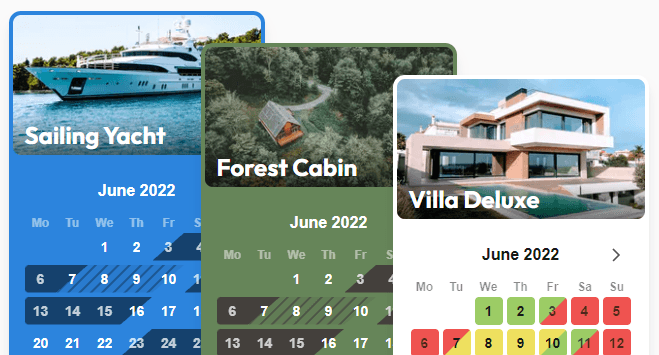
How to put a calendar on your website
Put it where guests decide. Show the calendar on each property page, next to the photos and prices, not on a separate “availability” page.
One calendar per rental. Guests looking at the cottage shouldn't have to work out which dates belong to the apartment. If you have several rentals, add a search so guests can find what's free on their dates.
Sync every platform you list on. Import each platform's iCal link and export yours to each platform. Our guide to iCal sync explains how, and where it falls short.
Show the full price. Cleaning fees, tourist tax and deposits belong in the total guests see, not in a surprise at checkout.
Make the next step obvious. A clear button to book or request, and your cancellation policy in plain sight.
Check it on your phone. Most guests will.
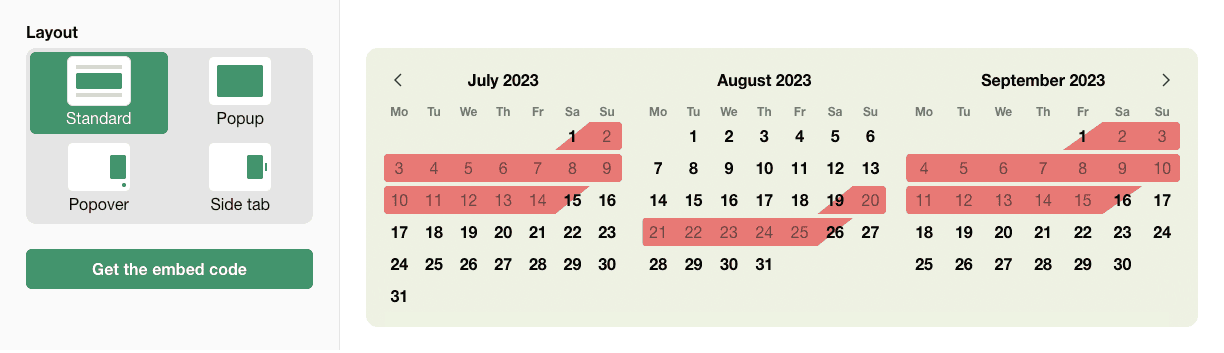
Try Bookingmood's calendar
Bookingmood gives you a commission-free availability calendar that works on any website, with iCal sync for Airbnb, Vrbo and Booking.com included in every plan. Add online booking, payments and automated messages when you're ready. Start your 14-day free trial and put your calendar on your website today.