SEO for vacation rental websites: a practical guide for owners
 Adriaan de Jager4 min read
Most guests start on Google. If your website shows up for the searches they make, you get bookings without paying a platform for them. Here's how to get there, step by step.
How guests search for a place like yours
Guests rarely search for your property's name. They search for a place and what they want there: “holiday cottage Veluwe”, “villa Tuscany with pool”, “dog-friendly cottage Cornwall”. Airbnb and Booking.com rank for the broadest of these searches. Your chance lies in the more specific ones, where a single good page can rank on the first page.
Pick your search phrases
Write down 10 to 20 searches a guest might use to find a place like yours. Type each into Google and look at what comes up: if it's all big platforms, pick a more specific phrase. Then give each phrase a page.
| Guests search for… | Example | Page to target it |
|---|---|---|
| Area + type | holiday cottage Veluwe | Homepage |
| Area + feature | holiday home Algarve with private pool | Property page |
| Area + guest type | dog-friendly cottage Cornwall | Page for that type of guest |
| Things to do | best beaches near Hossegor | Area guide |
Google's own autocomplete and the “People also ask” box are free sources of ideas.
One page per rental and per type of guest
Google ranks pages, not websites. A single page that lists everything can't rank for “with pool”, “for families” and “near the beach” all at once.
Give each rental its own page, with its own photos, description, prices and calendar.
Add pages for the guests you want most: families, couples, groups, dog owners, cyclists.
Write an area guide: beaches, walks, restaurants, events. It ranks for searches your property pages can't, and it shows guests you know the place.
Write for people first. A page that answers a guest's questions (how many beds, how far to the beach, is the garden fenced) is also the page Google wants to show.
Titles and descriptions that get clicked
The title and description are what guests see in the search results. Most vacation rental websites waste them.
Before: Home | Villa Rosa
After: Villa Rosa: holiday villa in Tuscany with pool, sleeps 8
Put the search phrase near the start, add what makes the place stand out, and keep titles under about 60 characters. The description (up to about 155 characters) should say why someone should click: the view, the pool, the walk to the village.
Photos: file names, alt text and size
Name files after what they show:
villa-rosa-pool-tuscany.jpg, notIMG_4021.jpg.Give each photo a short alt text that describes it, for example “Pool with view over the vineyards”.
Keep files small. Large photos are the most common reason a vacation rental website loads slowly on phones.
Google Business Profile and reviews
Create a free Google Business Profile for your rental. It can show your place on Google Maps and in local results, with photos, reviews and a link to your website. Ask happy guests to leave a review there, and reply to every review, good or bad. Reviews on several sites help too: Google looks at what others say about you, not just what you say yourself.
Multilingual websites
If many guests come from abroad, give them the website in their language, with each language on its own address so Google can show the right version. Translate the property and area pages first, because that is where people decide. Translate the page titles and descriptions too, and use the words people search for in that language, not a literal translation.
Links from your area
Links from other websites tell Google your site is worth showing. The best ones for a vacation rental are local and relevant:
The tourist office or local holiday rental association
Restaurants, activity providers and shops you work with
Local events you sponsor or take part in
Blogs and travel guides that write about your area
One link from your village's tourist office is worth more than dozens from random directories.
Measure with Google Search Console
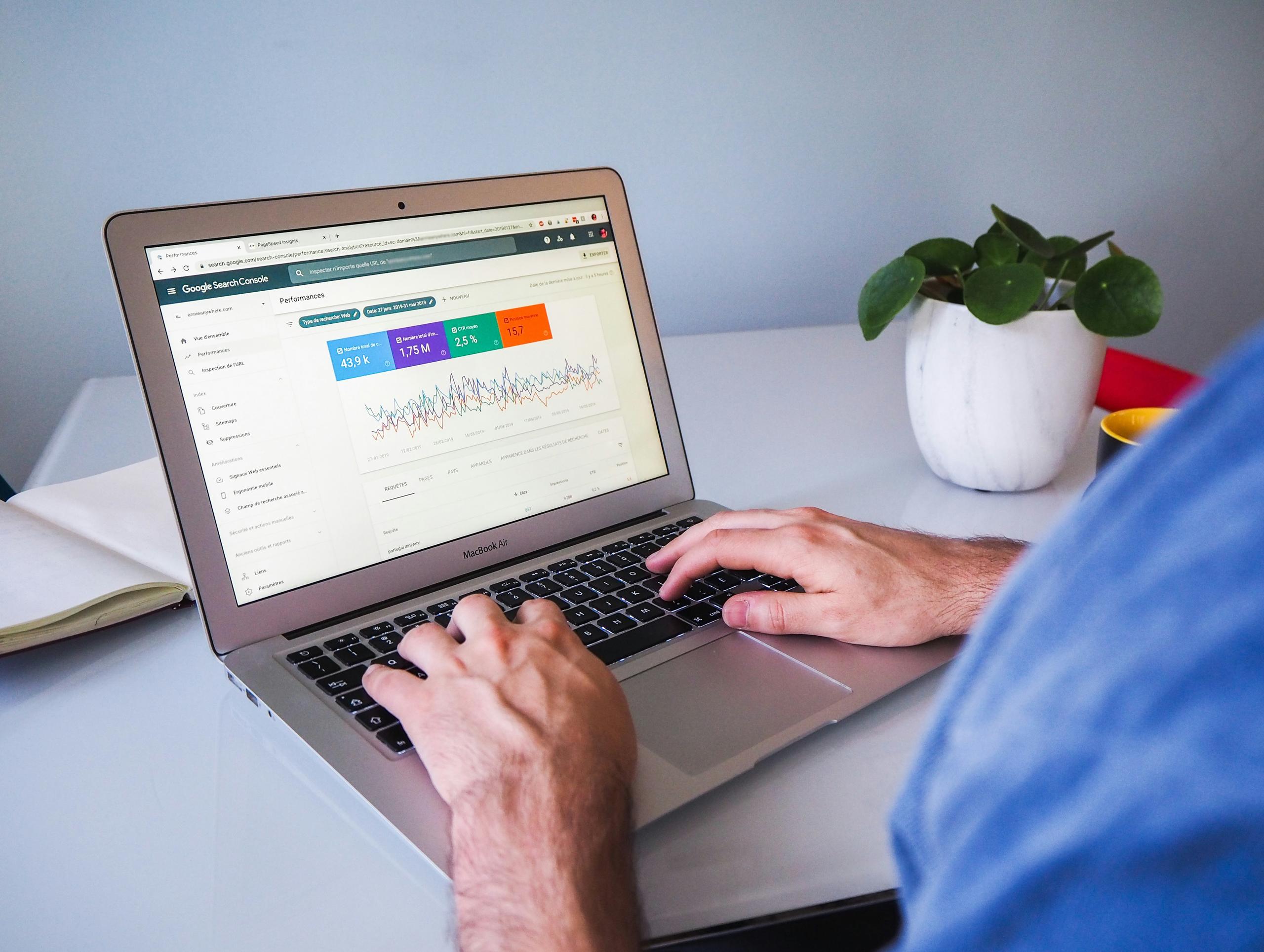
Google Search Console is free and shows which searches your pages appear for, how often, and how often people click. Check it once a month:
Searches with many impressions but few clicks need a better title or description.
Searches where you're on page two need a better page, or a page of their own.
Pages that don't appear at all may not be indexed: check them with the URL inspection tool.
SEO takes months, not days. Make one improvement at a time and compare the numbers a few weeks later.
How Bookingmood websites help
Bookingmood's website builder follows these practices by default. Websites are fast and mobile-friendly, every rental gets its own page with its own calendar, and you can set the title and description of each page yourself. Pages can be translated, each language has its own address, and the booking flow follows the guest's language. And because guests book on your own website, every visitor you win from Google can become a direct booking.
Start your 14-day free trial and build your website, or read our step-by-step guide on how to get more direct bookings.