
Squarespace
Add Bookingmood booking calendars to your Squarespace website

Add Bookingmood to your Squarespace website so guests can check availability and book your rental without leaving your site. You set it up once, and every change you make in Bookingmood shows on your website automatically.
Create a widget
Create a widget in Bookingmood. Widgets explains how.
Click Embed and copy the Inline embed code. You need it in the next step.
Add the widget to Squarespace
Turn off Ajax loading for your site, so the widget loads reliably.
Open the page where you want to show the widget.
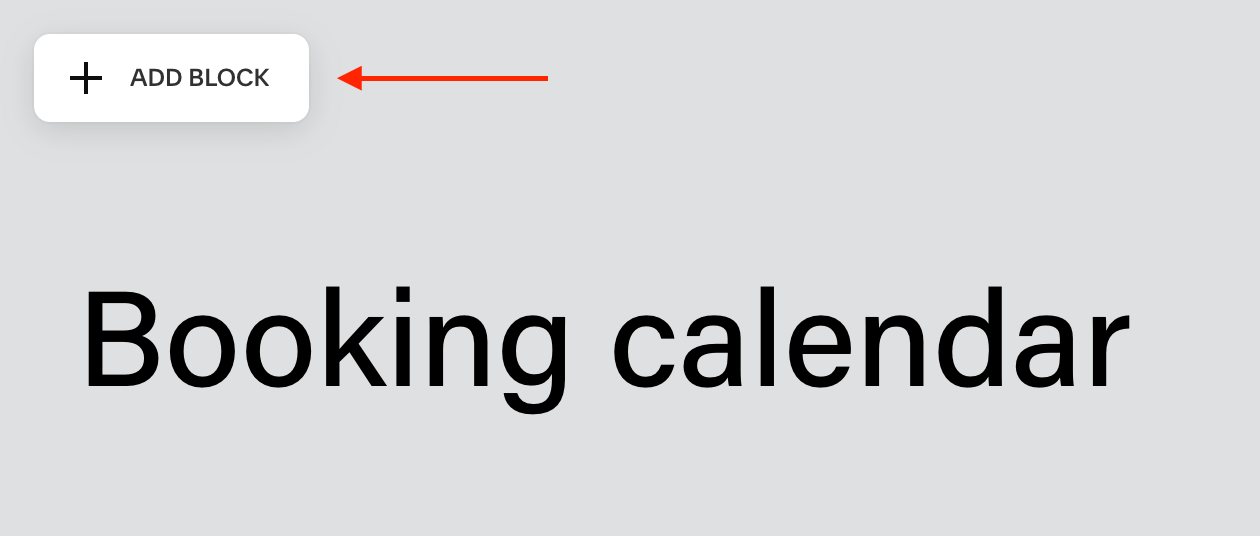
Click Add block.
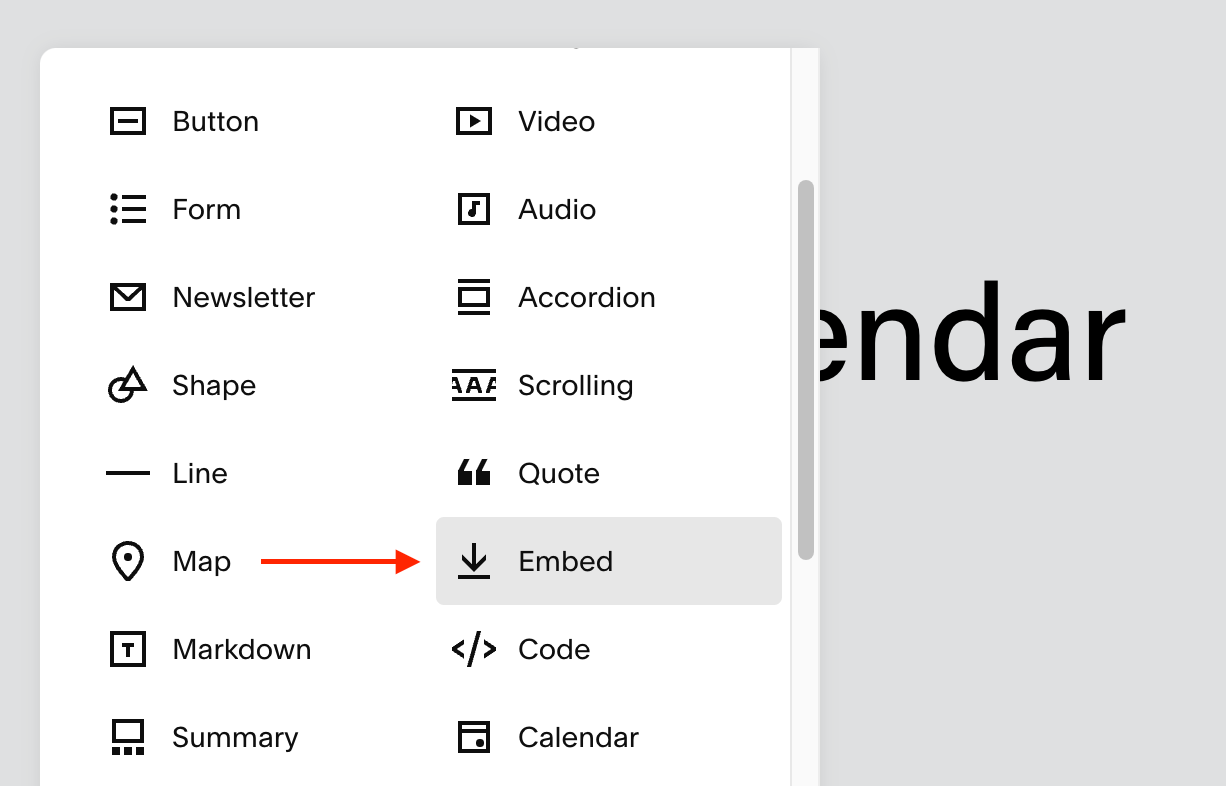
Click Embed.
Double-click the new block.
Under Embed as, select Code Snippet and click Embed data.
Paste the embed code you copied and save the page.
That's it. Changes you make in Bookingmood now show on your website automatically.
Prefer to watch? This video walks through the same steps.
FAQ
Squarespace says scripts are disabled. What should I do?
Squarespace doesn't run embedded scripts in the editor, so the calendar may not work fully there. Save the page and check the result on your live website.