Google Calendar
You can sync your Google Calendar with Bookingmood. Both ways!
From Google Calendar to Bookingmood
Open your Google Calendar.
Click on ⚙️ Settings.
Under Settings for my calendars, click on the name of the calendar.
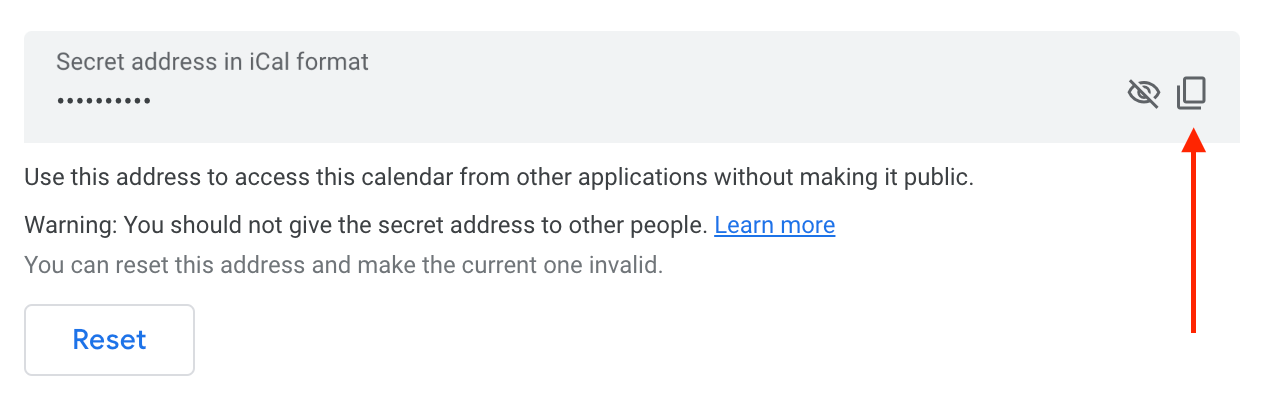
Scroll down and copy the link in the Secret address in iCal format section.
Go to Bookingmood and follow the instructions to import an iCal feed.
From Bookingmood to Google Calendar
Go to Bookingmood and follow the instructions to export an ical feed.
Open your Google Calendar.
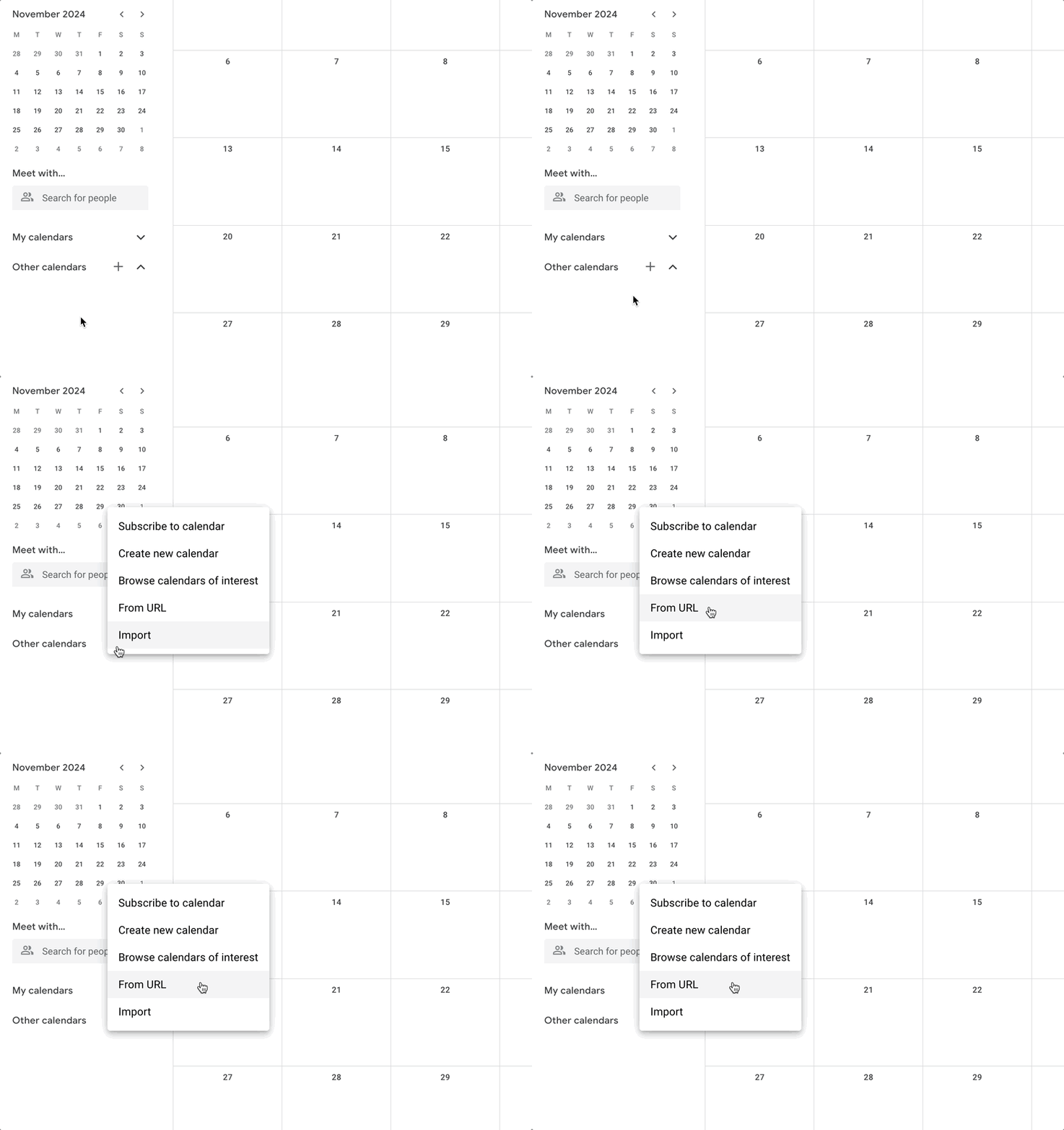
Click on the + near Other calendars.
Click on From URL.
Paste the iCal feed that you copied.