Reviews
Guests can leave reviews about their stay on their Guest page. Reviews can be published and shared with others in many different ways!
Enable or disable reviews
Reviews are enabled by default. If you don't want to get reviews:
Go to Settings > Guest page.
Turn off Show review prompt.
How guests can leave a review
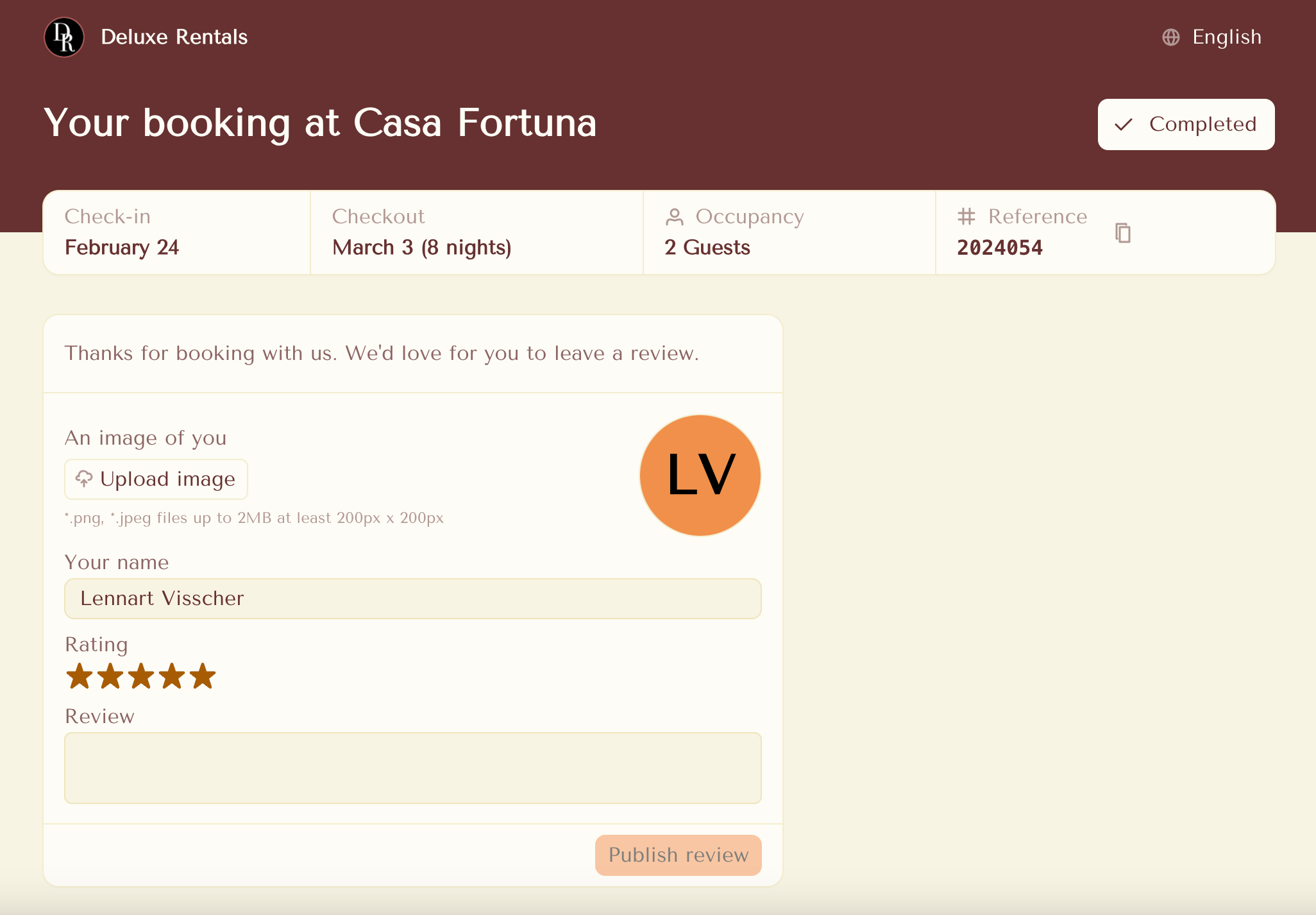
The Guest page will show a review form when the booking has past. When the guest opens their booking status page, they will see a review form. They can fill and submit the form directly. They can also edit the review afterwards.
Accept or reject reviews
Click on Reviews.
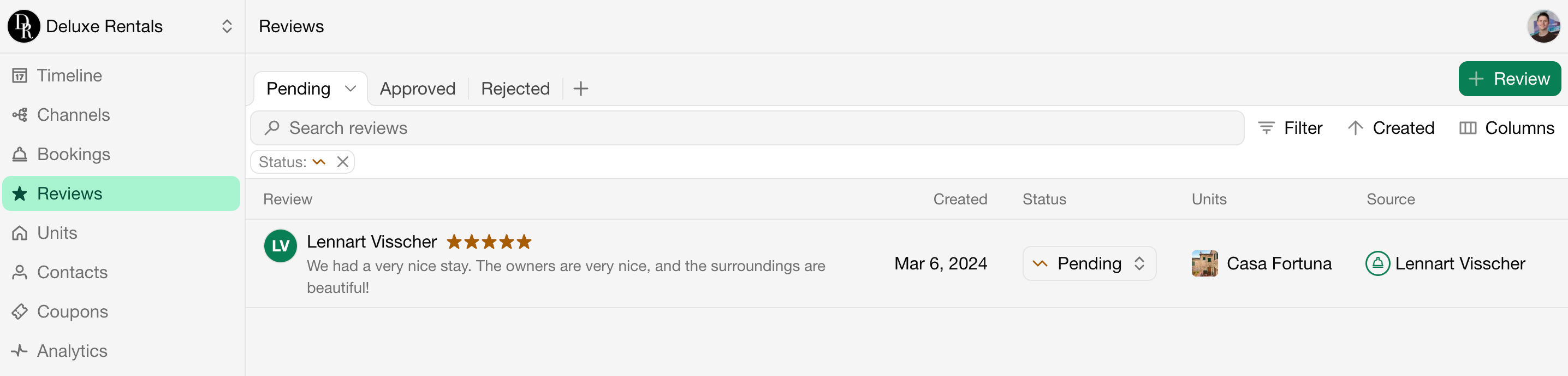
You can find all submitted reviews here. Reviews have the Pending status by default. You can change the status to Approved or Rejected.
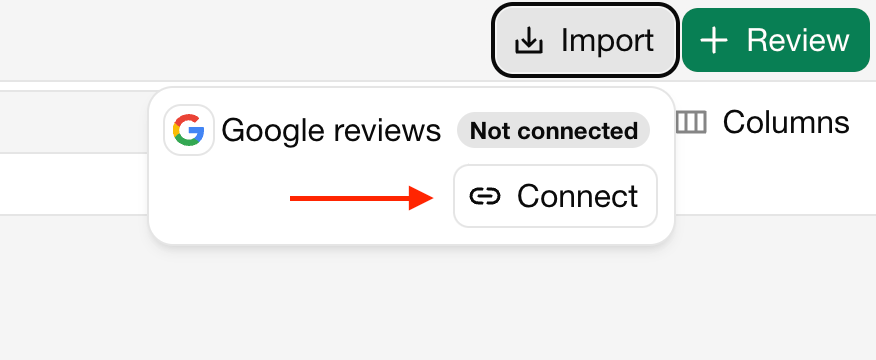
Import reviews from Google
Click on Reviews.
Click on Import.
Click on Connect.
Displaying reviews
You can display and share your reviews in different ways.
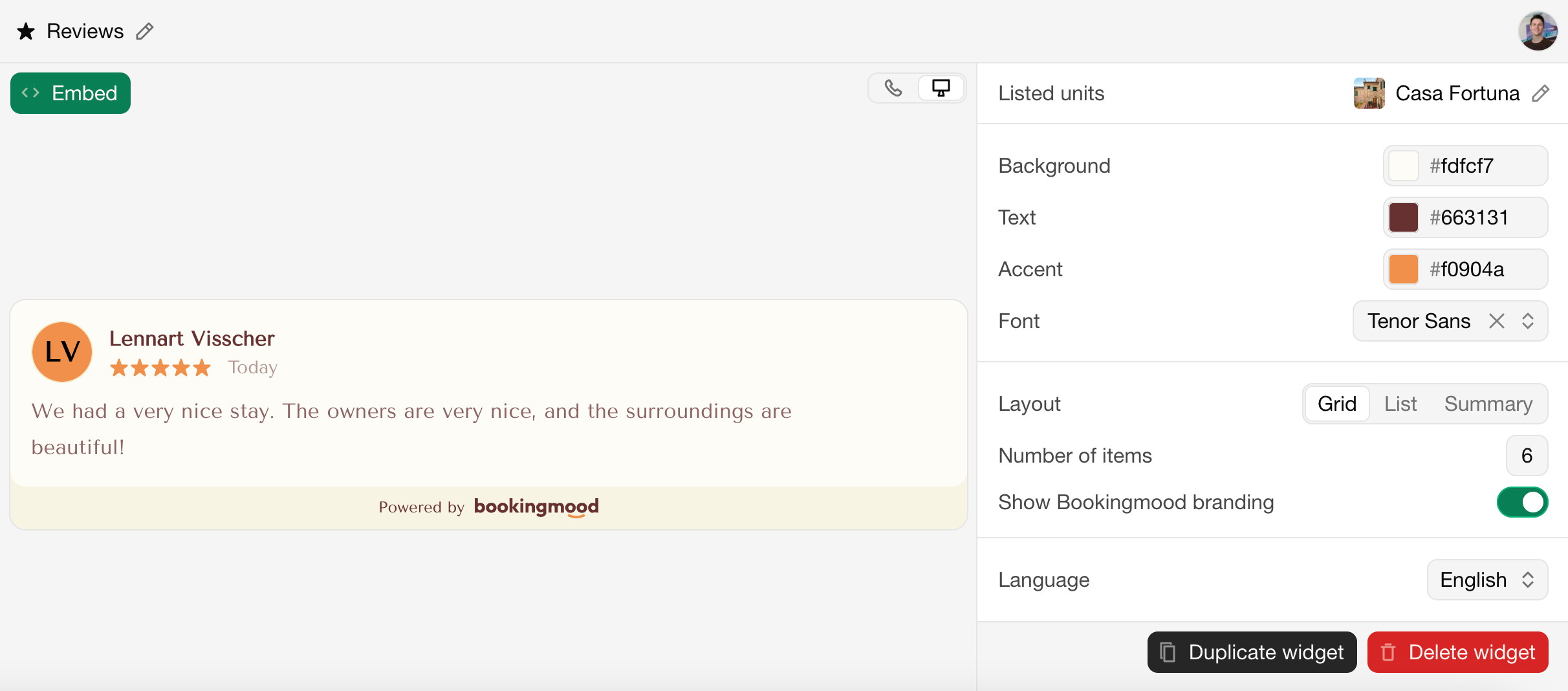
Review widget
You can display reviews using the dedicated Review widget. This widget displays all reviews of a specific rental unit. To create a Review widget:
Go to Channels.
Click on + New channel.
Click on Review widget.
You can embed the review widget just like any other widget.
Timeline and Inventory widget
Enable the setting Show reviews in the Timeline and Inventory widget to show reviews on the detail page of the unit. The 6 most recent reviews will be displayed.
Sites
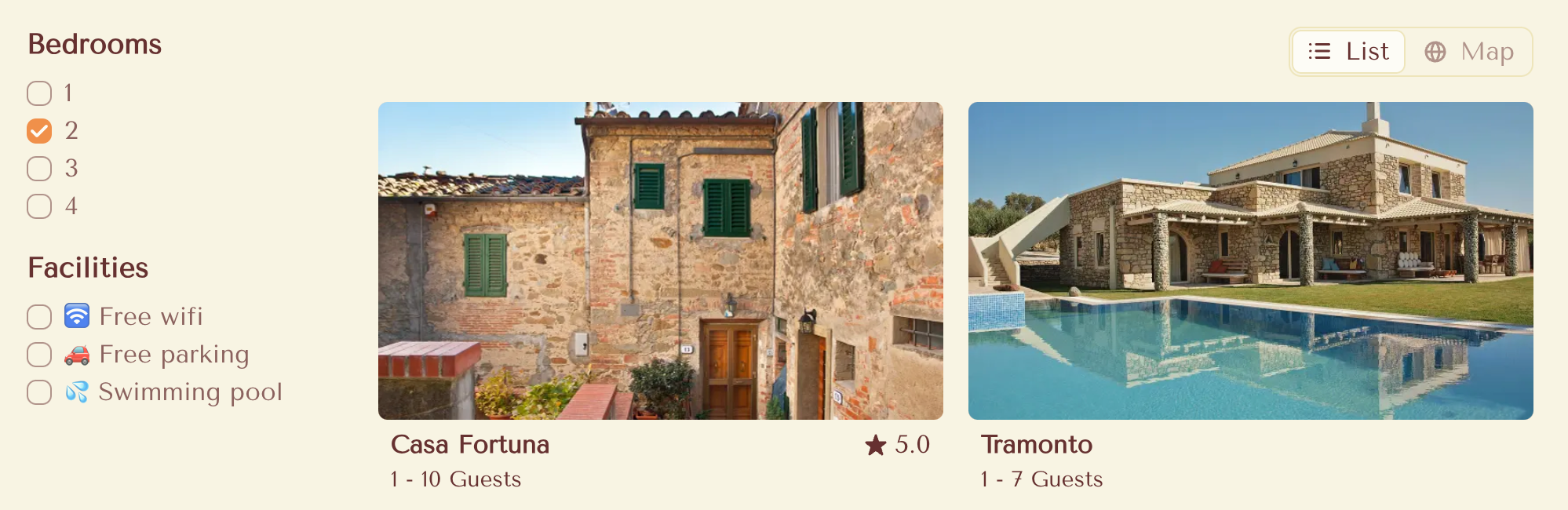
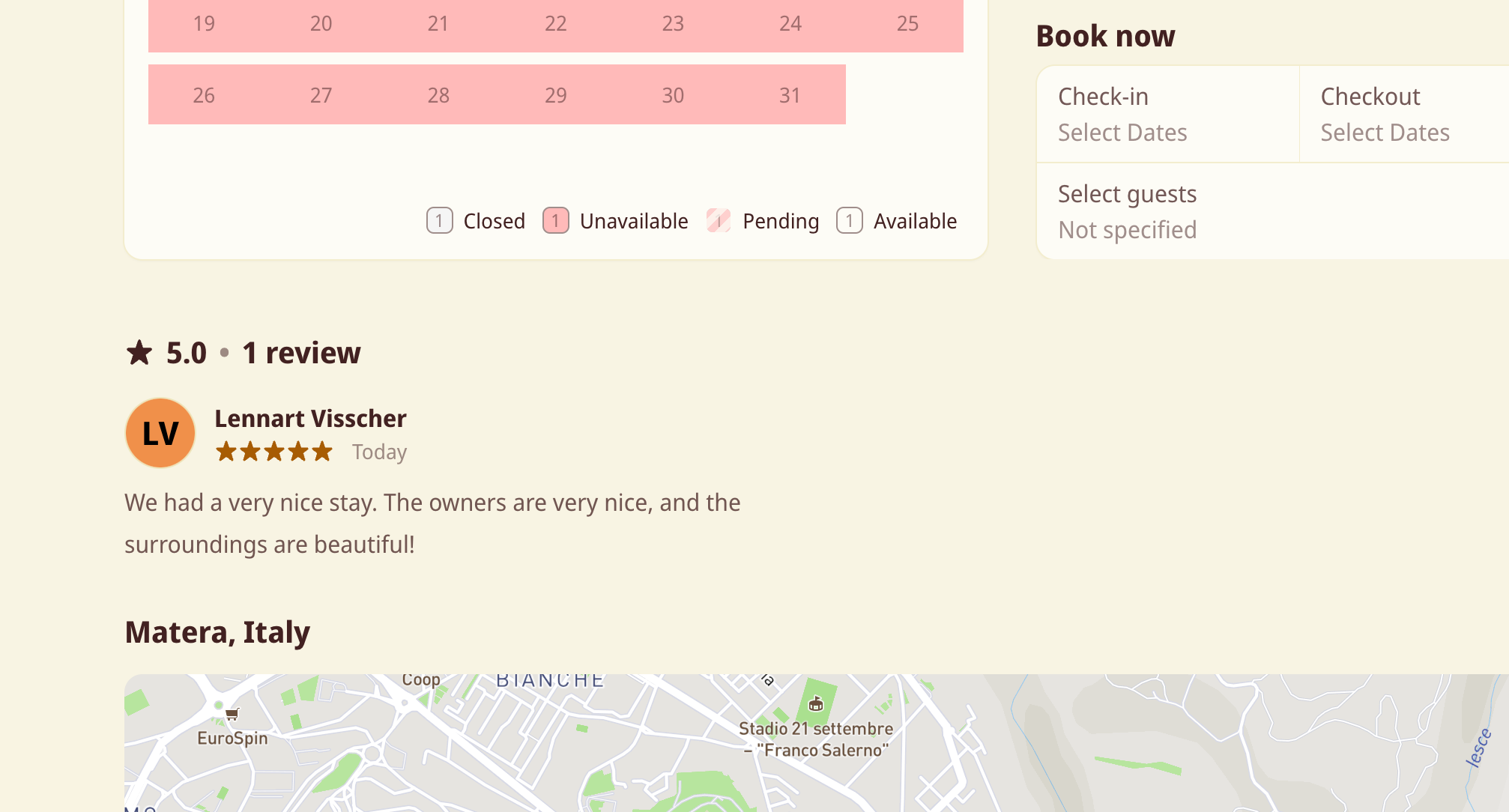
Guest reviews will automatically show up on the Catalog and Single-unit sites. Average ratings will show up in search results and in the overview, and reviews on the detail pages.