Settings
Open the website under Channels and go to Settings.
Name and domain
Name: the name of the website, shown in the header and browser tab.
Domain: the Bookingmood subdomain the website is available on.
Custom domain
Use your own domain, such as www.yourrentals.com or book.yourwebsite.com.
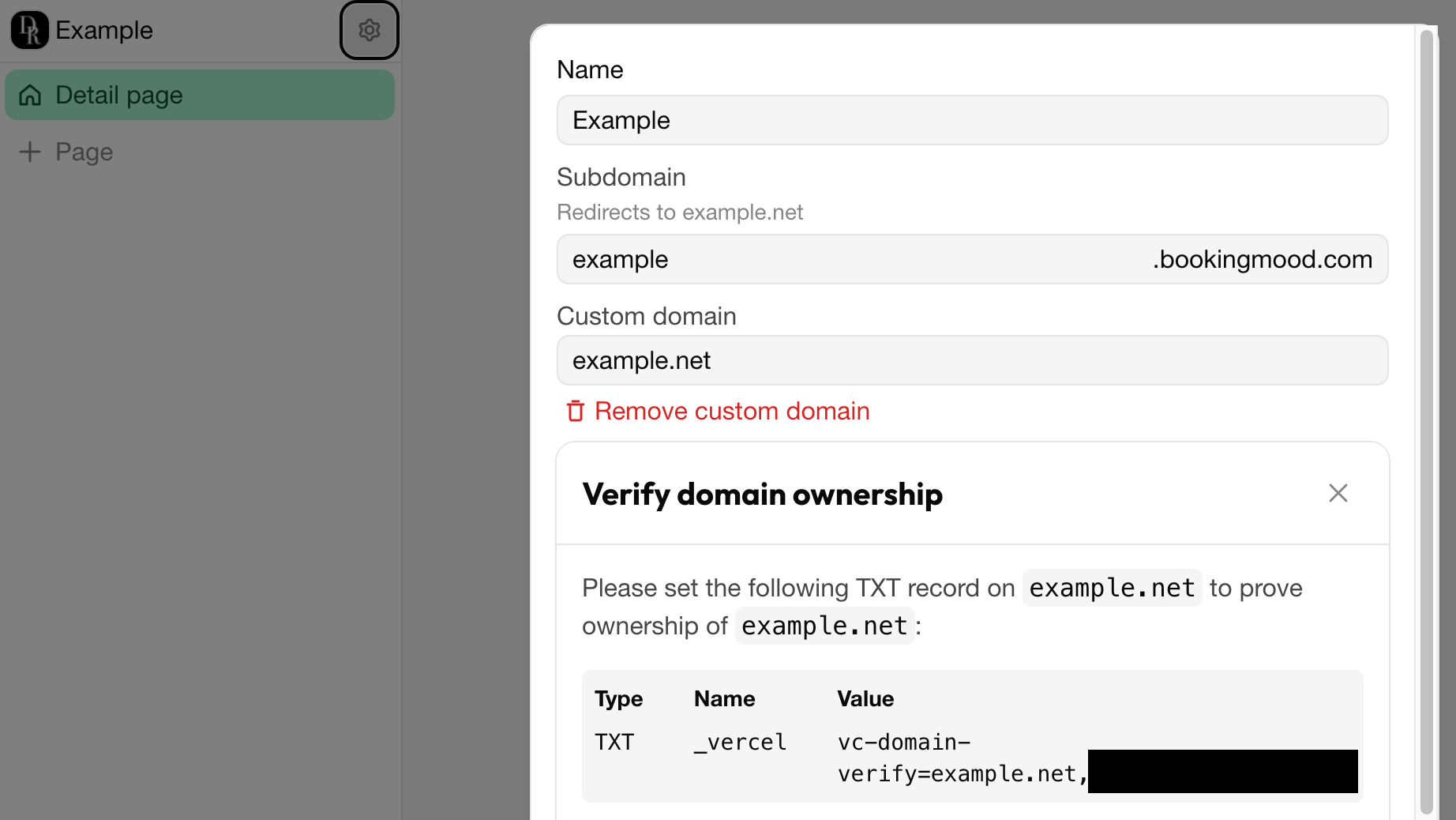
Enter the domain under Custom domain.
Add the DNS records that are shown at your domain provider. Your hosting provider can help with this.
Wait until the status changes from Verification required to Verified. Click Refresh to check again.
If the status shows DNS misconfigured, compare the records at your domain provider with the ones shown. Once verified, the Bookingmood subdomain redirects to your domain.
Password
Set a Password to make the website Password protected, for example while you're still building it. Click Remove password to make it public.
Custom HTML
Add Custom HTML to every page, such as an analytics or chat script.
Booking
After booking: what guests see after they book, see After booking.
Shopping cart: Let guests book multiple units at once, see Multi-unit bookings.
Poslední změna 3. listopadu 2026