v0
You can embed calendars from Bookingmood in v0.
Create a widget
You will need to create a widget in Bookingmood first. Learn how to create it here: Creating a widget.
Click on Embed and copy the Inline embed code. You will need this later.
Add the widget to your v0 project
Send the embed code to v0 and ask it to embed your Bookingmood widget.
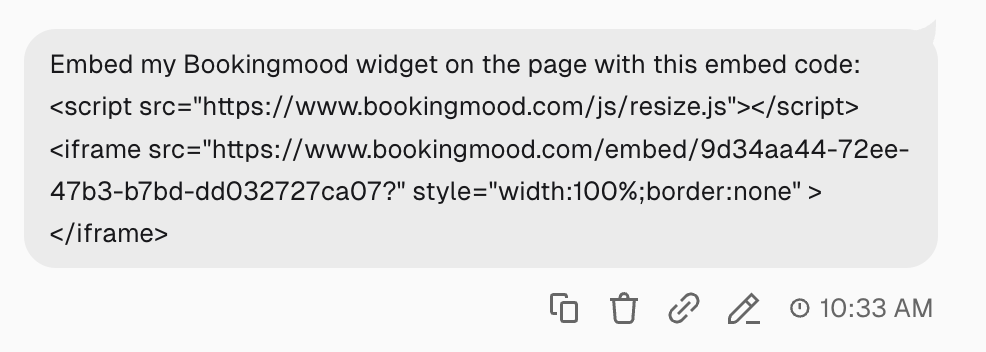
v0 will now implement Bookingmood in your project.
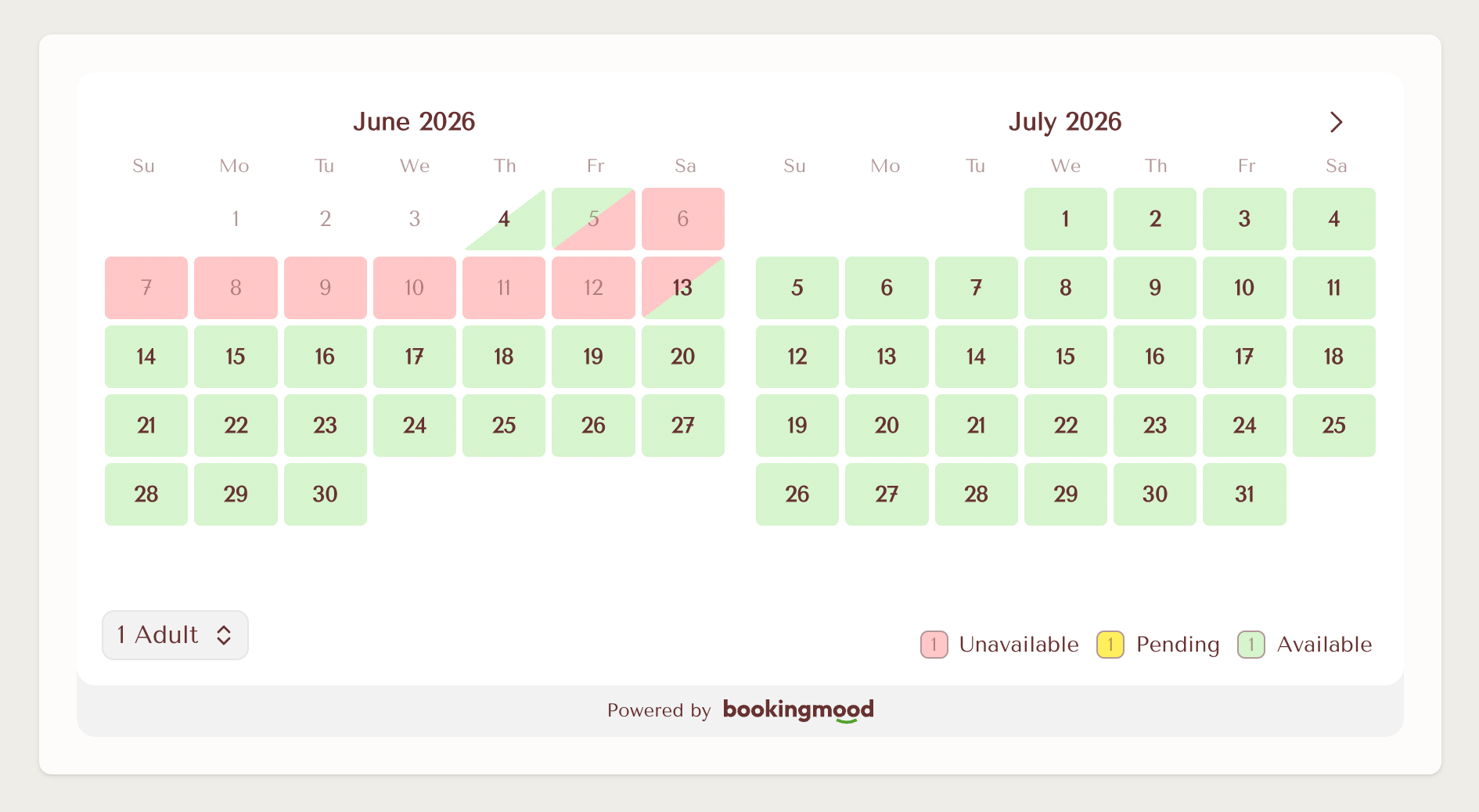
Note that you might need to ask v0 to remove scroll bars or a fixed heights that creates white space below the widget.
🎉 You're done and everything is set! Changes you make to your calendar will automatically reflect on your website.