Payment and invoice information
You can update your payment information at any time. No charges will be made. The new payment information will be used for the next charge.
Update payment information
Go to Settings > Subscription.
Click on Update payment information.
Follow the steps to update your information.
The subscriptions and payments themselves are handled by Paddle.
Update information on your invoice
Add your VAT number and address to invoices.
Go to Settings > Subscription.
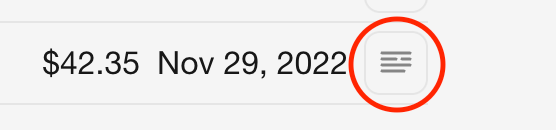
Click on the icon near an invoice.
Follow the steps to update your information.