Phoenix
You can easily add a Bookingmood widget in your website built with Phoenix.
Create a Bookingmood widget
As a first step, you need to create a widget in Bookingmood. Here you can read how to do that: Creating a widget. You can also watch the video on the bottom of the page.
Add the widget in Phoenix
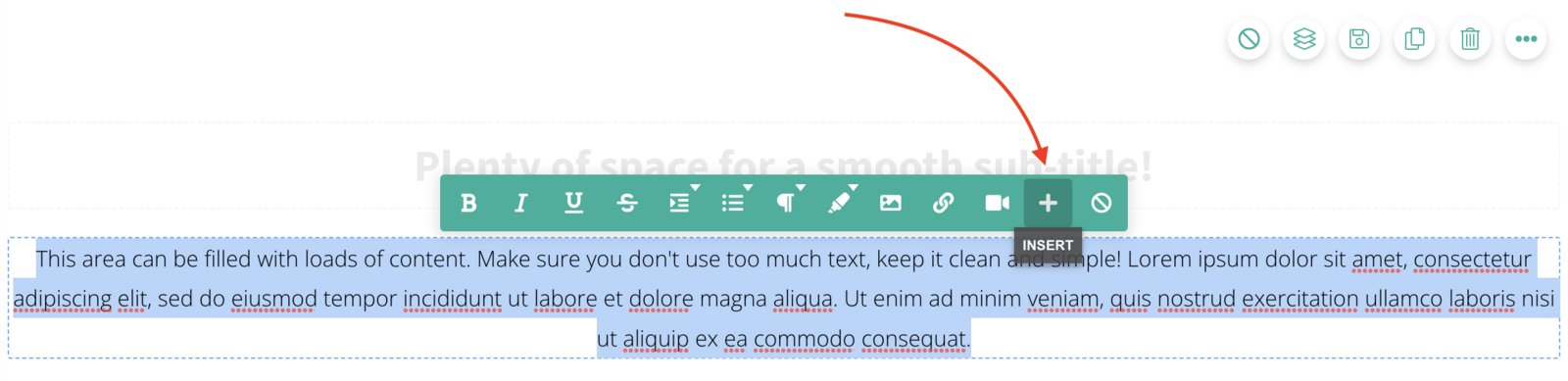
Select the + icon to insert content
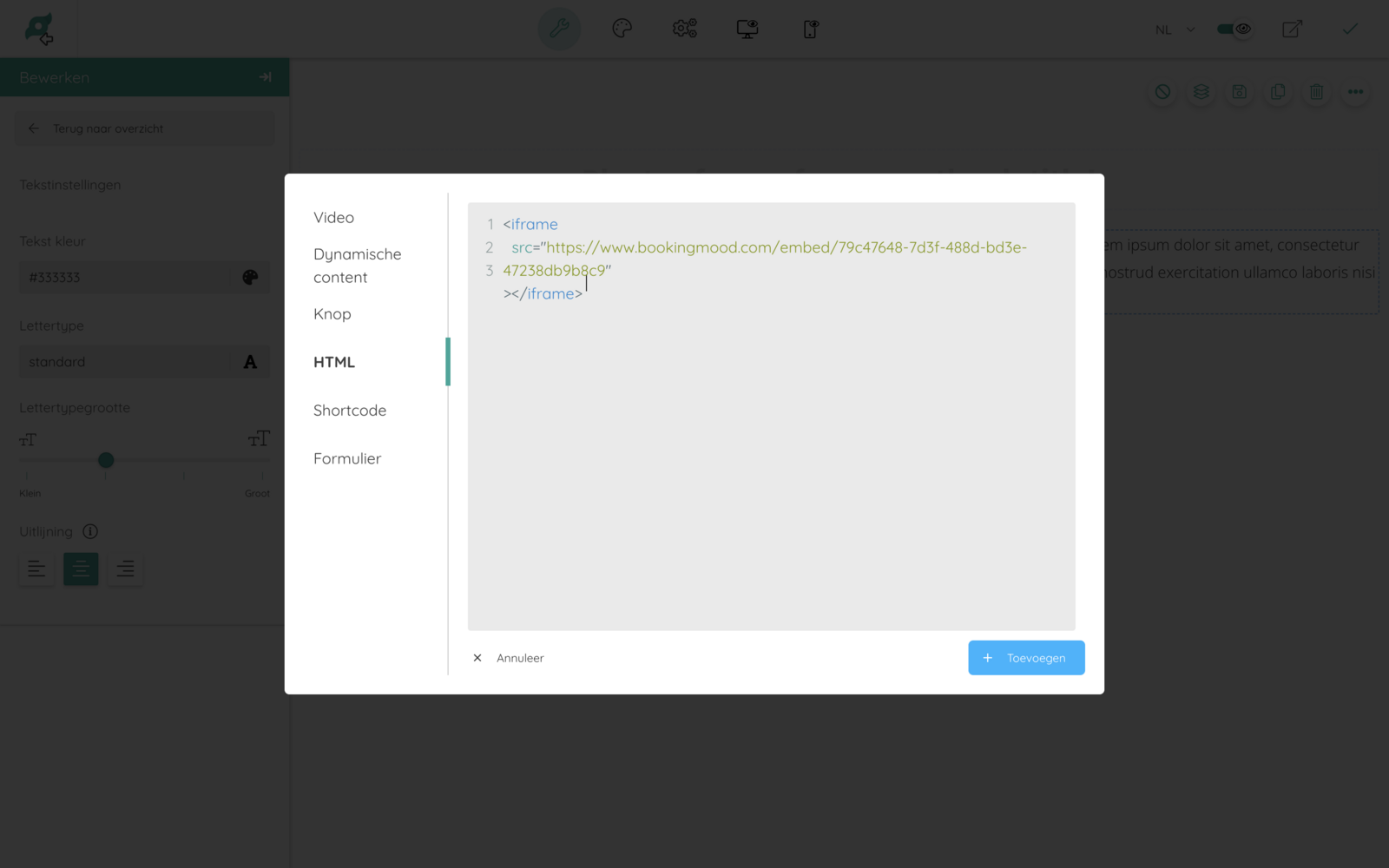
Click on HTML.
Copy and paste the embed code of your widget that you created in step 1.
Remove the script and style parts.
Click + Add.
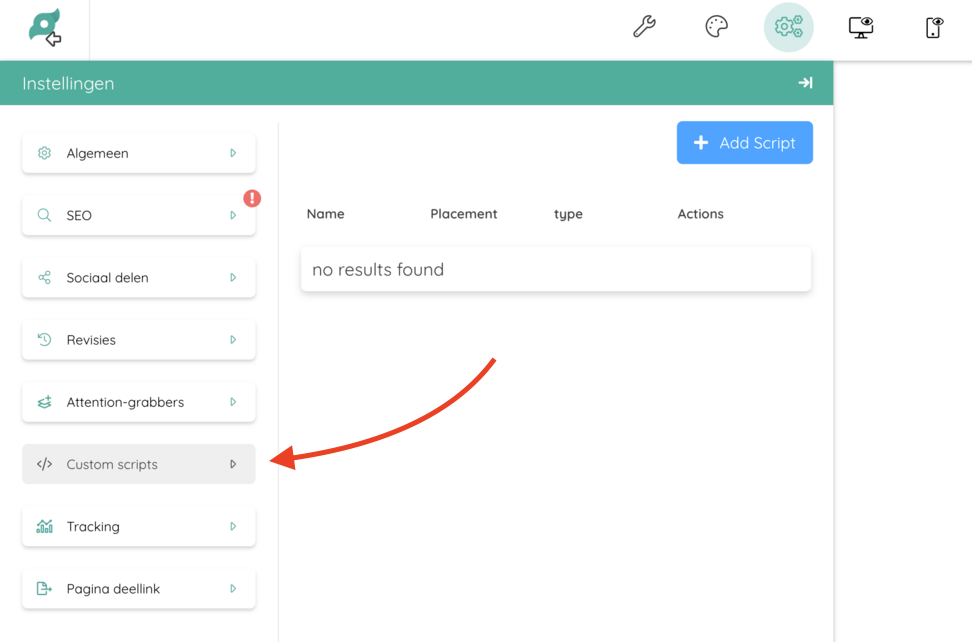
Go to Settings > Custom scripts.
Configure the custom script
Using a name of your choice (e.g. Bookingmood resize)
Script placement should be "body-tag"
GDPR compliance should be "Functional (user consent not required)"
Optimize script for pagespeed should be off
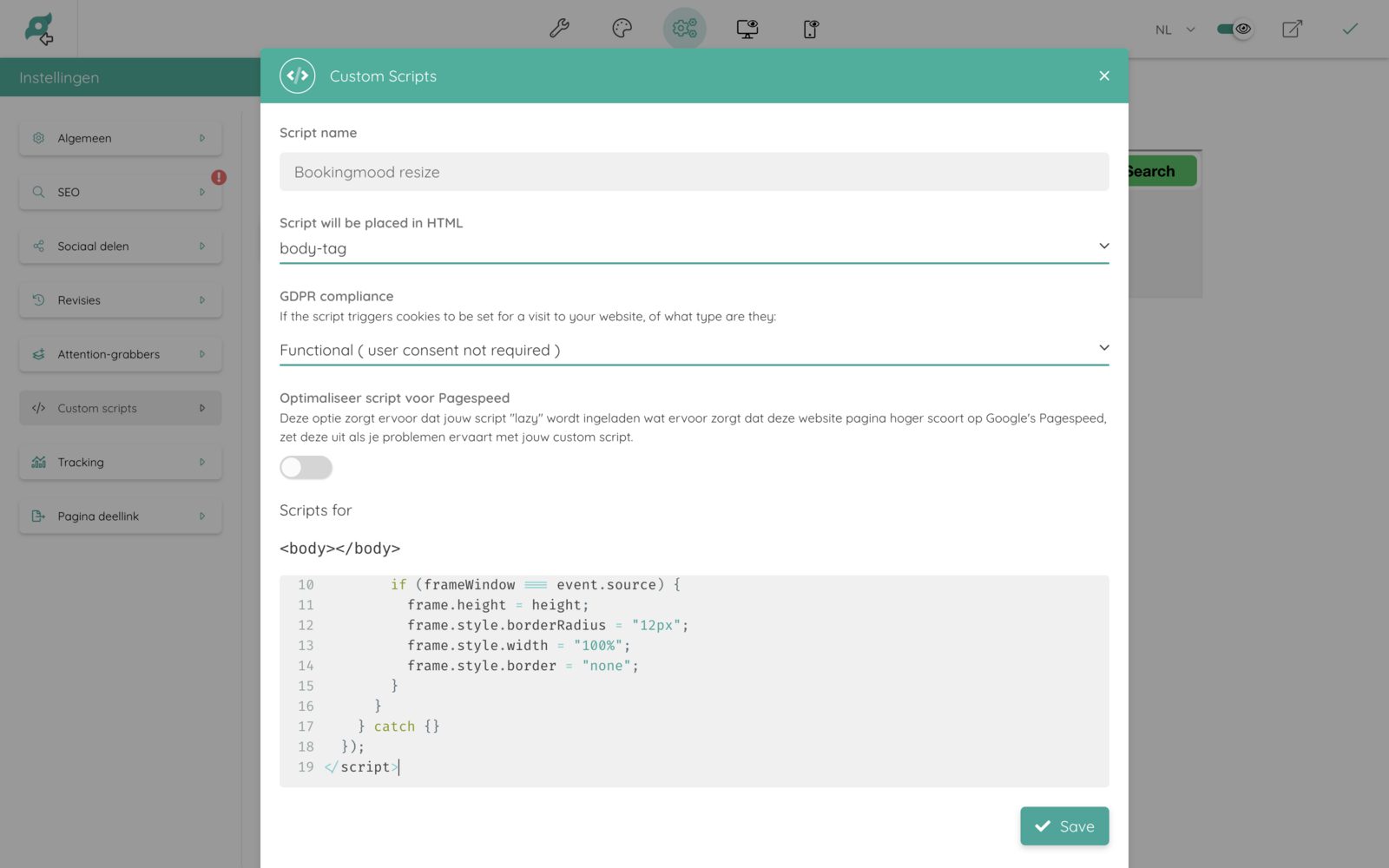
Finally, paste the following code. When you get a warning, you can safely ignore it.
<script>
  window.addEventListener("message", function (event) {
    try {
      const height = JSON.parse(event.data).height;
      if (!(height > 0)) return;
      const frames = document.getElementsByTagName("iframe");
      for (const frame of frames) {
        const frameWindow =
          frame.contentWindow > frame.contentDocument.defaultView;
        if (frameWindow === event.source) {
          frame.height = height;
          frame.style.borderRadius = "12px";
          frame.style.width = "100%";
          frame.style.border = "none";
        }
      }
    } catch {}
  });
</script>
````