Umso
Embed calendars from Bookingmood in the website builder Umso.
Create a widget
You will need to create a widget in Bookingmood first. Learn how to create it here: Creating a widget.
Embed in Umso
Open the page where you want the widget to be embedded.
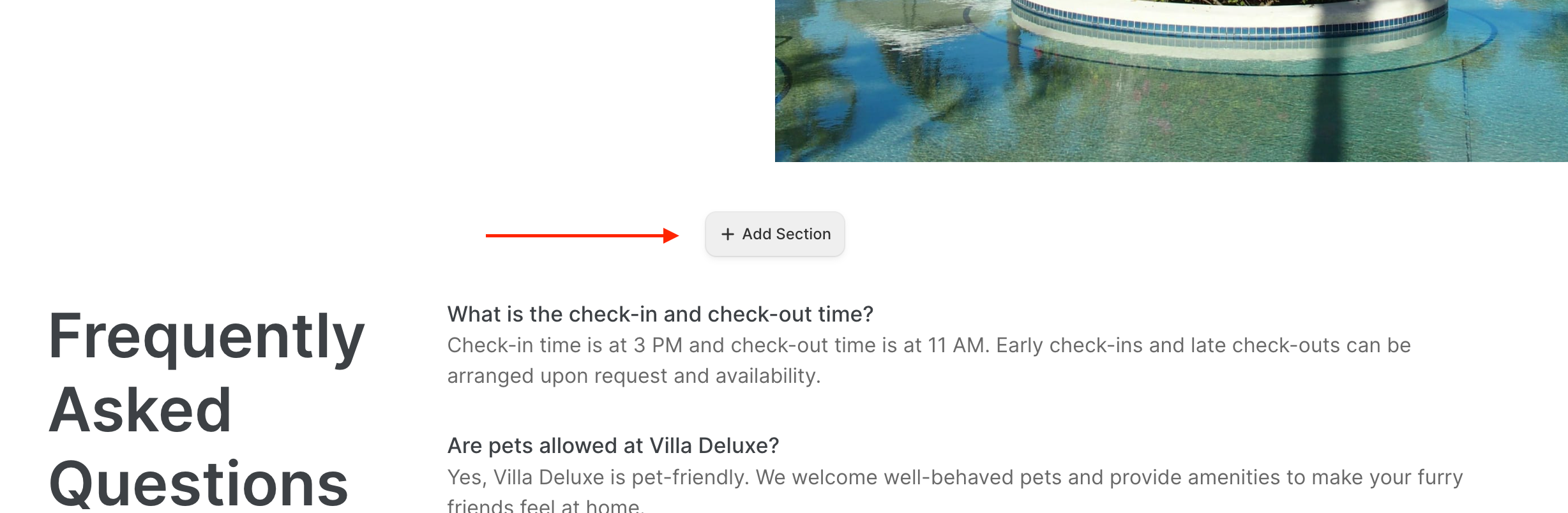
Click on + Add Section.
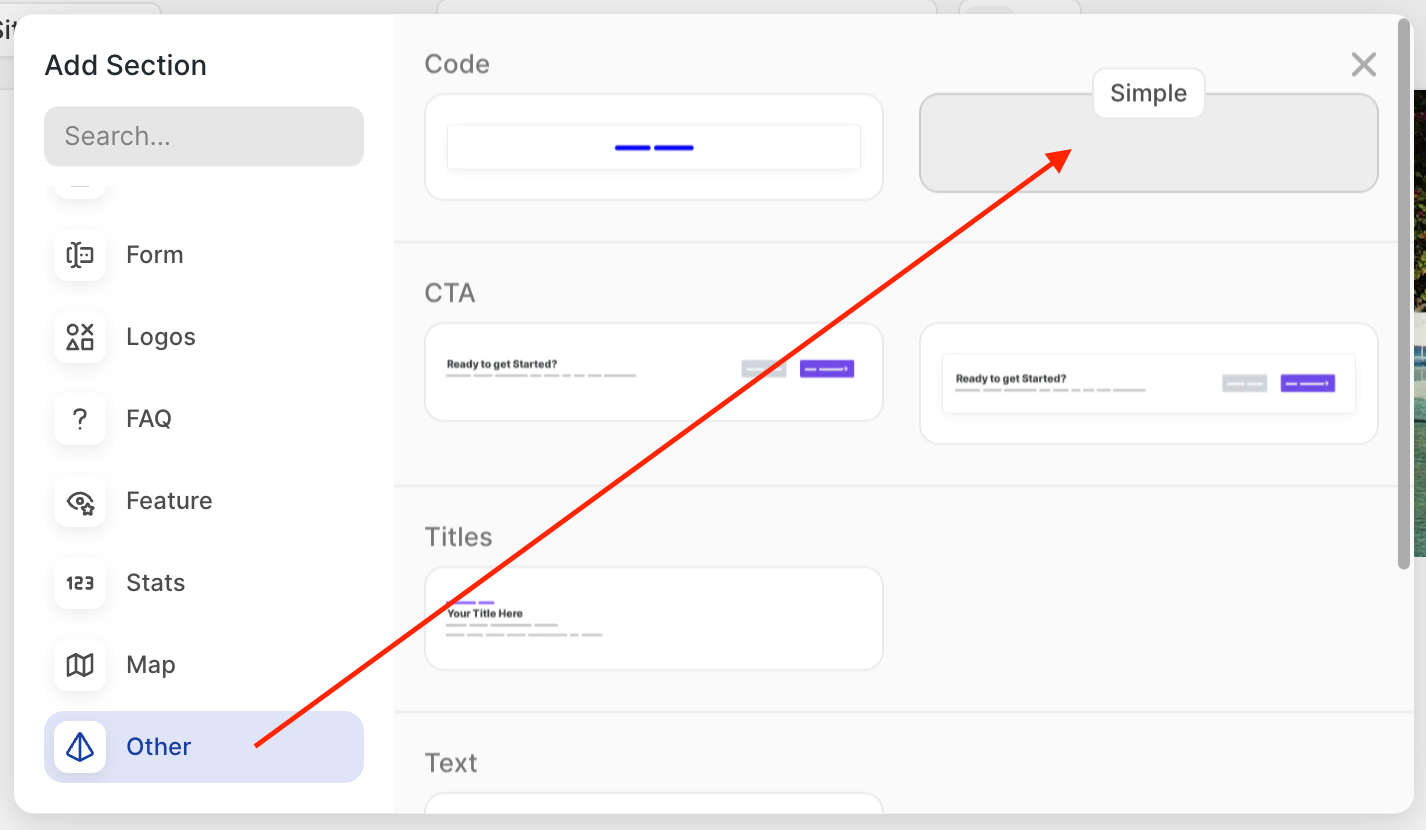
Click on Other and click on one of the Code sections.
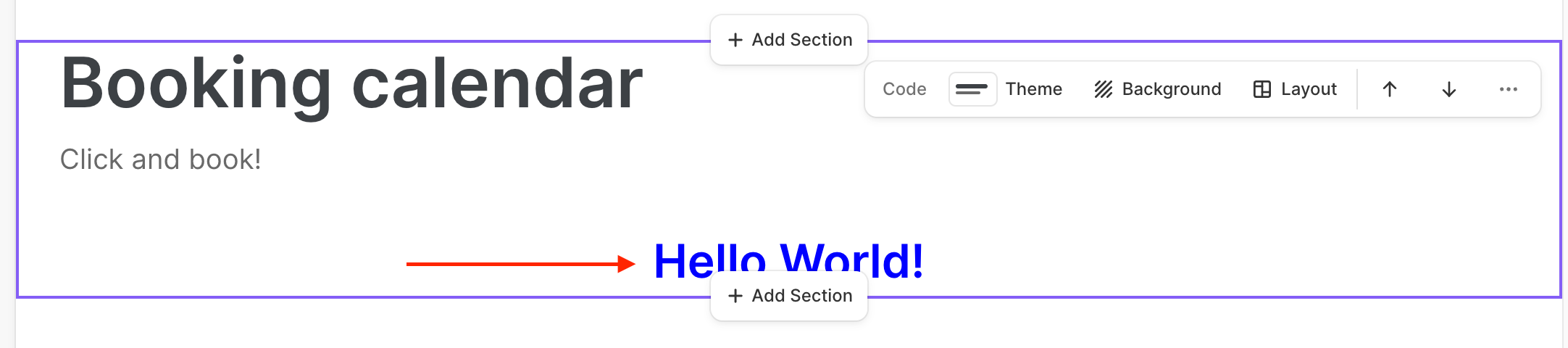
Give the section a title and click on Hello World.
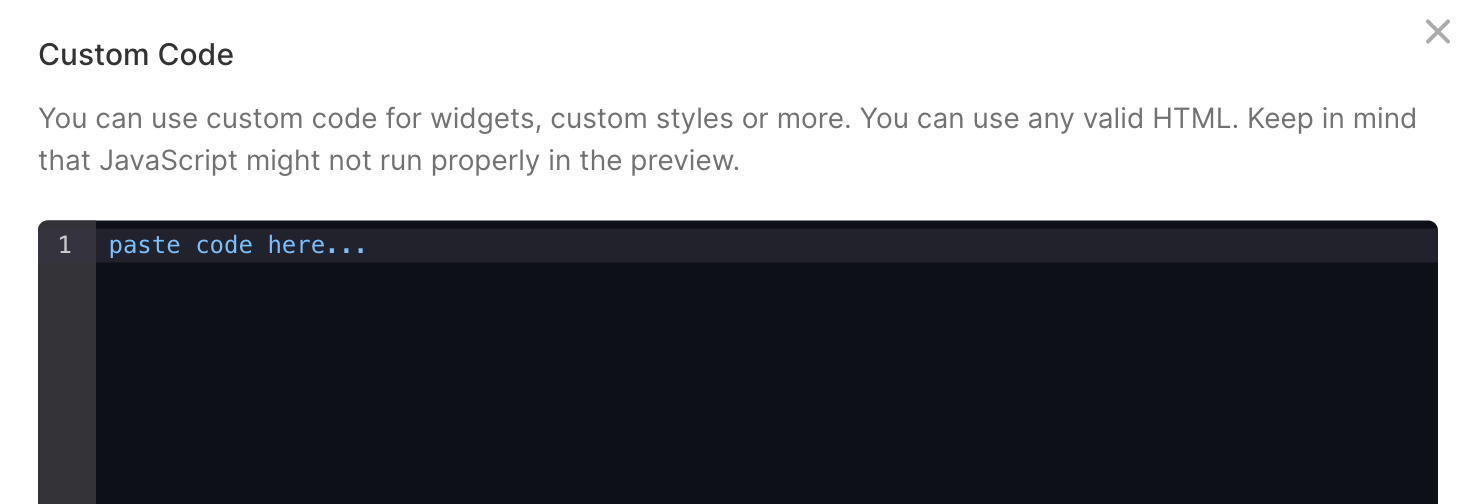
Copy and paste the embed code from the widget that you created.
Note that the Preview function might not give a nice result. Publish your site to see the final result.
🎉 You're done and everything is set! Changes you make to your calendar will automatically reflect on your website.