Restrictions
Restrictions limit which stays guests can book, for example only arrivals on Saturday, or a minimum stay of 3 nights in summer. Stays that don't meet them can't be booked online.
Add a restriction
Open a unit and go to Rent.
Click Edit on the price.
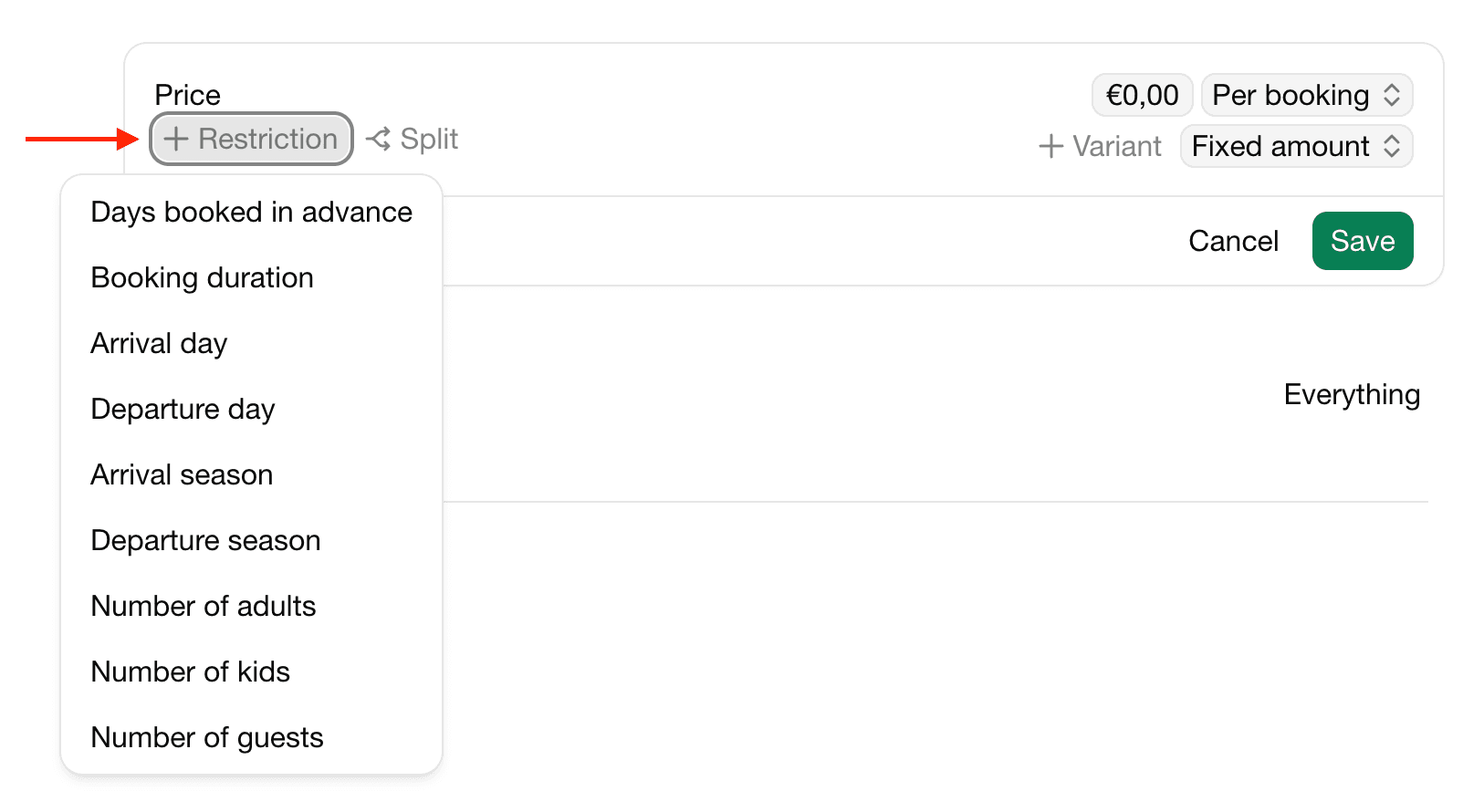
Click + Restriction and choose its type.
| Restriction | Use it for |
|---|---|
| Arrival day / Departure day | Allow arrivals or departures only on certain days of the week. |
| Arrival season / Departure season | Allow arrivals or departures only in a season. |
| Booking duration | A minimum or maximum length of stay. |
| Days booked in advance | How far ahead guests must or may book, for example at least 2 days ahead. |
| Number of guests | A minimum or maximum number of guests, per capacity group. |
Combine restrictions with a split by season to set different rules per season, for example a minimum of 7 nights in summer and 2 nights in winter.
With the price calendar, restrictions are part of each configuration instead.
Last modified November 3, 2026