Contacts
Contacts are people that are linked to bookings. You can add a contact yourself. When a guest submits a booking, the guest will be created as a Contact automatically. The Contact related fields that the guests have to fill in, are managed in the Booking form.
Add a Contact to a booking
Add or open a booking.
Click on the Contacts tab.
Click on + Contact.
Fill in the desired fields.
Click on Create.
Manage Contacts
Click on Contacts.
Add or open an existing contact.
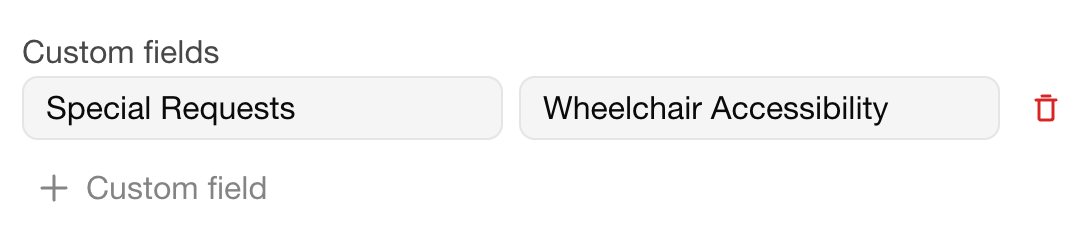
Custom fields
You can add custom fields to a contact. The custom fields will also be displayed on the invoice. Custom fields are tied to a single contact.