Strikingly
You can embed calendars from Bookingmood on your Strikingly website!
Create a widget
You will need to create a widget in Bookingmood first. Learn how to create it here: Creating a widget
Embed in Strikingly
Open the page where you want the widget to be embedded
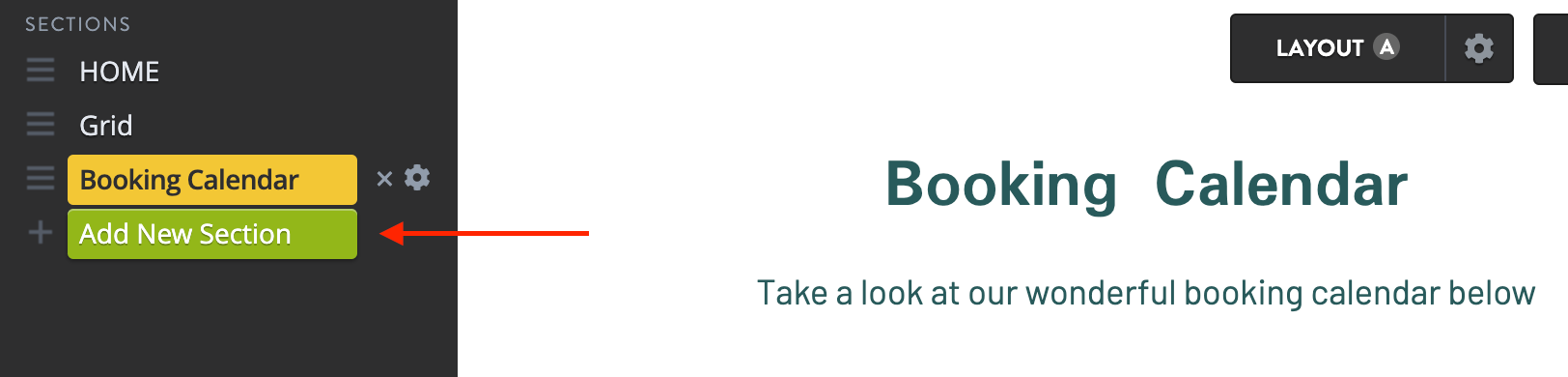
Click on the Add New Section button
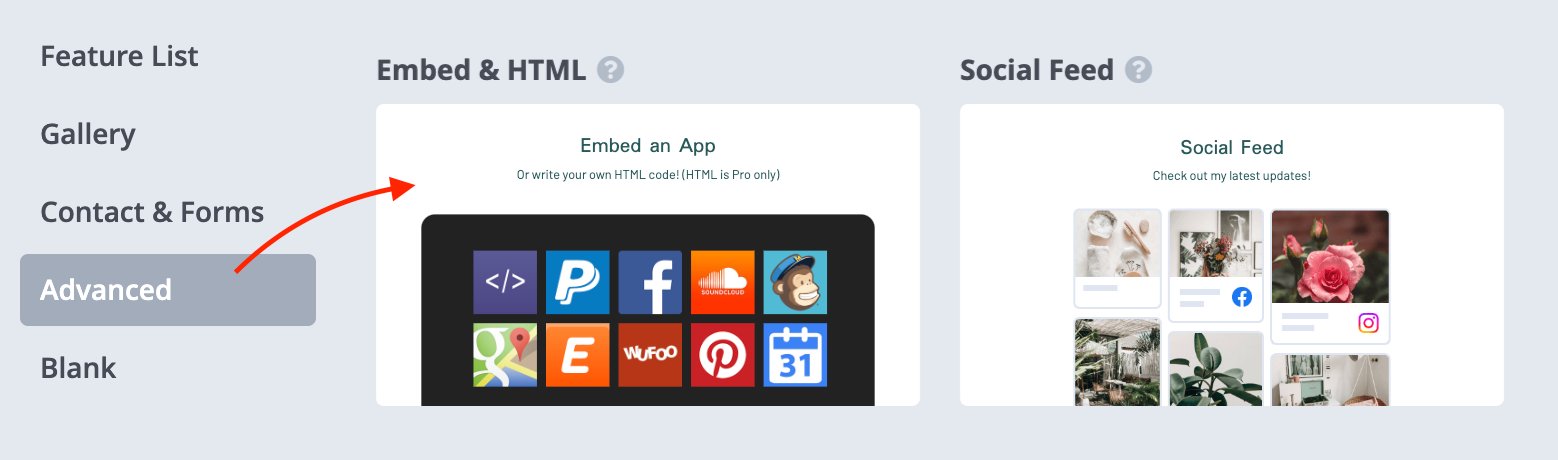
Click on the Advanced tab and click on Embed & HTML.
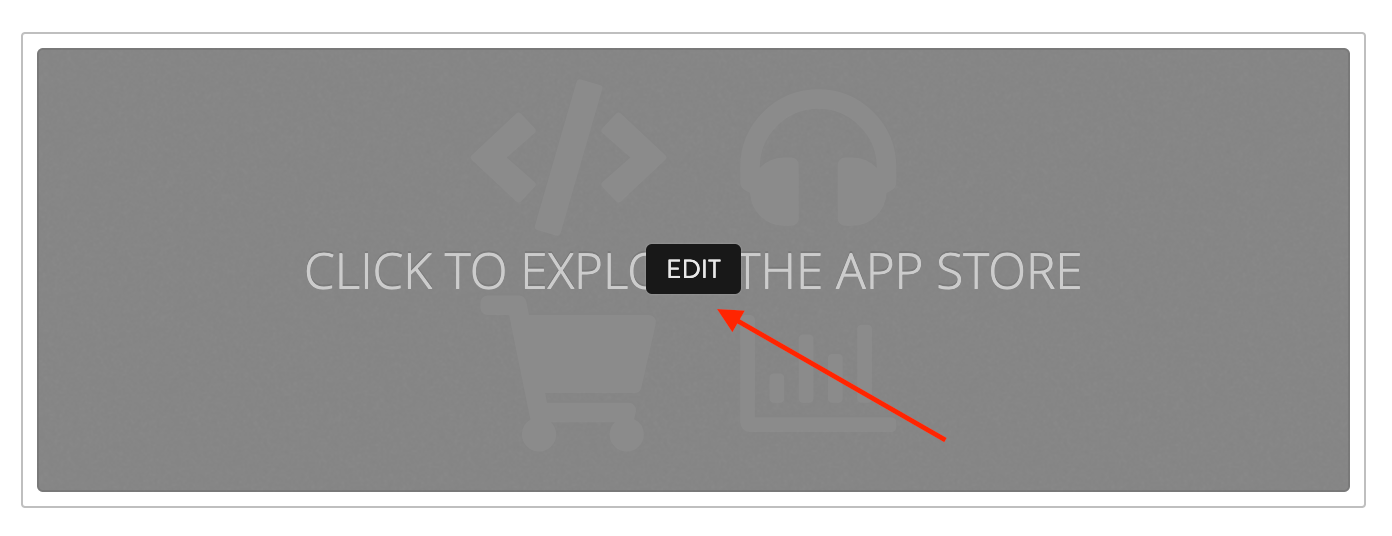
Click on Edit.
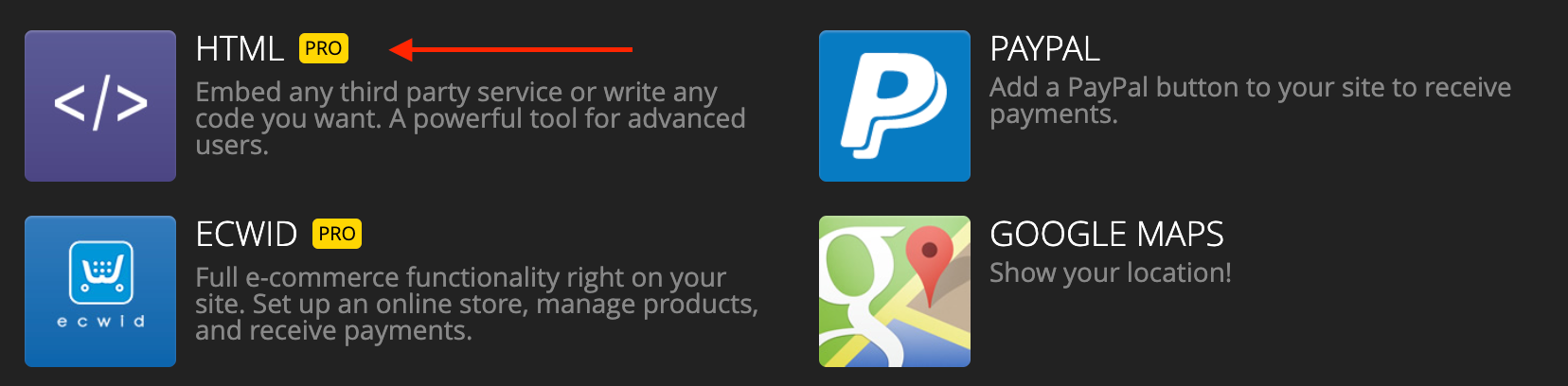
Click on the HTML app.
Copy and paste the embed code from the widget that you created
Preview the website to see the calendar in action!
🎉 You're done and everything is set! Changes you make to your calendar will automatically reflect on your website.