Websites
A website is a paid add-on. With this add-on, you can create one or multiple websites, and link your own domain name to a website. There are two type of websites:
Single unit: Simple website to showcase a single vacation rental.
Catalog: Website with search and filter capabilities for multiple vacation rentals.
Add a website
Click on Channels.
Click on + New channel.
Choose a Single unit or Catalog website.
Enter a subdomain, this can later be changed to your own custom domain name.
You can now set up your website using the Configuration, Design and Pages tabs.
Add a page to your website
Click on Channels.
Click on your website.
Click on the Pages tab on top.
Click on + Page.
Enter the page title and path and confirm.
Add content to the page.
Publish the page.
View analytics
Go to Analytics > Sites.
Select the site.
Custom domain
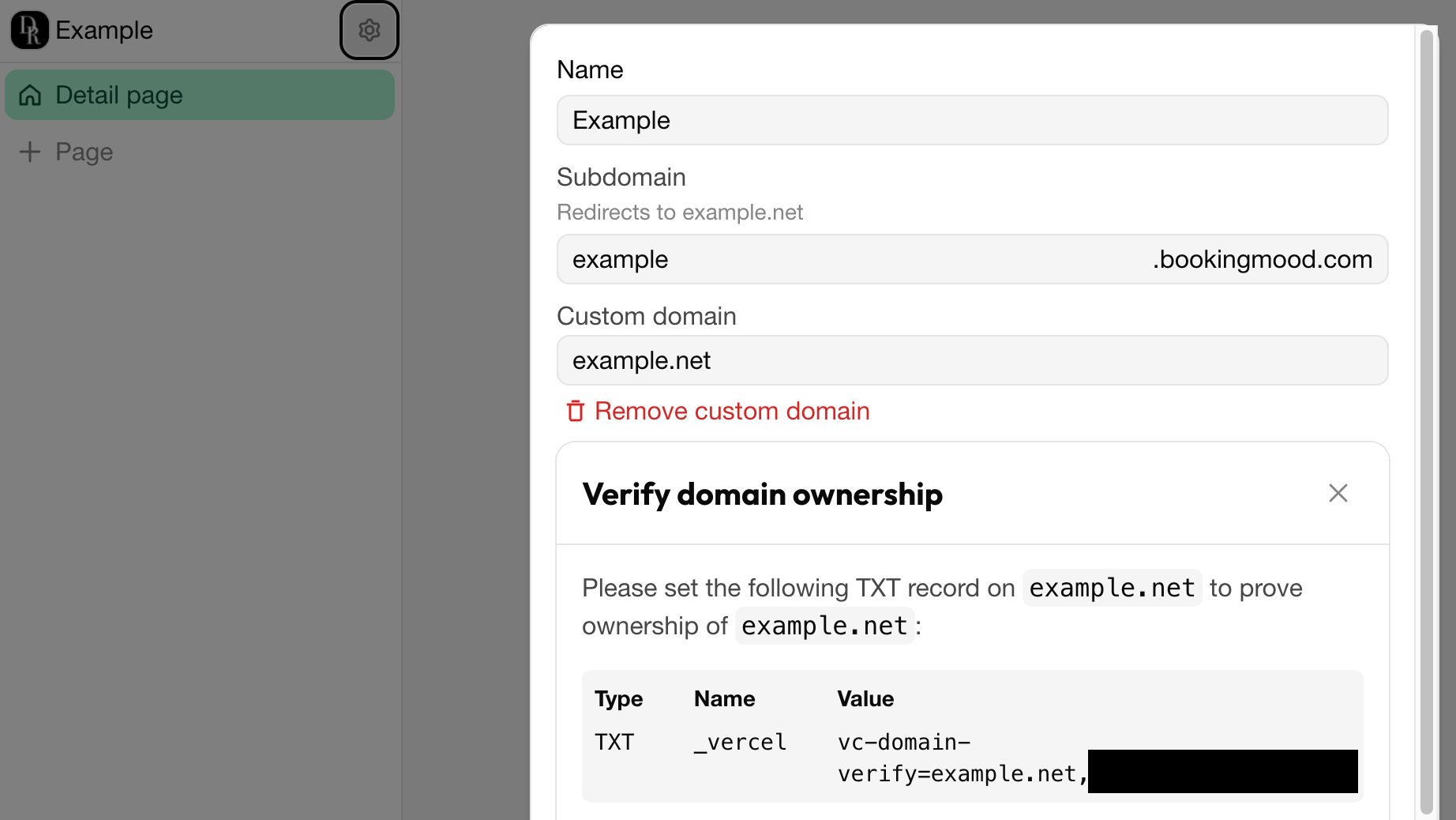
If you want to use your own domain name (like bookings.example.com) instead of the default one we provide, follow these steps:
Click on Channels.
Click on the website.
Click on the ⚙️ gear icon on the left top.
Enter your domain name under Custom domain.
Apply the DNS settings. Your hosting provider can help you with that.