Joomla
You can embed calendars from Bookingmood in Joomla. This article shows you how to embed Bookingmood on Joomla 5.
Create a widget
You will need to create a widget in Bookingmood first. Learn how to create it here: Creating a widget
Embed in Joomla 5 with TinyMCE
Go to Plugins > Editor - TinyMCE.
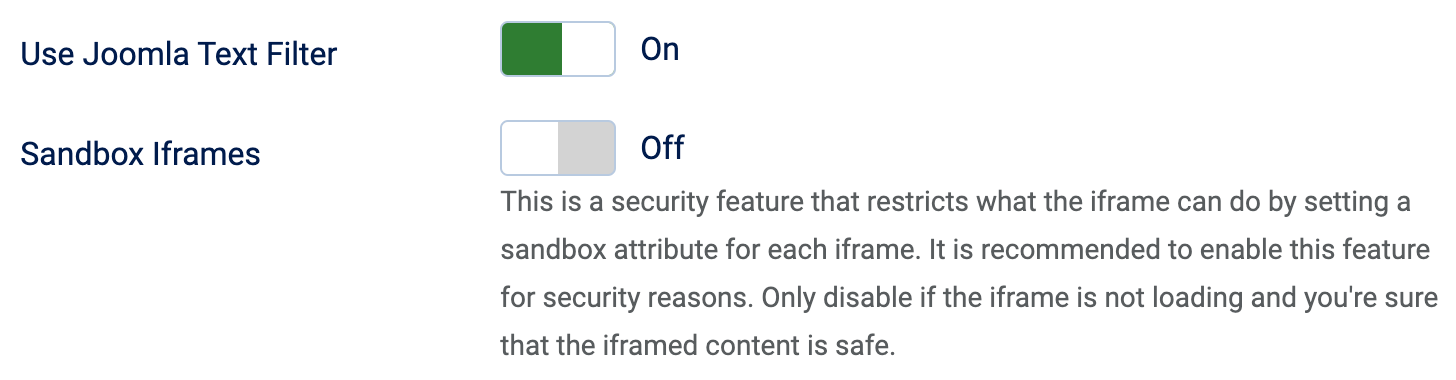
Turn on Use Joomla Text Filter.
Turn off Sandbox Iframes.
Open the article where you want to embed the widget.
Click on the Source code+ button.
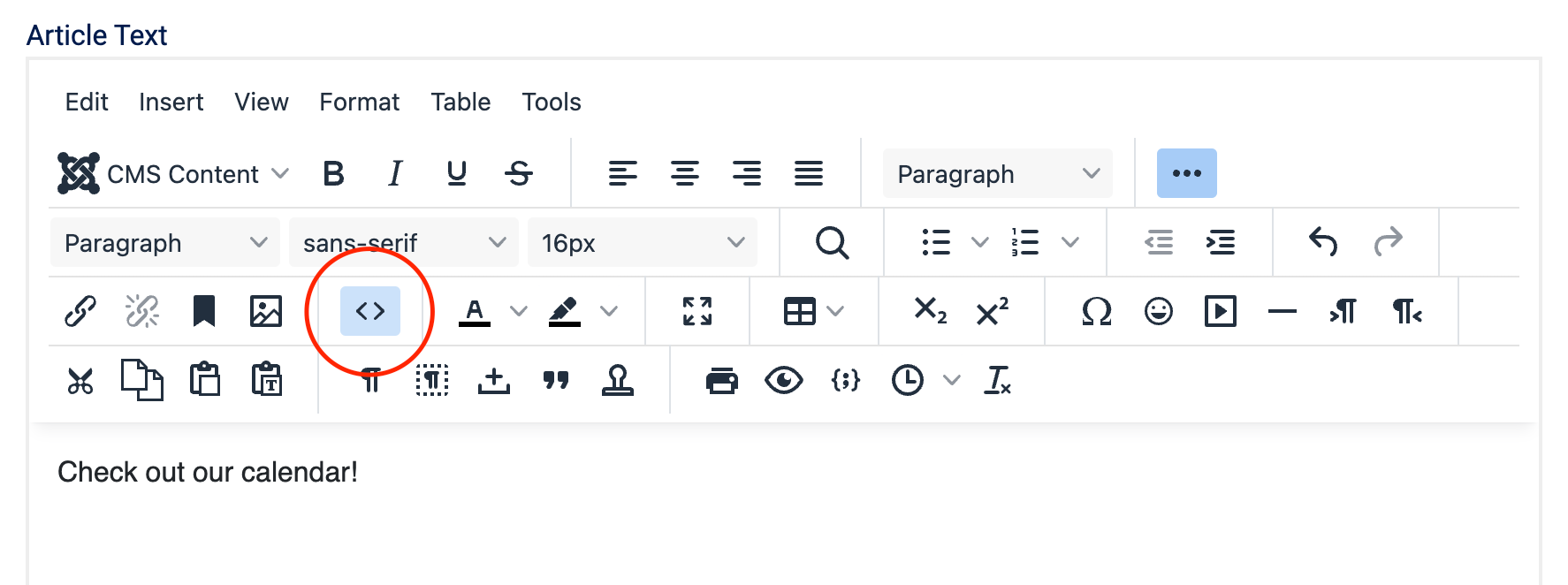
Copy and paste the embed code from the widget that you created on the desired place, and click on Save.
🎉 You're done and everything is set! Changes you make to your calendar will automatically reflect on your website.
Embed in Joomla 5 with JCE
Follow these steps to display iframe content correctly.