Dorik
You can embed calendars from Bookingmood in the website builder Dorik.
Dorik currently offers a Free Forever plan with Custom Domains (no payment method needed).
You can build unlimited websites on the included plan.
Full CMS + SEO tools are also included by default.
New AI website builder that generates full sites in under 60 seconds.
Create a widget
You will need to create a widget in Bookingmood first. Learn how to create it here: Creating a widget
Embed in Dorik
Open the page where you want the widget to be embedded.
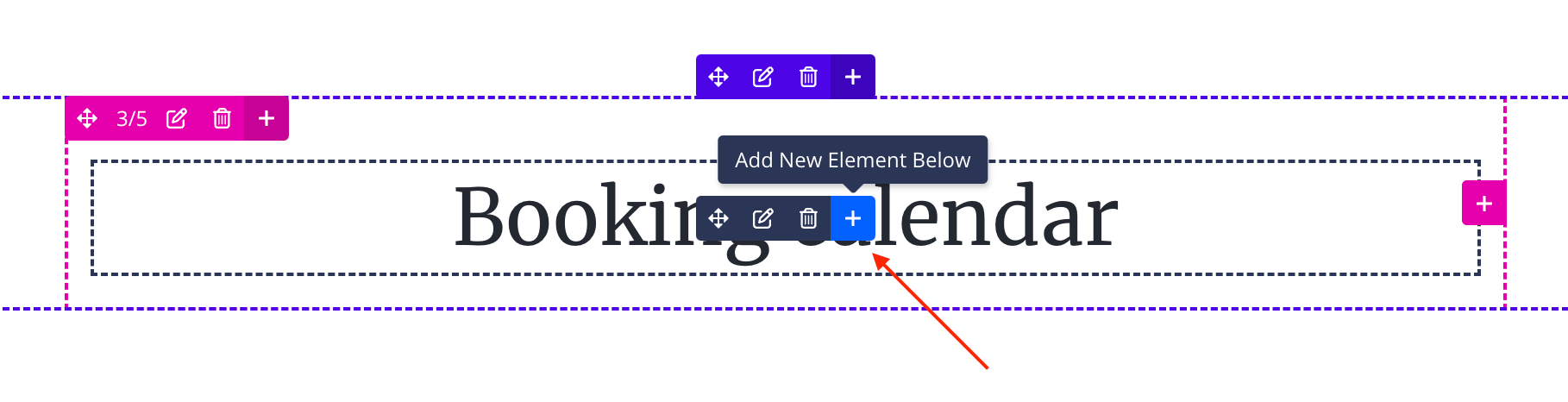
Click on + Add New Element Below.
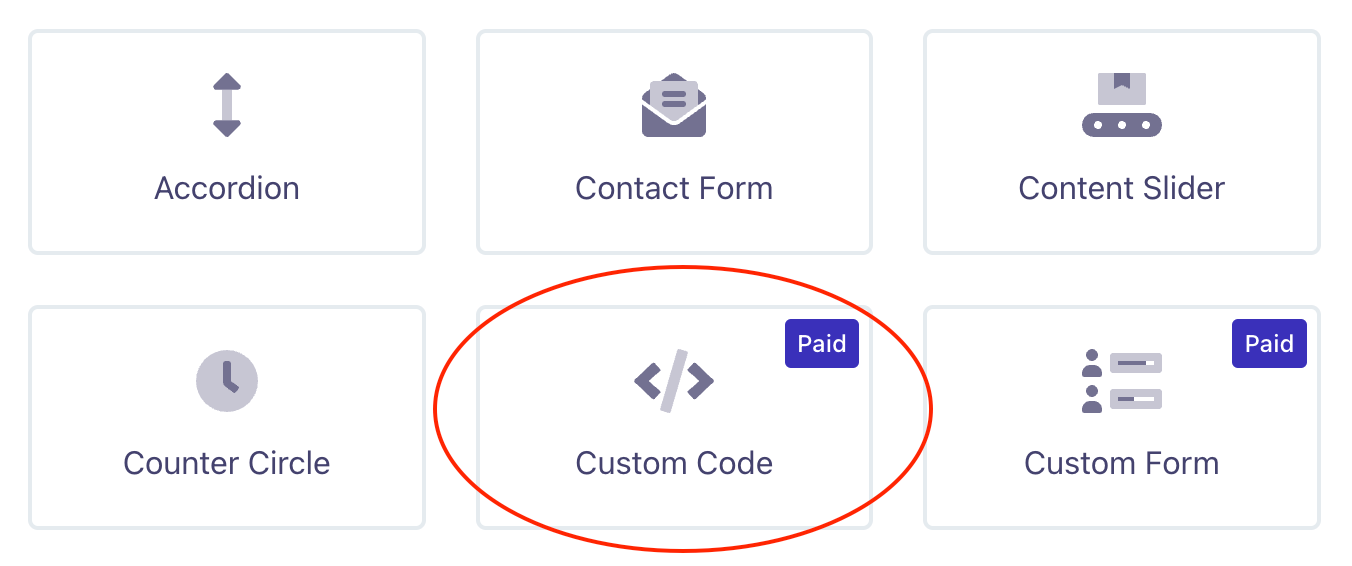
Click Custom Code.
Copy and paste the embed code from the widget that you created in the HTML field.
Close the pop-up and save your website.
🎉 You're done and everything is set! Changes you make to your calendar will automatically reflect on your website.
Your widget might not show up in the editor, but it will in the preview and on your live website!