Wix
Embed Bookingmood widgets in the website builder Wix in a few easy steps.
Create a widget
You will need to create a widget in Bookingmood first. Learn how to create it here: Creating a widget
Embed in Wix
Open the page where you want the widget to be embedded.
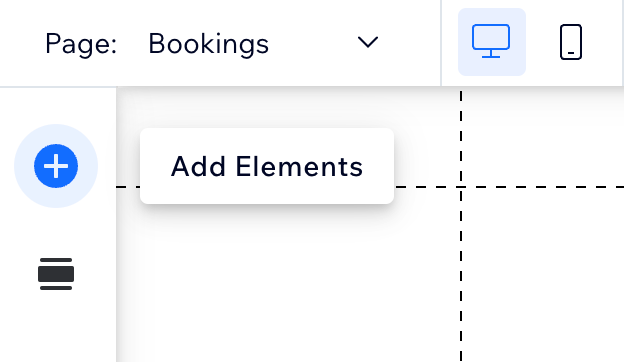
Click on the + icon to add an Element.
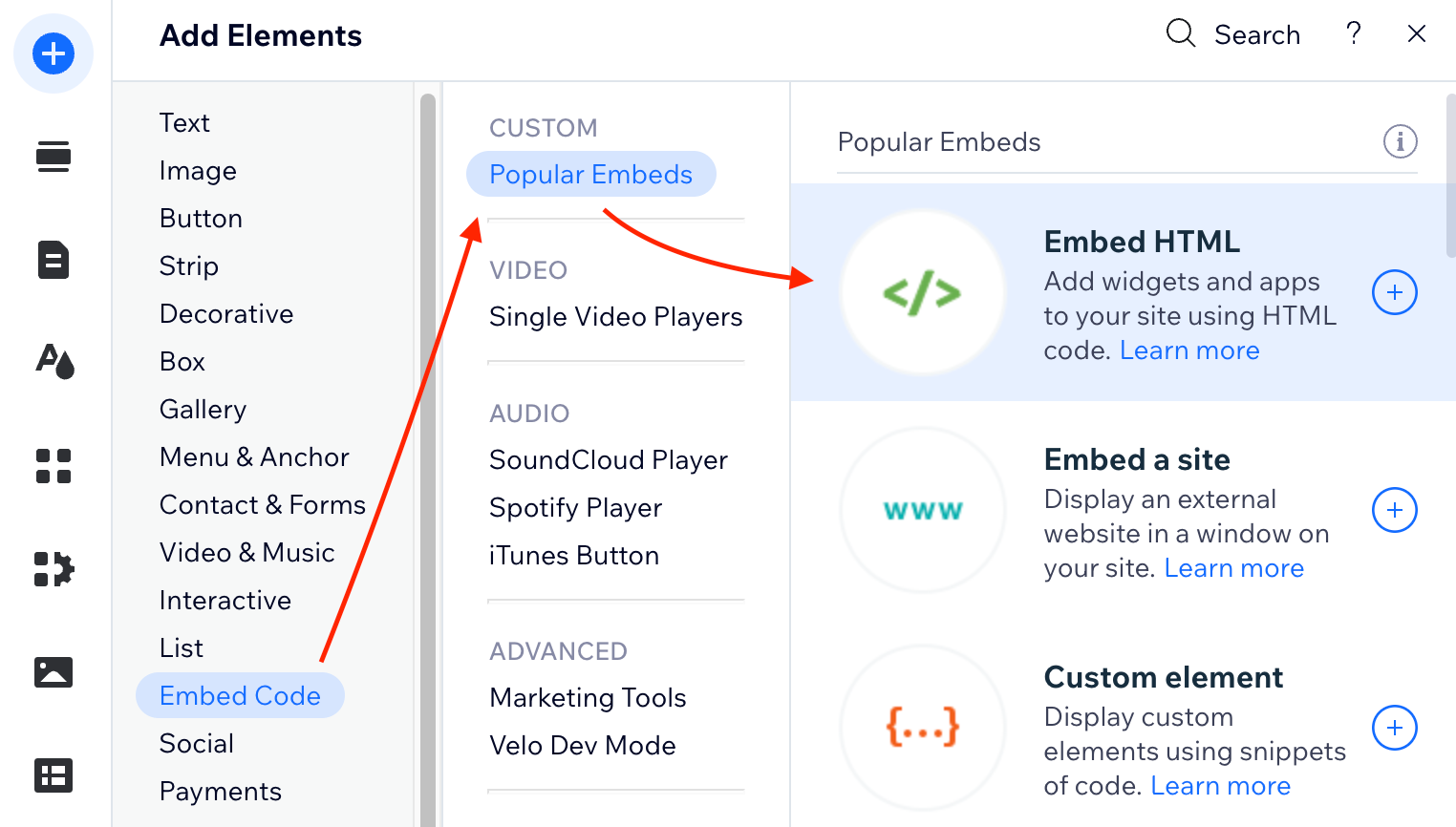
Click on Embed Code > Populair Embeds > Embed HTML.
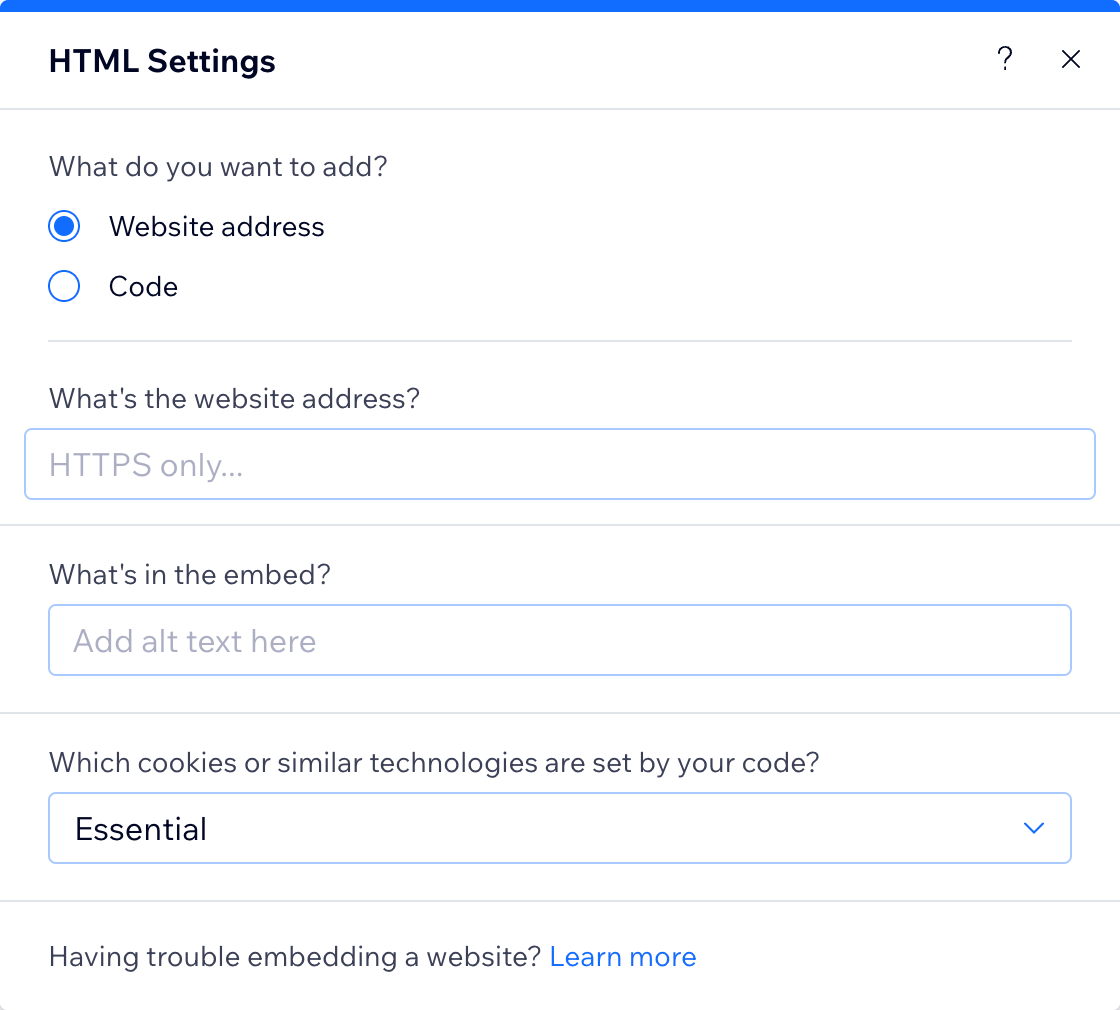
Copy and paste the oEmbed URL from the widget that you created, and click on Apply.
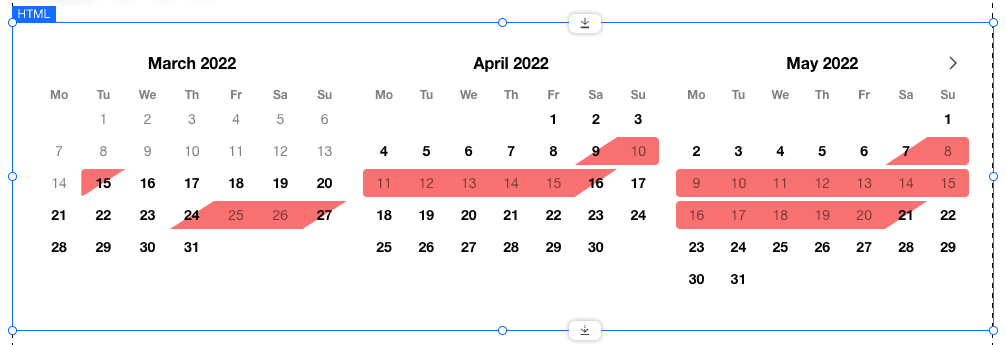
Resize the element so it fits your website well
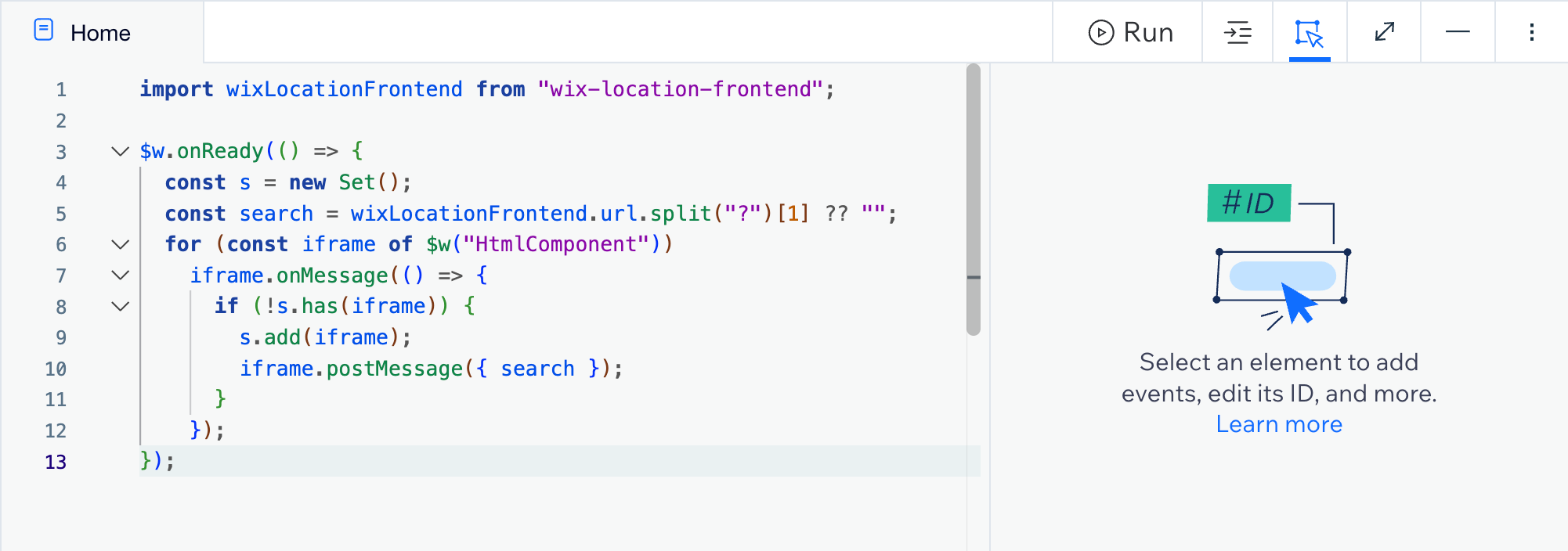
Finally, turn on "dev mode" and paste the following code snippet in the code editor:
import wixLocationFrontend from "wix-location-frontend";

$w.onReady(() => {
  const s = new Set();
  const search = wixLocationFrontend.url.split("?")[1] ?? "";
  for (const iframe of $w("HtmlComponent"))
    iframe.onMessage(() => {
      if (!s.has(iframe)) {
        s.add(iframe);
        iframe.postMessage({ search });
      }
    });
});
🎉 You're done and everything is set! Changes you make to your calendar will automatically reflect on your website.
Need more in-depth help with Wix? Ask Wix Rocket.
Wix does not support resizing iframes dynamically. If you want them to implement this, please write a feature request with them.