One.com (copy) (copy) (copy) (copy) (copy) (copy)
You can link to calendars from Bookingmood in the Neo site builder.
Create a widget
You will need to create a widget in Bookingmood first. Learn how to create it here: Creating a widget.
Click on Embed and copy the oEmbed link. You will need this in the next step.
Add a link to the widget in your Neo website
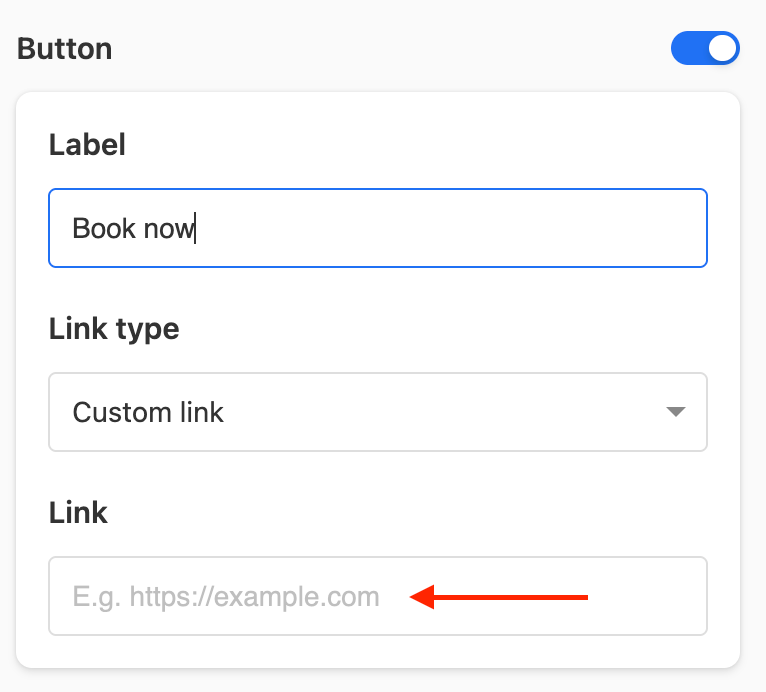
Add a button to the page.
Click on the button.
Add the oEmbed link to the Link field.
Save it.
🎉 You're done and everything is set! Changes you make to your calendar will automatically reflect on your widget.