Ionos
You can embed calendars from Bookingmood in the website builder of Ionos.
Create a widget
You will need to create a widget in Bookingmood first. Learn how to create it here: Creating a widget
Embed in 1&1 Ionos website builder
Open the page where you want the widget to be embedded
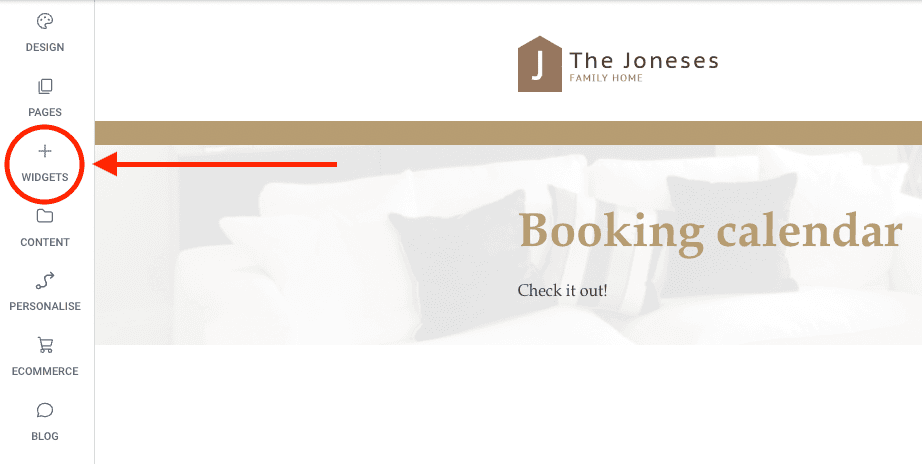
Click on the Widgets button
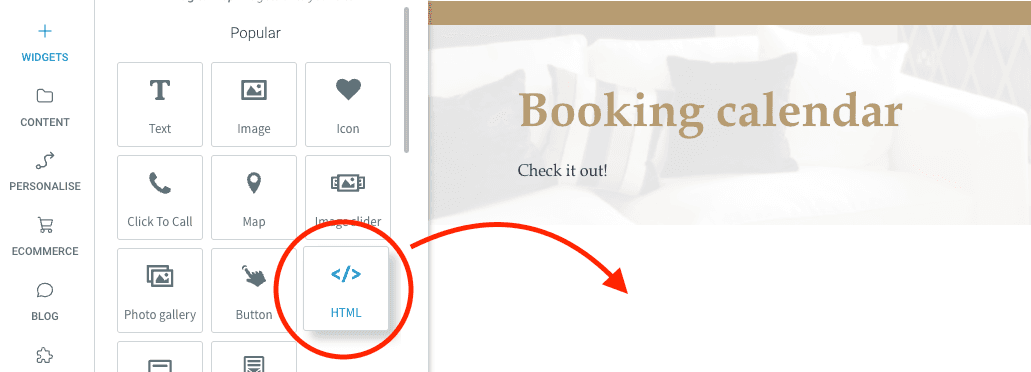
Drag and drop the HTML widget into the page
Copy and paste the embed code from the widget that you created and click Update
🎉 You're done and everything is set! Changes you make to your calendar will automatically reflect on your website.