Framer
You can embed calendars from Bookingmood in the website builder Framer.
Create a widget
You will need to create a widget in Bookingmood first. Learn how to create it here: Creating a widget.
Embed in Framer
Framer has their own "Embed" block, but that comes with a few drawbacks. Therefore, we've created our own embed component. To use it, perform the following steps:
Copy the URL of our component: https://framer.com/m/BookingmoodWidget-2LUx.js
Go to your Framer website editor, right click on the page where you want to place the widget and click "Paste"
Now, in the sidebar, under "BookingmoodWidget", fill in the "url" field with the oEmbed link from the widget that you created in Bookingmood.
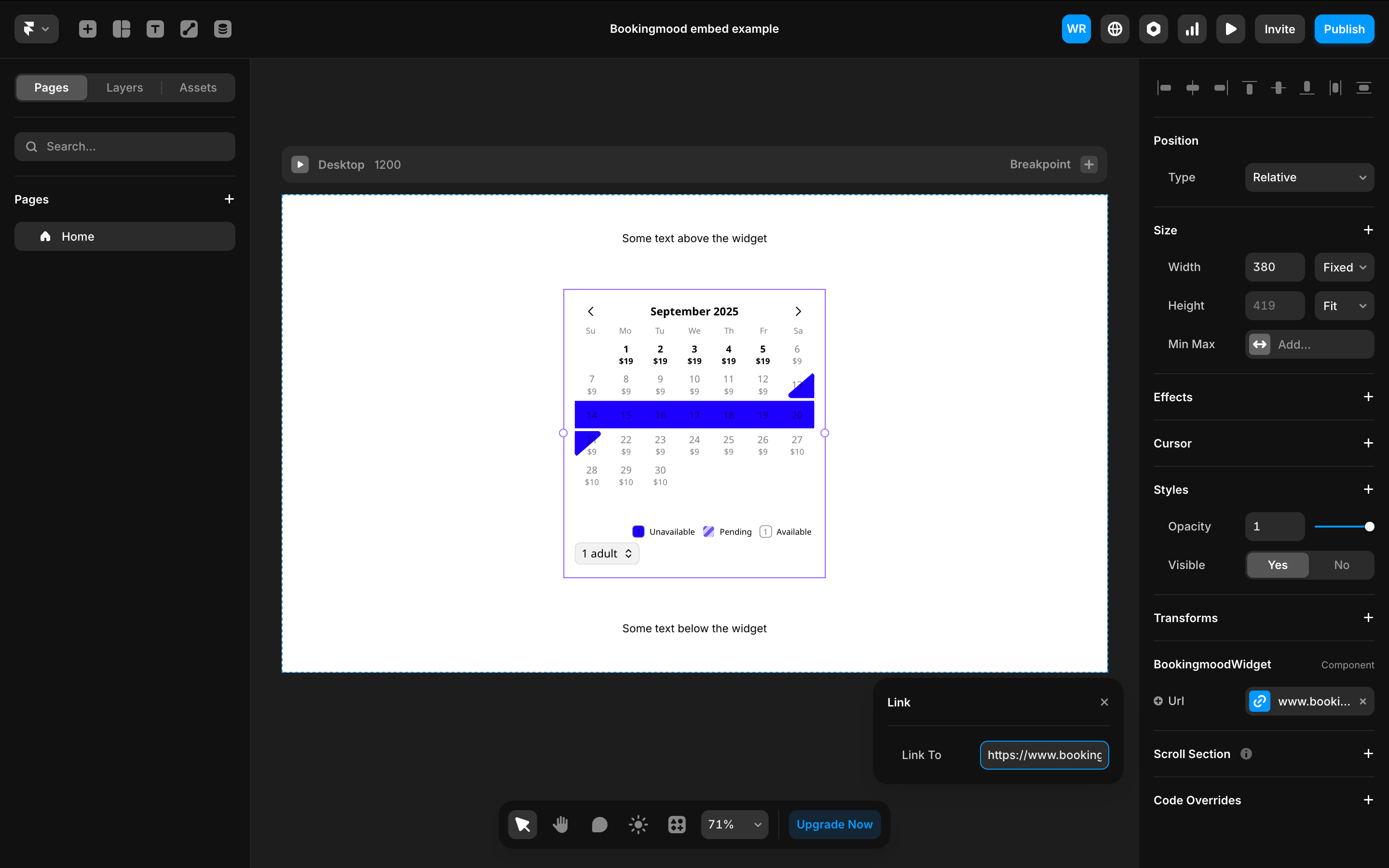
One more tip: To make sure your page handles our resizing widget nicely, give the surrounding section in Framer the layout type "Stack".
🎉 You're done and everything is set! Changes you make to your calendar will automatically reflect on your website.