Squarespace
You can embed calendars from Bookingmood in the website builder Squarespace.
After adding the embed code, Squarespace might show a message that scripts are disabled. Please save the page and check the result on online, not in the editor! In test mode, the calendar might be not fully functional. Please visit a 'live' page to test the result.
In order for Bookingmood to work flawlessly, please disable Ajax loading. Read more.
Video
Create a widget
You will need to create a widget in Bookingmood first. Learn how to create it here: Creating a widget
If you're on the Squarespace Personal plan
Open the page where you want the widget to be embedded.
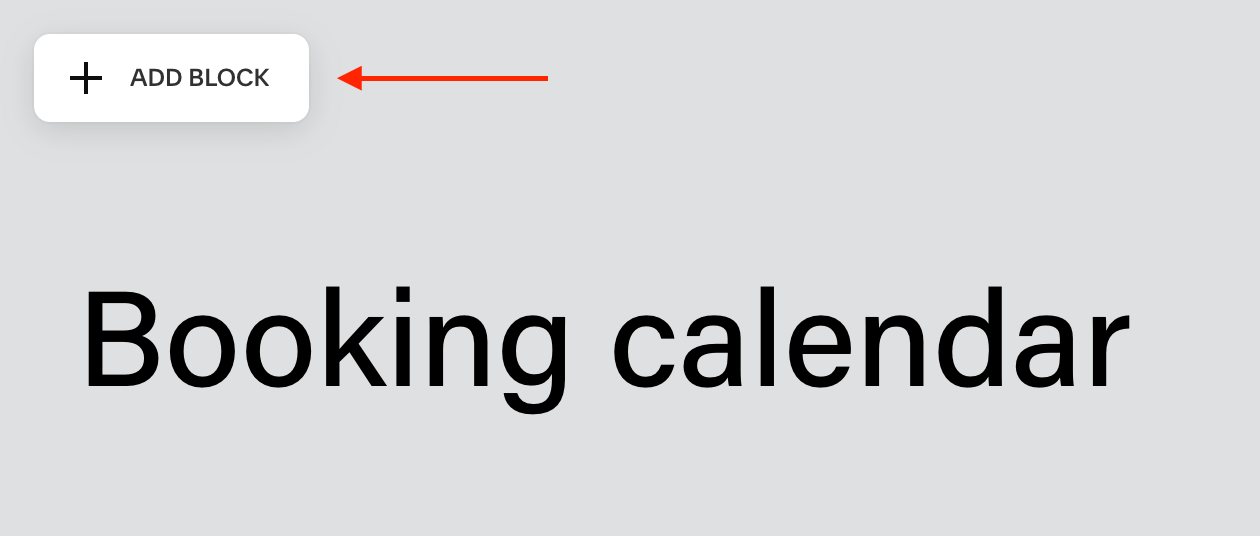
Click on the Add block button to add a block.
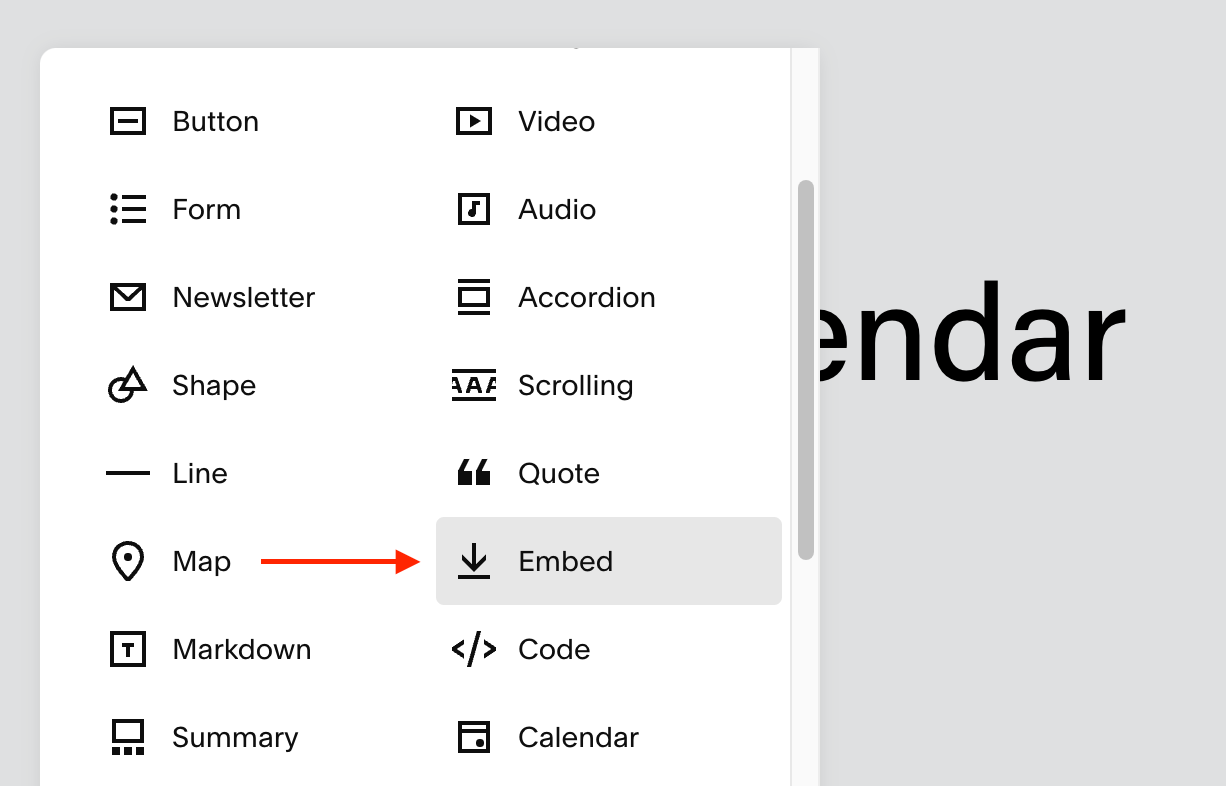
Click on Embed.
Double click on the block that you've just added.
Under "Embed as", select "Code Snippet"
Click on "Embed data"
Here, paste the "Inline" embed code from Bookingmood.
🎉 You're done and everything is set! Changes you make to your widget will automatically reflect on your website.